 6aaf3c6b3d
* sessions: add mobile-compatible PWA layout for agent sessions

Introduce a responsive mobile layout for the agent sessions window,
enabling a native app-like experience when accessed via mobile browsers
or installed as a PWA. The implementation uses mobile Part subclasses,
a MobileTopBar chrome component, CSS overrides, and when-clause gating
to progressively enhance the desktop sessions workbench for phone
viewports.

Key changes:

Layout policy & viewport detection:
- SessionsLayoutPolicy with observable viewport classification
  (phone <640px, tablet 640-1024, desktop >1024)
- Context keys: ViewportClassContext, IsMobileLayoutContext,
  KeyboardVisibleContext
- Runtime viewport class change detection in layout()

Mobile chrome components:
- MobileTopBar: hamburger + session title + new session (+)
- MobileNavigationStack: history.pushState integration for Android
  back button
- Sidebar drawer overlay with backdrop dismiss

Mobile Part subclasses:
- MobileChatBarPart, MobileSidebarPart, MobileAuxiliaryBarPart,
  MobilePanelPart override layout()/updateStyles() only
- AgenticPaneCompositePartService conditionally instantiates
  mobile vs desktop Parts

View gating:
- Desktop-only views hidden on mobile via IsMobileLayoutContext:
  Changes, Files, Logs, Terminal, Code Review, Open in VS Code
- Customization toolbar hidden via CSS on phone

CSS & PWA:
- Edge-to-edge chat (no card chrome on phone)
- Safe area insets, touch targets (44px min), overscroll containment
- PWA manifest with standalone display mode
- viewport-fit=cover meta tag
- Dynamic theme-color meta created programmatically

Co-authored-by: Copilot <223556219+Copilot@users.noreply.github.com>

* Remove out-of-scope changes from mobile PR

Remove agentHost WebSocket implementation, webHostDiscovery contribution,
welcome/walkthrough OAuth flow changes, PWA manifest updates, and lock
file noise — none of these are related to mobile layout components for
the agents workbench.

Co-authored-by: Copilot <223556219+Copilot@users.noreply.github.com>

* Restore agentHost browser files incorrectly deleted

These files exist in main and were not introduced by this PR.
They were mistakenly removed during out-of-scope cleanup.

Co-authored-by: Copilot <223556219+Copilot@users.noreply.github.com>

* Remove unrelated changes and PWA support from mobile PR

- Revert copilot package-lock.json to main (unrelated npm artifact)
- Revert agentHost remoteAgentHostProtocolClient.ts (diffs field not mobile-related)
- Revert agentHost sessionTransport.ts (protocol cleanup not mobile-related)
- Remove theme-color meta element creation and dynamic updates (PWA)
- Remove apple-touch-startup-image link injection (PWA)
- Remove PWA & Viewport section from MOBILE.md
- Keep viewport-fit=cover as it is needed for safe-area-inset CSS on mobile

Co-authored-by: Copilot <223556219+Copilot@users.noreply.github.com>

* Fix mobile chat welcome page CSS selectors to match actual DOM classes

The mobile phone-layout CSS targeted non-existent class names
(chat-full-welcome*) instead of the actual DOM classes used by
newChatViewPane.ts and newChatInput.ts. This caused the welcome
page to render without the Copilot logo, centering, or
bottom-pinned input on phone viewports.

Also fixes the logo SVG path and adds dark/light theme support.

Co-authored-by: Copilot <223556219+Copilot@users.noreply.github.com>

* Address PR review comments: titlebar visibility, CSS docs, inline styles

- Fix isVisible(TITLEBAR_PART) to return false on phone layout where the
  grid titlebar is hidden and replaced by MobileTopBar
- Fix computeContainerOffset() to use MobileTopBar height on phone layout
  so overlays (quick picks, hovers) are positioned correctly
- Add CSS comment block documenting the .mobile-layout vs .phone-layout
  class hierarchy and when to use each
- Add code comment in MobileAuxiliaryBarPart explaining why inline style
  clearing is needed (parent sets them via JS, CSS can't override)

Co-authored-by: Copilot <223556219+Copilot@users.noreply.github.com>

* Address council review: fix mobile Part runtime transitions and disposal hygiene

- Mobile Parts now dispatch at runtime (isPhoneLayout): phone uses mobile
  layout math, tablet/desktop delegates to super. Fixes 35px chat overlap
  after phone→landscape rotation across the 640px breakpoint.
- Workbench calls updateStyles() on pane composite parts after viewport
  class transitions so card-chrome inline styles re-apply/clear correctly.
- MobileNavigationStack: replace _suppressNextPop boolean with pending
  counter to handle concurrent popSilently calls and rapid back taps.
- Drop redundant Part.prototype.layout.call in mobile Part overrides
  (AbstractPaneCompositePart.layout already cascades to Part.layout).
- Virtual keyboard detection: use mainWindow.innerHeight as baseline
  instead of captured initialViewportHeight; threshold 150→100.
- Sidebar drawer backdrop: managed via DisposableStore with
  addDisposableListener for its click handler.
- MobileTopBar: switch raw addEventListener to addDisposableListener;
  register element removal before parent.prepend so exceptions still
  clean up.
- Remove redundant matchMedia orientation listener; the window resize
  listener already handles orientation changes.

* Use head.getElementsByTagName instead of querySelector for viewport meta

* Scope mobile layout to phone only (remove .mobile-layout class)

* Fix desktop/tablet regressions: keep auxiliaryBar visible and use original sizes

* Gate phone layout on mobile OS (iOS/Android) instead of width alone

---------

Co-authored-by: Copilot <223556219+Copilot@users.noreply.github.com>
Visual Studio Code - Open Source ("Code - OSS")



The Repository
This repository ("Code - OSS") is where we (Microsoft) develop the Visual Studio Code product together with the community. Not only do we work on code and issues here, we also publish our roadmap, monthly iteration plans, and our endgame plans. This source code is available to everyone under the standard MIT license.
Visual Studio Code
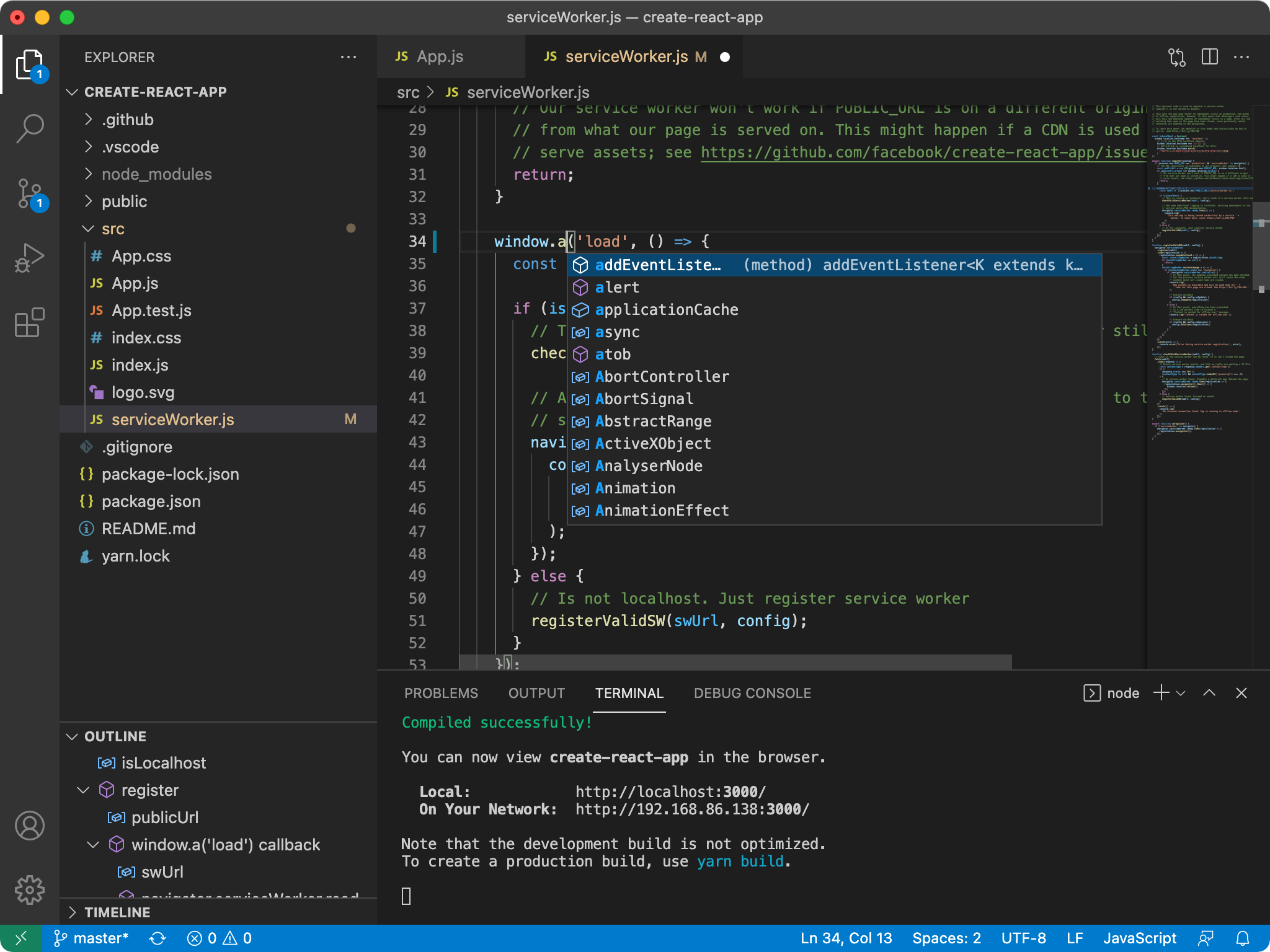
Visual Studio Code is a distribution of the Code - OSS repository with Microsoft-specific customizations released under a traditional Microsoft product license.
Visual Studio Code combines the simplicity of a code editor with what developers need for their core edit-build-debug cycle. It provides comprehensive code editing, navigation, and understanding support along with lightweight debugging, a rich extensibility model, and lightweight integration with existing tools.
Visual Studio Code is updated monthly with new features and bug fixes. You can download it for Windows, macOS, and Linux on Visual Studio Code's website. To get the latest releases every day, install the Insiders build.
Contributing
There are many ways in which you can participate in this project, for example:
- Submit bugs and feature requests, and help us verify as they are checked in
- Review source code changes
- Review the documentation and make pull requests for anything from typos to additional and new content
If you are interested in fixing issues and contributing directly to the code base, please see the document How to Contribute, which covers the following:
- How to build and run from source
- The development workflow, including debugging and running tests
- Coding guidelines
- Submitting pull requests
- Finding an issue to work on
- Contributing to translations
Feedback
- Ask a question on Stack Overflow
- Request a new feature
- Upvote popular feature requests
- File an issue
- Connect with the extension author community on GitHub Discussions or Slack
- Follow @code and let us know what you think!
See our wiki for a description of each of these channels and information on some other available community-driven channels.
Related Projects
Many of the core components and extensions to VS Code live in their own repositories on GitHub. For example, the node debug adapter and the mono debug adapter repositories are separate from each other. For a complete list, please visit the Related Projects page on our wiki.
Bundled Extensions
VS Code includes a set of built-in extensions located in the extensions folder, including grammars and snippets for many languages. Extensions that provide rich language support (inline suggestions, Go to Definition) for a language have the suffix language-features. For example, the json extension provides coloring for JSON and the json-language-features extension provides rich language support for JSON.
Development Container
This repository includes a Visual Studio Code Dev Containers / GitHub Codespaces development container.
-
For Dev Containers, use the Dev Containers: Clone Repository in Container Volume... command which creates a Docker volume for better disk I/O on macOS and Windows.
- If you already have VS Code and Docker installed, you can also click here to get started. This will cause VS Code to automatically install the Dev Containers extension if needed, clone the source code into a container volume, and spin up a dev container for use.
-
For Codespaces, install the GitHub Codespaces extension in VS Code, and use the Codespaces: Create New Codespace command.
Docker / the Codespace should have at least 4 Cores and 6 GB of RAM (8 GB recommended) to run a full build. See the development container README for more information.
Code of Conduct
This project has adopted the Microsoft Open Source Code of Conduct. For more information see the Code of Conduct FAQ or contact opencode@microsoft.com with any additional questions or comments.
License
Copyright (c) Microsoft Corporation. All rights reserved.
Licensed under the MIT license.