mirror of
https://github.com/home-assistant/iOS.git
synced 2026-02-05 06:35:37 -06:00
 1b88de68a6
Depends on home-assistant/mobile-apps-fcm-push#47 which allows the actions to be included in the notification data, and also on-the-fly silently sets the category to `DYNAMIC` which this requires. ## Summary Allows for specifying the actions for a notification on-the-fly without defining a category. This should allow us to make all of the category config and setup unnecessary, so I'll probably consider marking it as deprecated in this release. ## Screenshots For a notification that looks like… ```yaml service: notify.mobile_app_iphone data: title: title here message: body here data: actions: - action: "id1" title: "id1 title" # this mirrors the action definition in yaml now, it just _also_ supports what android - identifier: "id2" title: "id2 title" ``` 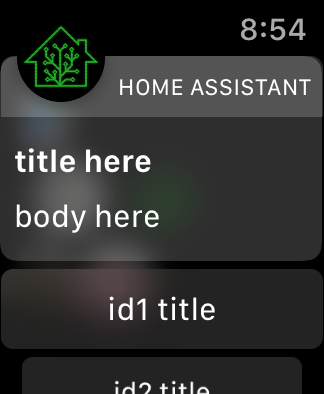 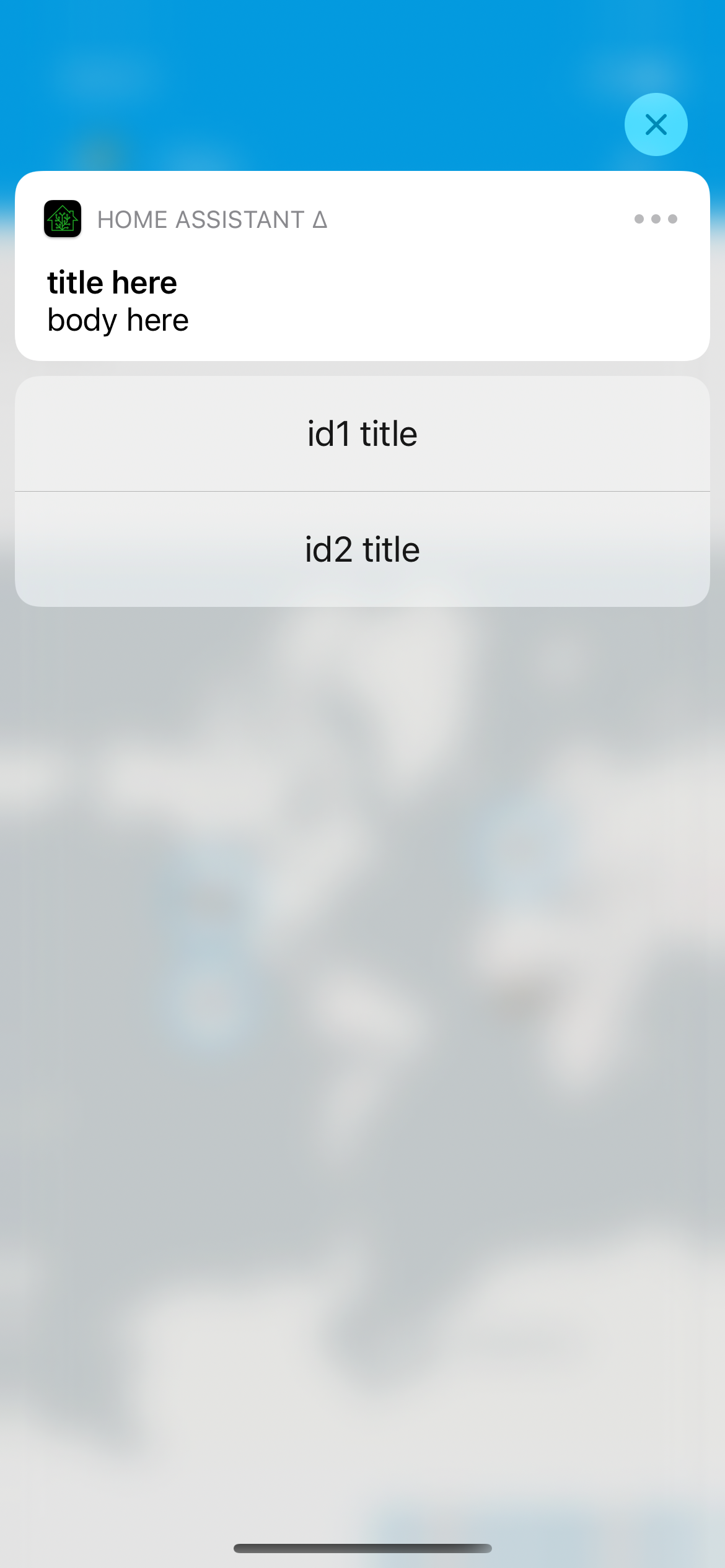 ## Link to pull request in Documentation repository - Documentation: home-assistant/companion.home-assistant#496 ## Any other notes - Dynamic actions are visual - we provide custom UI on both iOS and watchOS for the additional actions, which does require we run the app on the given platform; for example, this doesn't yet work on macOS [I need to figure out how to make Catalyst notification content work, if it is] and if you uninstall the watch app these actions will not show up. - Allows `map` and `camera`-esque notification content on any category. In other words, if you send a notification with `map` it'll still prefer the camera `entity_id` if present. This is largely to continue in the direction of making category deprecated; as long as the content extension launches, it'll figure out what to display. All of the normal action configuration is allowed in these actions: - action or identifier - title - authenticationRequired (default: false) - behavior (default: default, aka not textinput) - activationMode (default: background) - destructive (default: false) - textInputButtonTitle (default: nil) - textInputPlaceholder (default: nil) Some additional things occur to match existing Android functionality: - `uri` (or `url`) being provided in the action makes it a 'foreground' action - action/identifier of `REPLY` changes the behavior to textinput - `mobile_app_notification_action` is now fired with data that looks like theirs: ``` Sending action: mobile_app_notification_action payload: ["action": "REPLY", "reply_text": "Reply text"] ``` and ``` Sending action: mobile_app_notification_action payload: ["action": "id1"] ```

