mirror of
https://github.com/home-assistant/iOS.git
synced 2026-02-10 12:51:23 -06:00
 4992c97b49
## Summary Adds to Shortcuts and Widgets the ability to open a particular page/panel in Lovelace. ## Screenshots | State | 1 | 2 | | -- | -- | -- | | Empty | 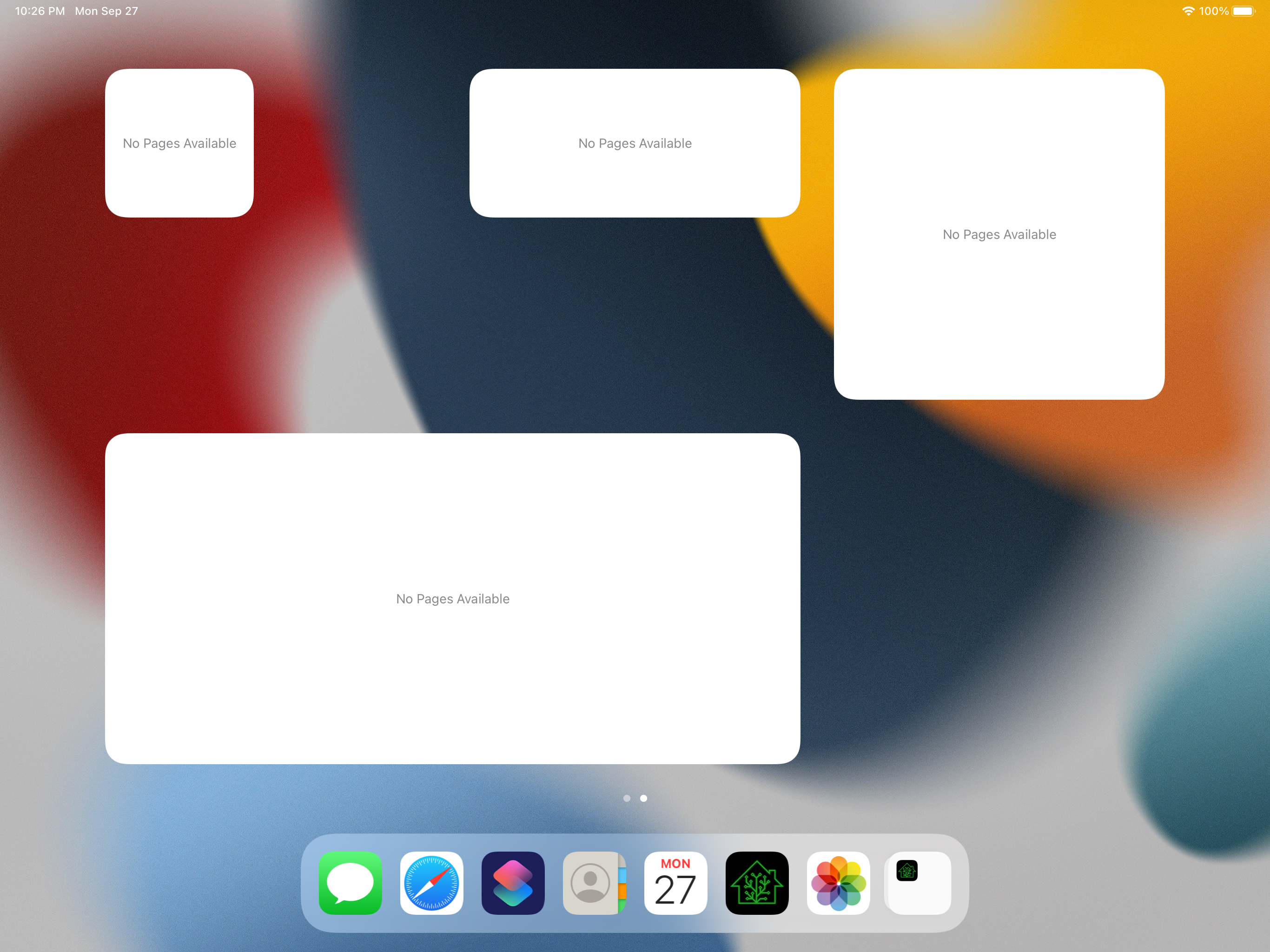 | 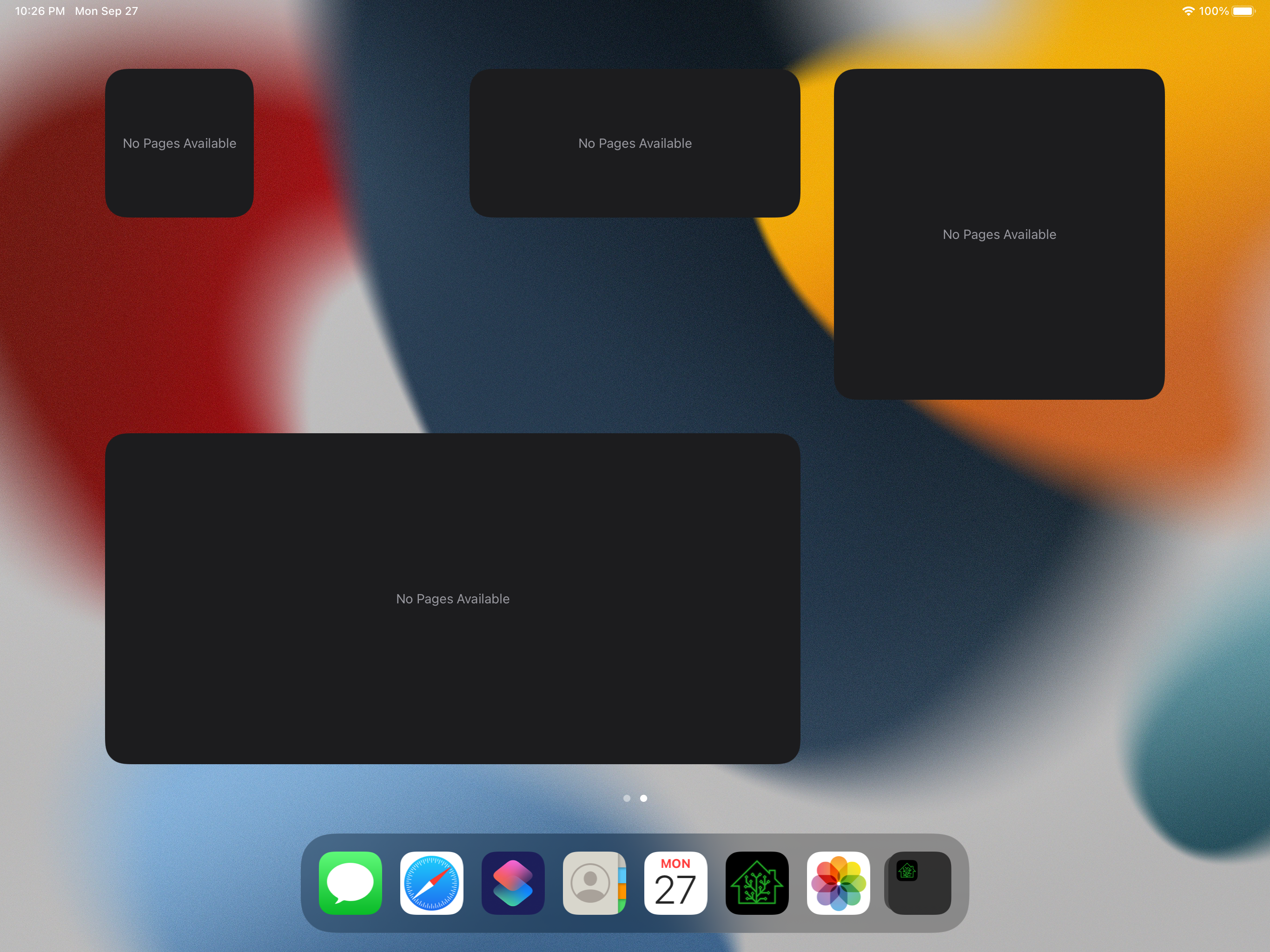 | | Contents | 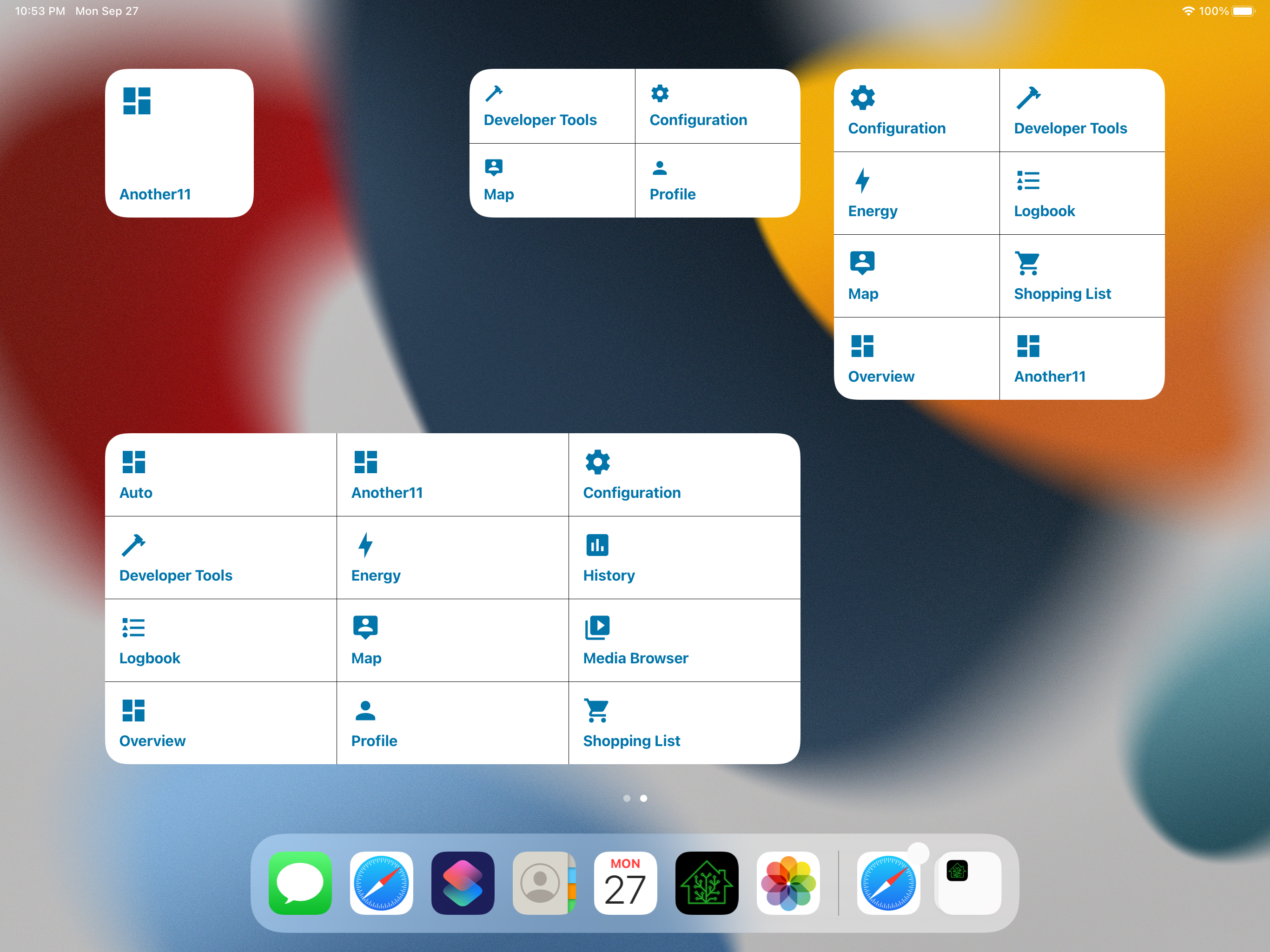 | 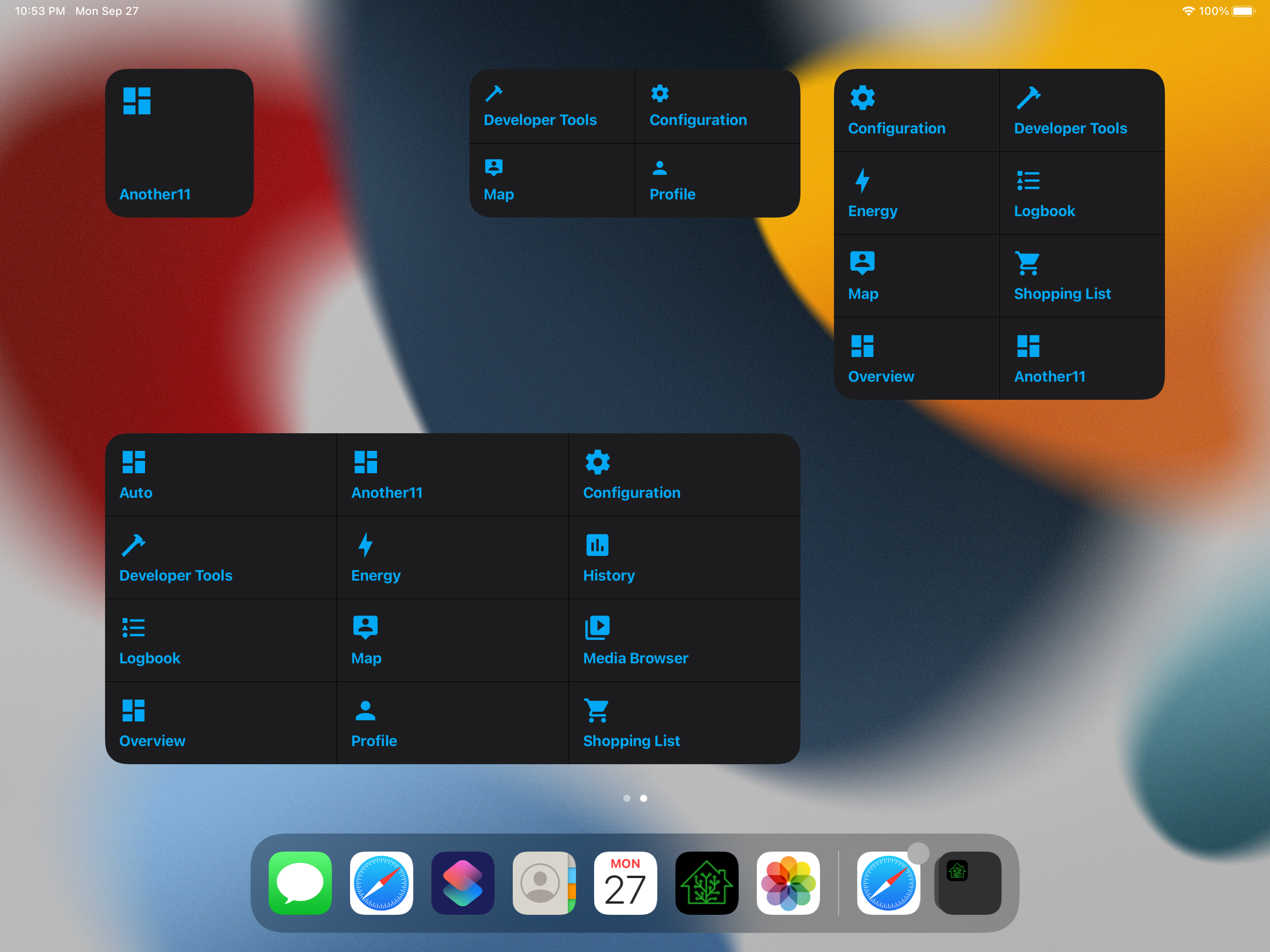 | | Shortcuts | 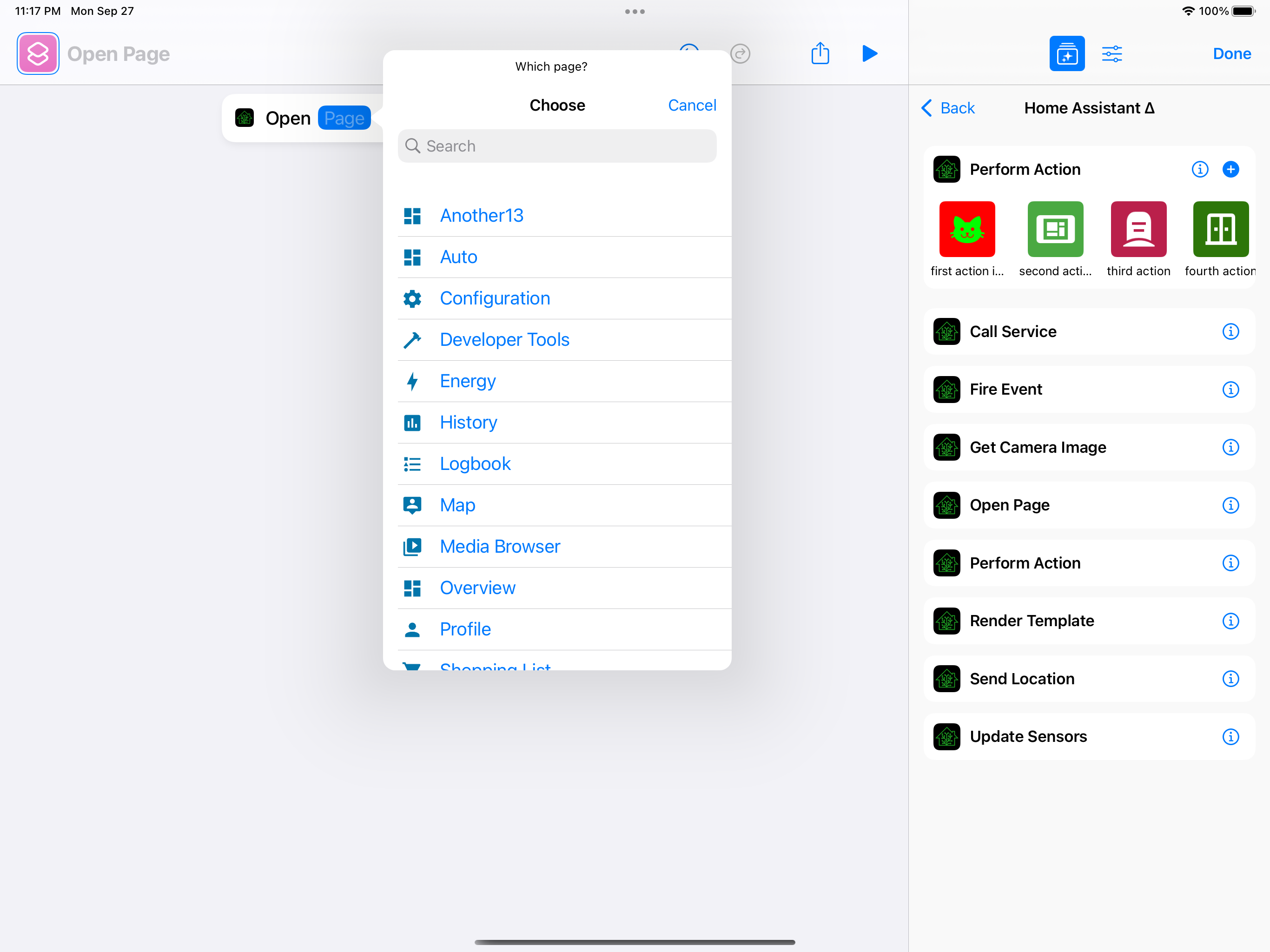 | 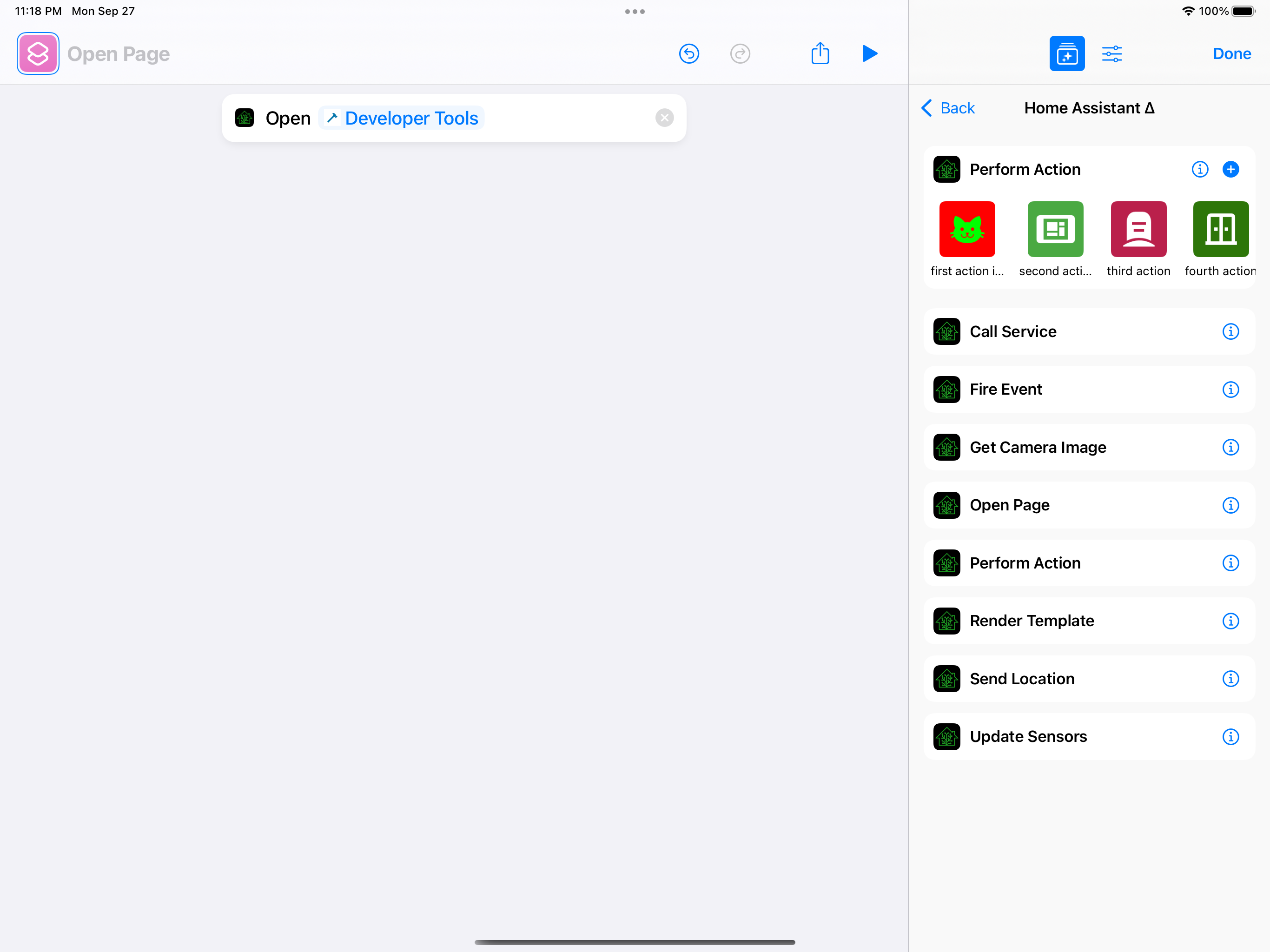 | ## Any other notes A good starting point for widgets which need cached information. This one is simple: 1 request that is a small JSON payload that needs to be saved. This can start to get more complex later. - Adds an on-disk cache backed by Codable, which we use to cache panels in the widget (for data) and in the app (to see if we need to reload the widget). - Fixes some issues and crashes with opening the action of a widget multiple times in a row. - Adds support for grabbing frontend localizations from Lokalise and uses them for panel localization.






22 lines
495 B
Swift
22 lines
495 B
Swift
import SwiftUI
|
|
|
|
struct WidgetEmptyView: View {
|
|
let message: String
|
|
|
|
init(message: String) {
|
|
self.message = message
|
|
}
|
|
|
|
var body: some View {
|
|
ZStack {
|
|
Color(UIColor.systemBackground)
|
|
Text(verbatim: message)
|
|
.multilineTextAlignment(.center)
|
|
.font(.footnote)
|
|
.foregroundColor(.secondary)
|
|
.fixedSize(horizontal: false, vertical: true)
|
|
.padding()
|
|
}
|
|
}
|
|
}
|