<!-- Thank you for submitting a Pull Request and helping to improve Home
Assistant. Please complete the following sections to help the processing
and review of your changes. Please do not delete anything from this
template. -->

## Summary
<!-- Provide a brief summary of the changes you have made and most
importantly what they aim to achieve -->
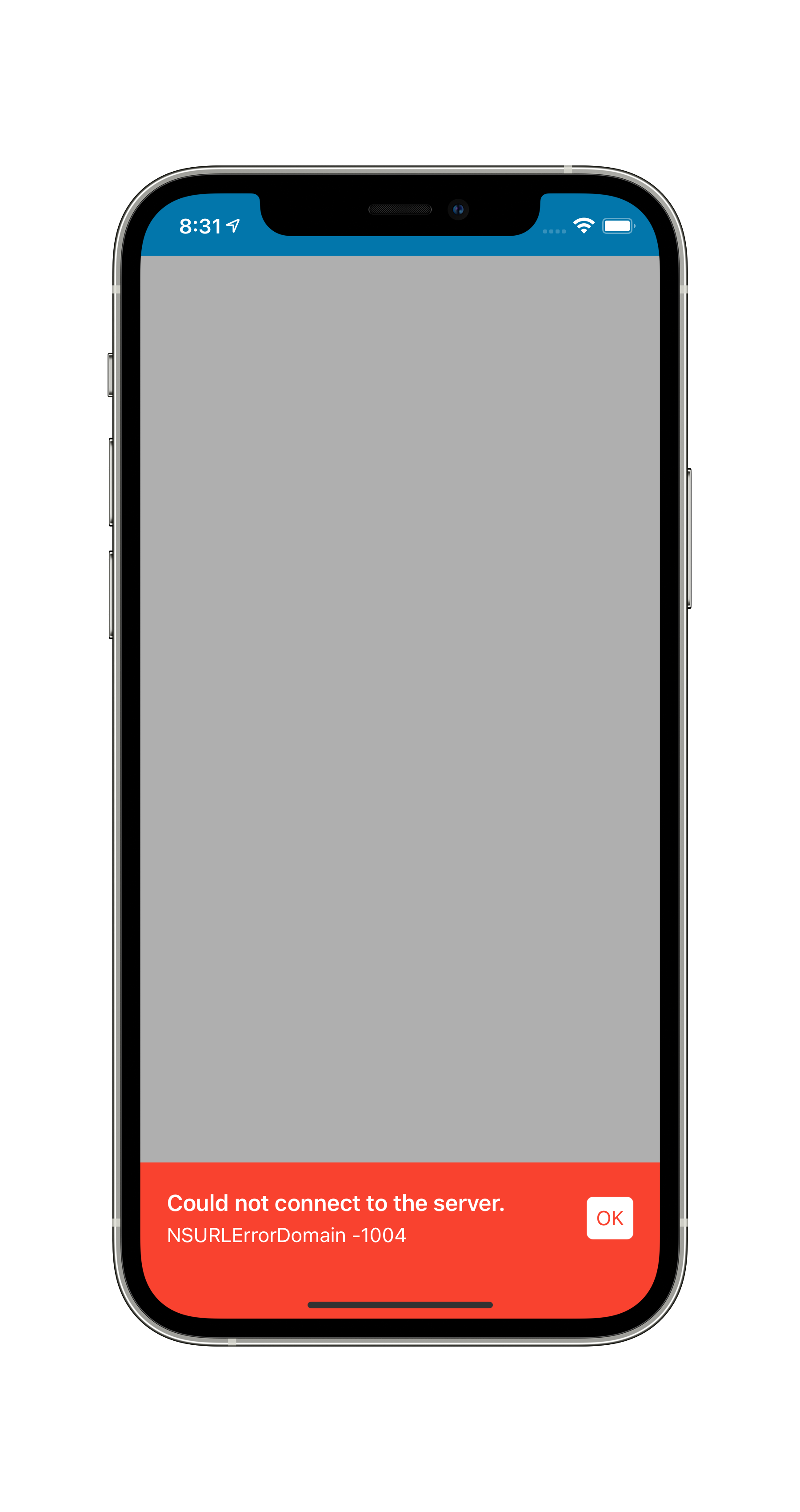
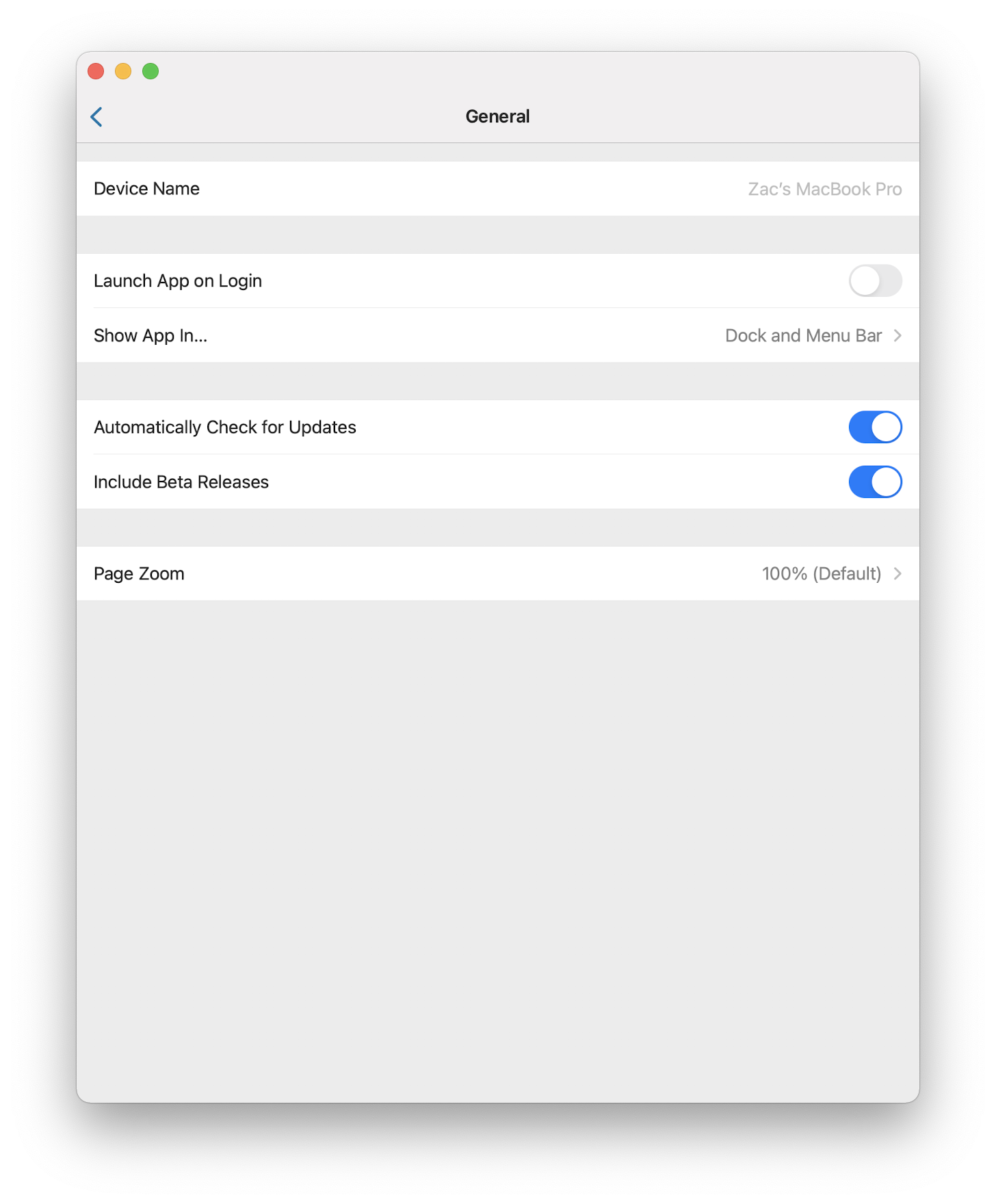
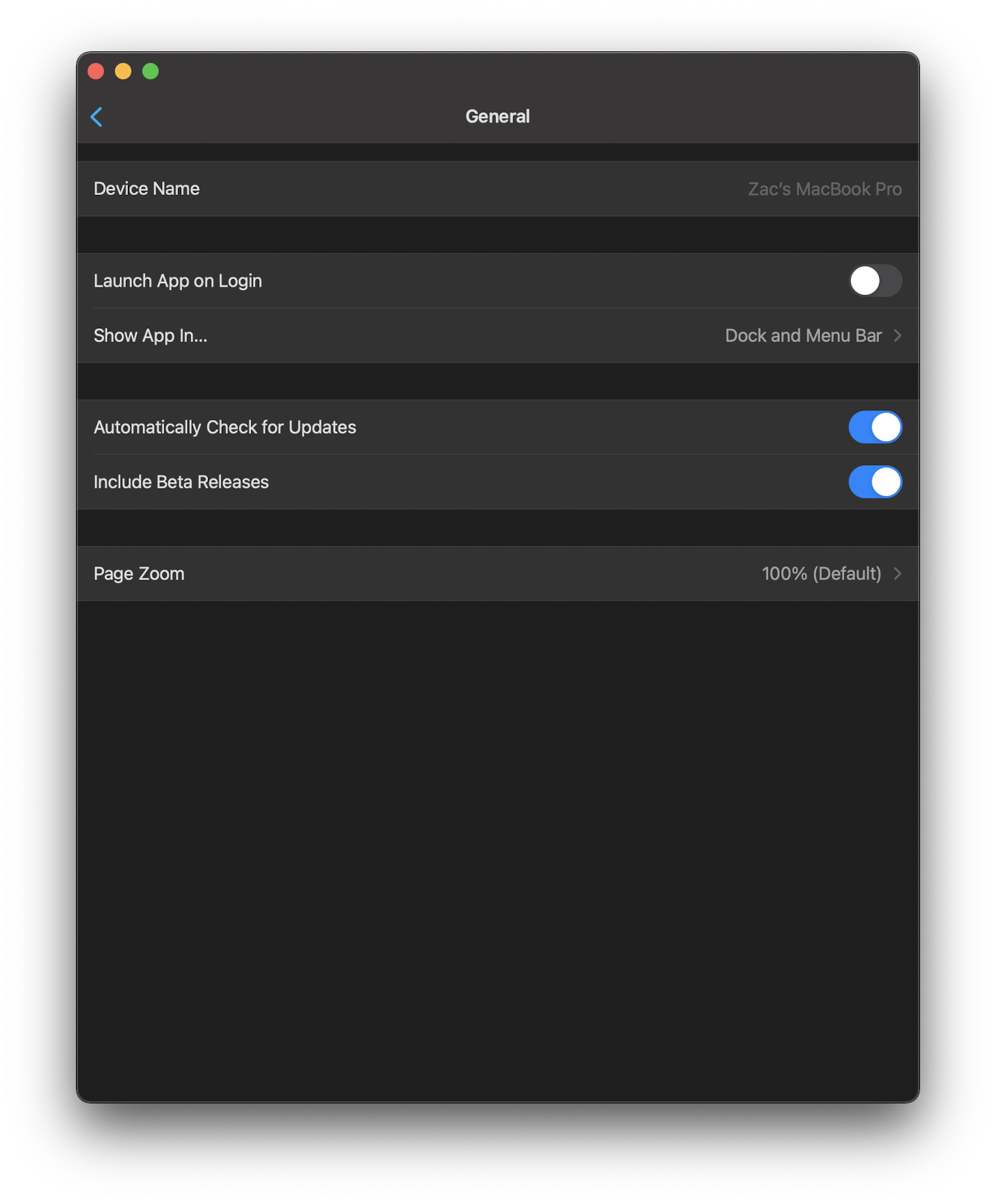
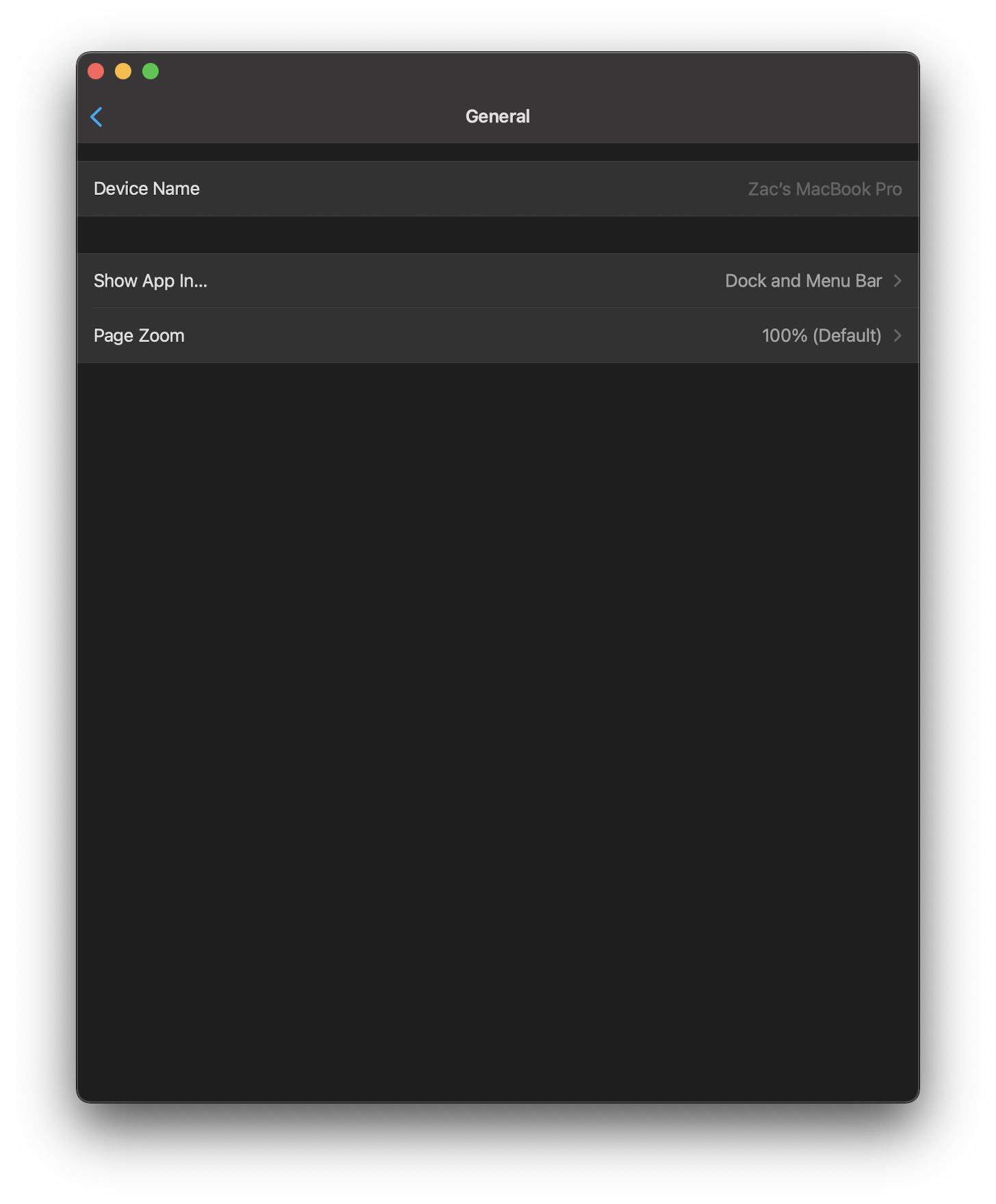
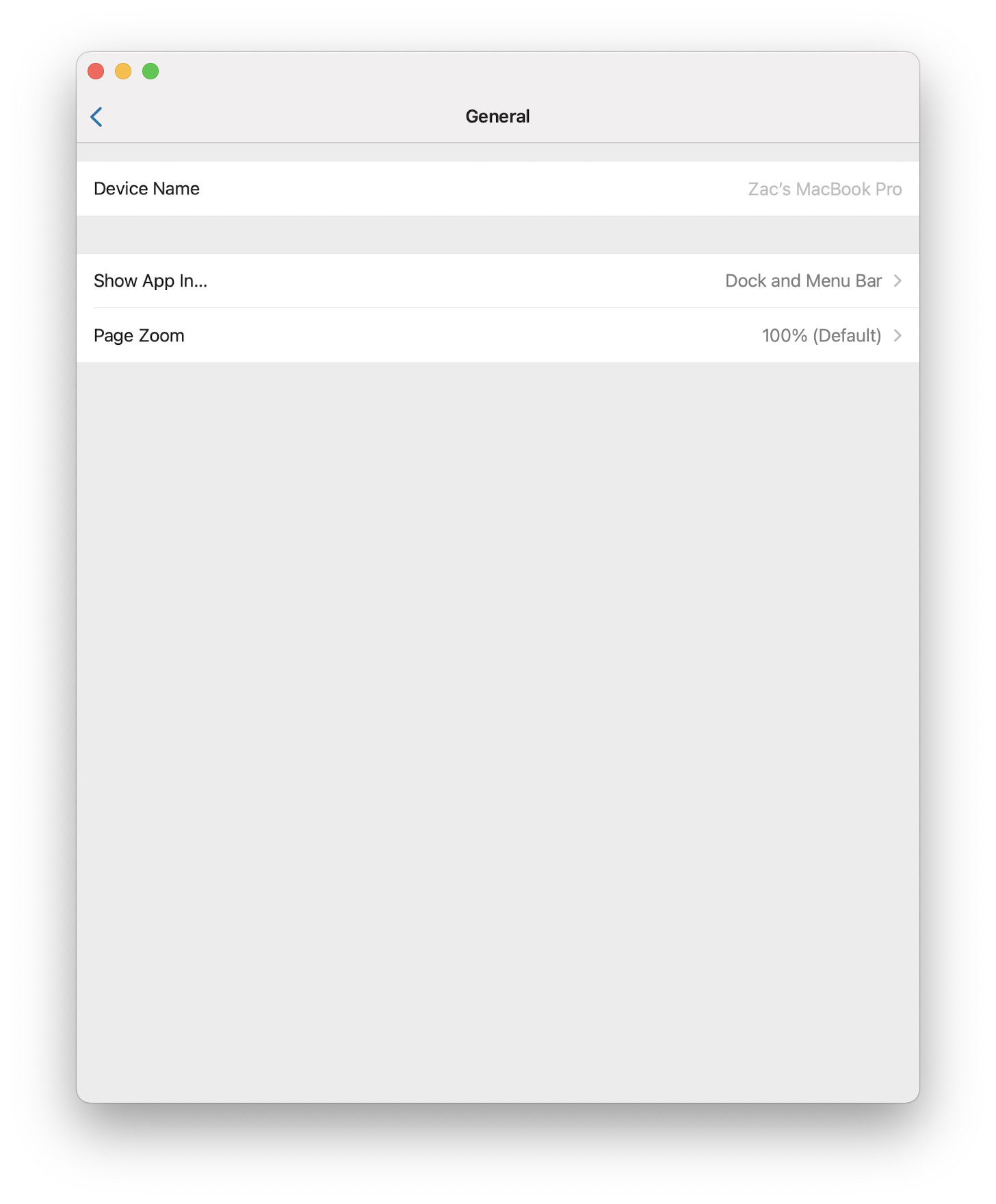
This PR adds functionality of resetting web cache when server version
changes and also refactor WebView direct access around the project,
becoming now private to WebViewController and only interactable through
the controller's protocol.

## Screenshots
<!-- If this is a user-facing change not in the frontend, please include
screenshots in light and dark mode. -->

## Link to pull request in Documentation repository
<!-- Pull requests that add, change or remove functionality must have a
corresponding pull request in the Companion App Documentation repository
(https://github.com/home-assistant/companion.home-assistant). Please add
the number of this pull request after the "#" -->
Documentation: home-assistant/companion.home-assistant#

## Any other notes
<!-- If there is any other information of note, like if this Pull
Request is part of a bigger change, please include it here. -->
<!-- Thank you for submitting a Pull Request and helping to improve Home
Assistant. Please complete the following sections to help the processing
and review of your changes. Please do not delete anything from this
template. -->

## Summary
<!-- Provide a brief summary of the changes you have made and most
importantly what they aim to achieve -->
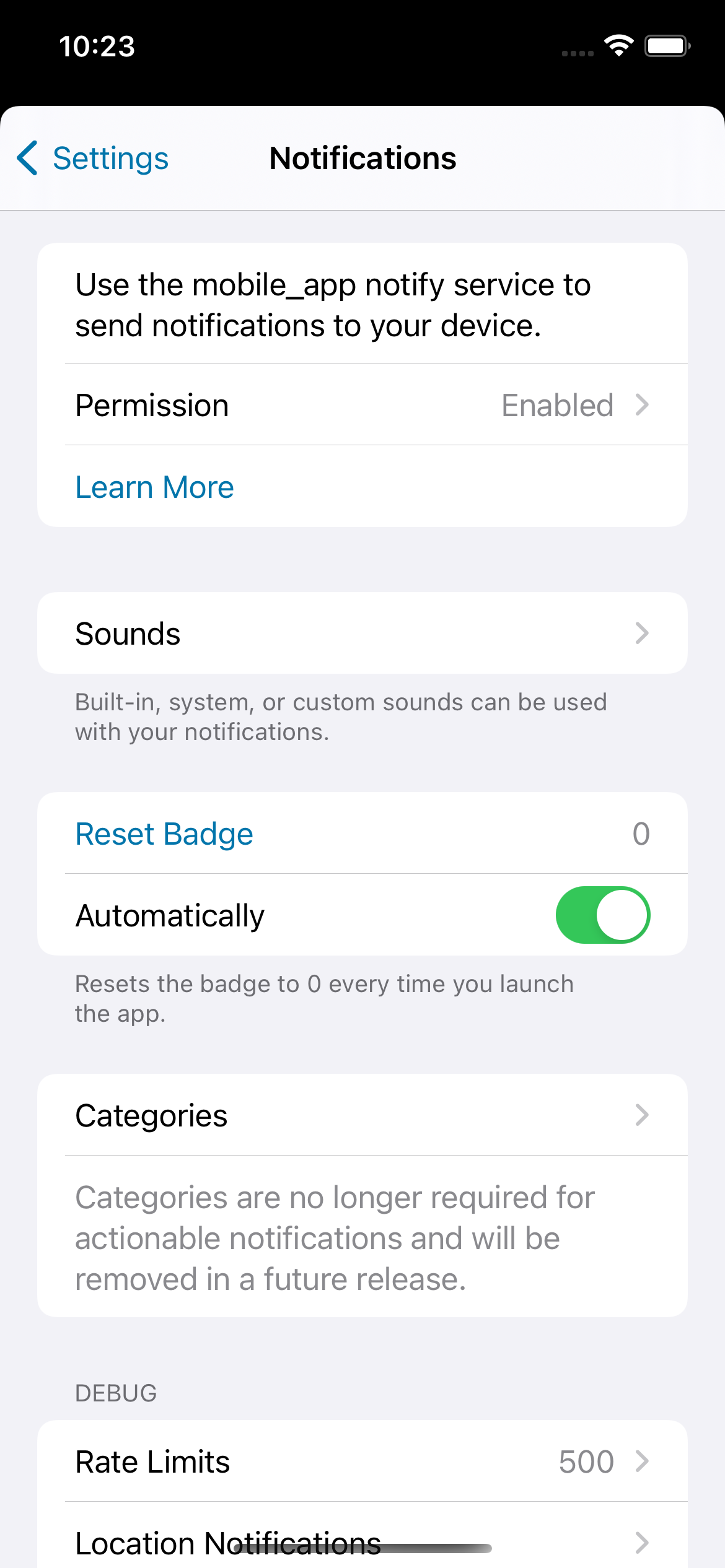
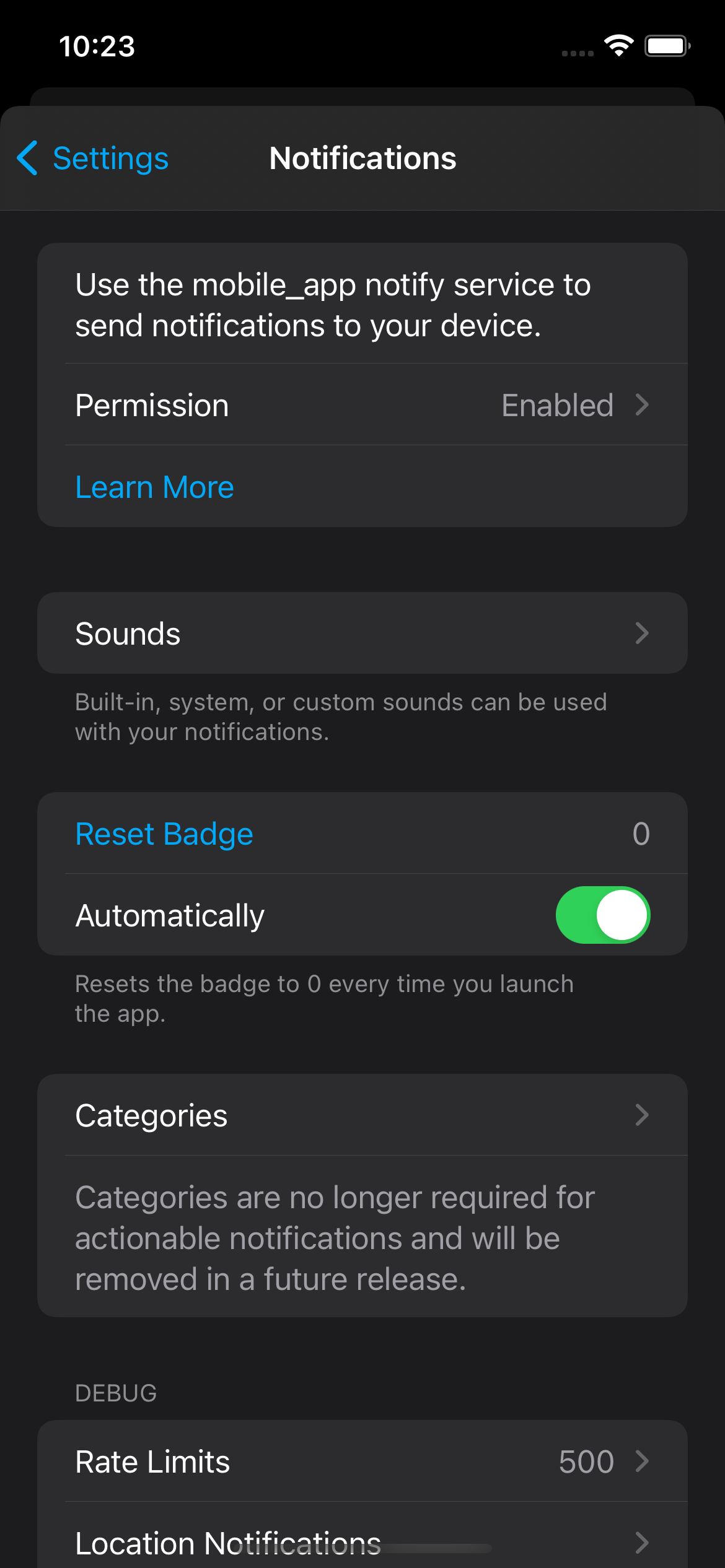
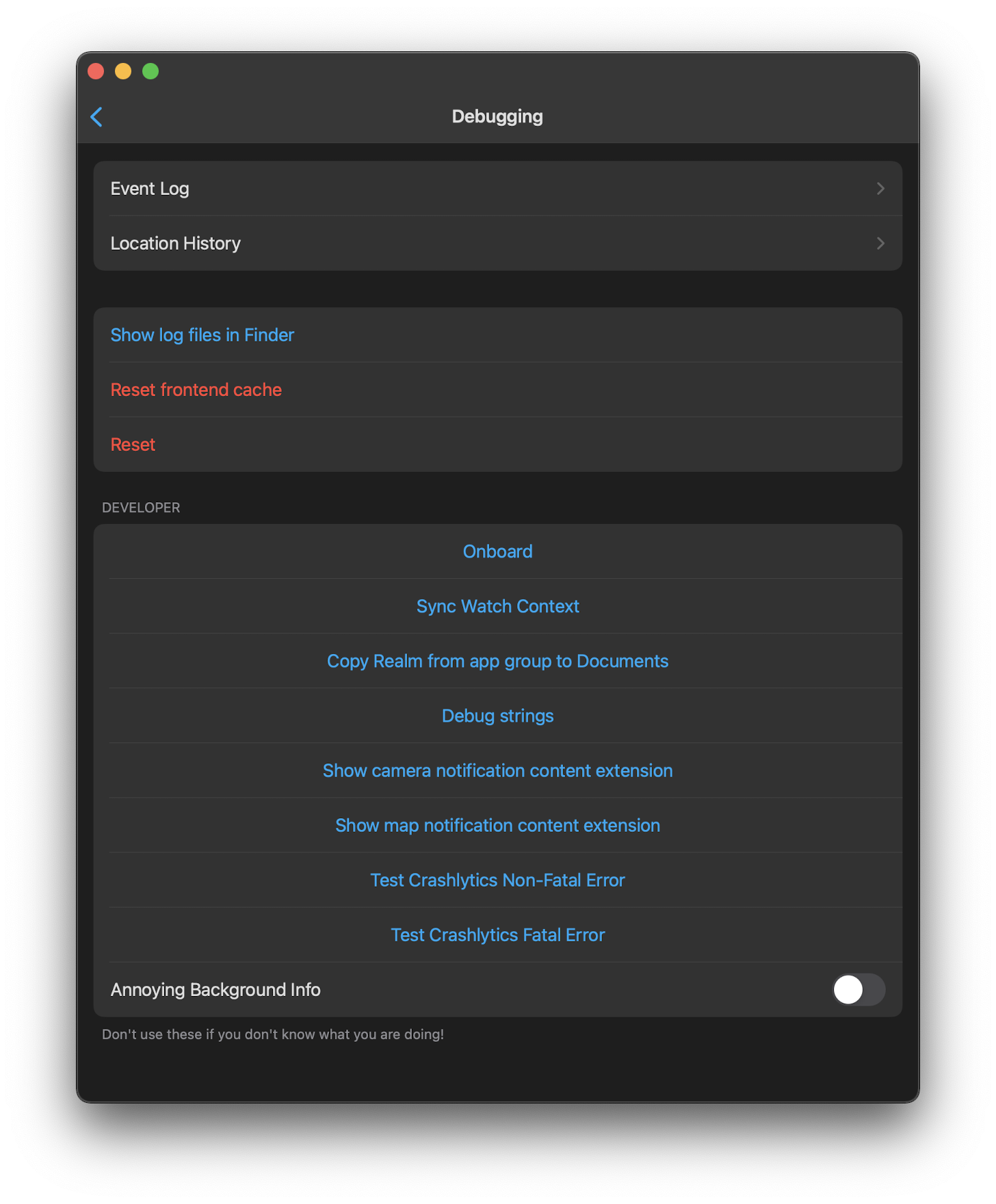
This PR adds option in the debug section to receive debug notifications,
this is a debugging tool only and it is not visible to the user unless
it open the debugging tool hidden panel.

First use case: Receive notification when location fails to update ein
brackground.

## Screenshots
<!-- If this is a user-facing change not in the frontend, please include
screenshots in light and dark mode. -->

## Link to pull request in Documentation repository
<!-- Pull requests that add, change or remove functionality must have a
corresponding pull request in the Companion App Documentation repository
(https://github.com/home-assistant/companion.home-assistant). Please add
the number of this pull request after the "#" -->
Documentation: home-assistant/companion.home-assistant#

## Any other notes
<!-- If there is any other information of note, like if this Pull
Request is part of a bigger change, please include it here. -->
<!-- Thank you for submitting a Pull Request and helping to improve Home
Assistant. Please complete the following sections to help the processing
and review of your changes. Please do not delete anything from this
template. -->

## Summary
<!-- Provide a brief summary of the changes you have made and most
importantly what they aim to achieve -->

## Screenshots
<!-- If this is a user-facing change not in the frontend, please include
screenshots in light and dark mode. -->

## Link to pull request in Documentation repository
<!-- Pull requests that add, change or remove functionality must have a
corresponding pull request in the Companion App Documentation repository
(https://github.com/home-assistant/companion.home-assistant). Please add
the number of this pull request after the "#" -->
Documentation: home-assistant/companion.home-assistant#

## Any other notes
<!-- If there is any other information of note, like if this Pull
Request is part of a bigger change, please include it here. -->
<!-- Thank you for submitting a Pull Request and helping to improve Home
Assistant. Please complete the following sections to help the processing
and review of your changes. Please do not delete anything from this
template. -->

## Summary
<!-- Provide a brief summary of the changes you have made and most
importantly what they aim to achieve -->
Context: https://github.com/home-assistant/my.home-assistant.io/pull/544

## Screenshots
<!-- If this is a user-facing change not in the frontend, please include
screenshots in light and dark mode. -->

## Link to pull request in Documentation repository
<!-- Pull requests that add, change or remove functionality must have a
corresponding pull request in the Companion App Documentation repository
(https://github.com/home-assistant/companion.home-assistant). Please add
the number of this pull request after the "#" -->
Documentation: home-assistant/companion.home-assistant#

## Any other notes
<!-- If there is any other information of note, like if this Pull
Request is part of a bigger change, please include it here. -->
<!-- Thank you for submitting a Pull Request and helping to improve Home
Assistant. Please complete the following sections to help the processing
and review of your changes. Please do not delete anything from this
template. -->

## Summary
<!-- Provide a brief summary of the changes you have made and most
importantly what they aim to achieve -->

## Screenshots
<!-- If this is a user-facing change not in the frontend, please include
screenshots in light and dark mode. -->

## Link to pull request in Documentation repository
<!-- Pull requests that add, change or remove functionality must have a
corresponding pull request in the Companion App Documentation repository
(https://github.com/home-assistant/companion.home-assistant). Please add
the number of this pull request after the "#" -->
Documentation: home-assistant/companion.home-assistant#

## Any other notes
<!-- If there is any other information of note, like if this Pull
Request is part of a bigger change, please include it here. -->
<!-- Thank you for submitting a Pull Request and helping to improve Home
Assistant. Please complete the following sections to help the processing
and review of your changes. Please do not delete anything from this
template. -->

## Summary
<!-- Provide a brief summary of the changes you have made and most
importantly what they aim to achieve -->
Before the screen was shown twice then never again if the user skips it,
but then there is no way for the user to manually enable bluetooth.
With this change the user can still close the permission screen but it
will be prompted again to make a choice as soon as devices &
integrations page loads.

## Screenshots
<!-- If this is a user-facing change not in the frontend, please include
screenshots in light and dark mode. -->

## Link to pull request in Documentation repository
<!-- Pull requests that add, change or remove functionality must have a
corresponding pull request in the Companion App Documentation repository
(https://github.com/home-assistant/companion.home-assistant). Please add
the number of this pull request after the "#" -->
Documentation: home-assistant/companion.home-assistant#

## Any other notes
<!-- If there is any other information of note, like if this Pull
Request is part of a bigger change, please include it here. -->
<!-- Thank you for submitting a Pull Request and helping to improve Home
Assistant. Please complete the following sections to help the processing
and review of your changes. Please do not delete anything from this
template. -->
## Summary
<!-- Provide a brief summary of the changes you have made and most
importantly what they aim to achieve -->
This opens HA server in safari instead of in the catalyst WKWebView
## Screenshots
<!-- If this is a user-facing change not in the frontend, please include
screenshots in light and dark mode. -->

## Link to pull request in Documentation repository
<!-- Pull requests that add, change or remove functionality must have a
corresponding pull request in the Companion App Documentation repository
(https://github.com/home-assistant/companion.home-assistant). Please add
the number of this pull request after the "#" -->
Documentation: home-assistant/companion.home-assistant#
## Any other notes
<!-- If there is any other information of note, like if this Pull
Request is part of a bigger change, please include it here. -->
<!-- Thank you for submitting a Pull Request and helping to improve Home
Assistant. Please complete the following sections to help the processing
and review of your changes. Please do not delete anything from this
template. -->
## Summary
<!-- Provide a brief summary of the changes you have made and most
importantly what they aim to achieve -->
## Screenshots
<!-- If this is a user-facing change not in the frontend, please include
screenshots in light and dark mode. -->

## Link to pull request in Documentation repository
<!-- Pull requests that add, change or remove functionality must have a
corresponding pull request in the Companion App Documentation repository
(https://github.com/home-assistant/companion.home-assistant). Please add
the number of this pull request after the "#" -->
Documentation: home-assistant/companion.home-assistant#
## Any other notes
<!-- If there is any other information of note, like if this Pull
Request is part of a bigger change, please include it here. -->
<!-- Thank you for submitting a Pull Request and helping to improve Home
Assistant. Please complete the following sections to help the processing
and review of your changes. Please do not delete anything from this
template. -->

## Summary
<!-- Provide a brief summary of the changes you have made and most
importantly what they aim to achieve -->

## Screenshots
<!-- If this is a user-facing change not in the frontend, please include
screenshots in light and dark mode. -->

## Link to pull request in Documentation repository
<!-- Pull requests that add, change or remove functionality must have a
corresponding pull request in the Companion App Documentation repository
(https://github.com/home-assistant/companion.home-assistant). Please add
the number of this pull request after the "#" -->
Documentation: home-assistant/companion.home-assistant#

## Any other notes
<!-- If there is any other information of note, like if this Pull
Request is part of a bigger change, please include it here. -->

---------

Co-authored-by: Stefan Agner <stefan@agner.ch>
<!-- Thank you for submitting a Pull Request and helping to improve Home
Assistant. Please complete the following sections to help the processing
and review of your changes. Please do not delete anything from this
template. -->
## Summary
<!-- Provide a brief summary of the changes you have made and most
importantly what they aim to achieve -->
- Create watch home from iPhone
- Configure Assist for watch from iPhone
- Deprecate message for iOS Actions
- Use Scripts or Scenes directly
- Show/Hide Assist in Apple Watch
- Options to require confirmation before running watch item
(script/scene/action)
## Screenshots
<!-- If this is a user-facing change not in the frontend, please include
screenshots in light and dark mode. -->

https://github.com/user-attachments/assets/1e4509f8-45e5-4b39-bfdc-62f9bce64617
## Link to pull request in Documentation repository
<!-- Pull requests that add, change or remove functionality must have a
corresponding pull request in the Companion App Documentation repository
(https://github.com/home-assistant/companion.home-assistant). Please add
the number of this pull request after the "#" -->
Documentation: home-assistant/companion.home-assistant#
## Any other notes
<!-- If there is any other information of note, like if this Pull
Request is part of a bigger change, please include it here. -->
<!-- Thank you for submitting a Pull Request and helping to improve Home
Assistant. Please complete the following sections to help the processing
and review of your changes. Please do not delete anything from this
template. -->

## Summary
<!-- Provide a brief summary of the changes you have made and most
importantly what they aim to achieve -->

As [lowerCamelCase came to Swift a long time
ago](https://www.hackingwithswift.com/swift/3.0/lower-camel-case), this
PR is changing the casing in `AppConfiguration`.
## Summary
This pr intruduces the following changes:
- Upgrades the [Alomofire
dependecy](142efae0cc).
- Removes not needed [available
anotations](a4e71a3c88)
and split up code in multiple files; The anotations are not needed since
https://github.com/home-assistant/iOS/pull/2469.

## Screenshots
No user faceing changes

## Link to pull request in Documentation repository
NA

## Any other notes
NA
## Summary
Swift lint and swiftformat are outdated. This PR does update those +
applies the new formatting form swiftformat.
There is 1 swift file with a manual change:
`Sources/Vehicle/Templates/Areas/CarPlayAreasViewModel.swift`. This is
done because `swiftlint` did create the following swiftlint error:
`error: Cyclomatic Complexity Violation: Function should have complexity
10 or less; currently complexity is 11 (cyclomatic_complexity)`.

Because it does change a lot of files the question is if we want to
finetune the `swiftformat` rules.

## Screenshots
No user facing changes.

## Link to pull request in Documentation repository
NA

## Any other notes
NA
<!-- Thank you for submitting a Pull Request and helping to improve Home
Assistant. Please complete the following sections to help the processing
and review of your changes. Please do not delete anything from this
template. -->

## Summary
<!-- Provide a brief summary of the changes you have made and most
importantly what they aim to achieve -->
Drop support for iOS 12 and 13.

## Screenshots
<!-- If this is a user-facing change not in the frontend, please include
screenshots in light and dark mode. -->

## Link to pull request in Documentation repository
<!-- Pull requests that add, change or remove functionality must have a
corresponding pull request in the Companion App Documentation repository
(https://github.com/home-assistant/companion.home-assistant). Please add
the number of this pull request after the "#" -->
Documentation: home-assistant/companion.home-assistant#

## Any other notes
<!-- If there is any other information of note, like if this Pull
Request is part of a bigger change, please include it here. -->
Fixes#1720.
## Summary
On iPhone, this turns off the status bar text but continues to use the space, since the frontend doesn't handle the top safe area.
On iPad, this turns off the status bar and doesn't reserve any space.
## Summary
Removes FCM and related SDKs in favor of using the server introduced in #2024.

## Any other notes
This will require testing. It may be worth reverting this PR to introduce a toggle if this lasts more than 1 beta cycle.

Future work includes figuring out the permanent location for these services; they are on fly.io right now but that may cost money, but for now I just want TestFlight builds to use it.
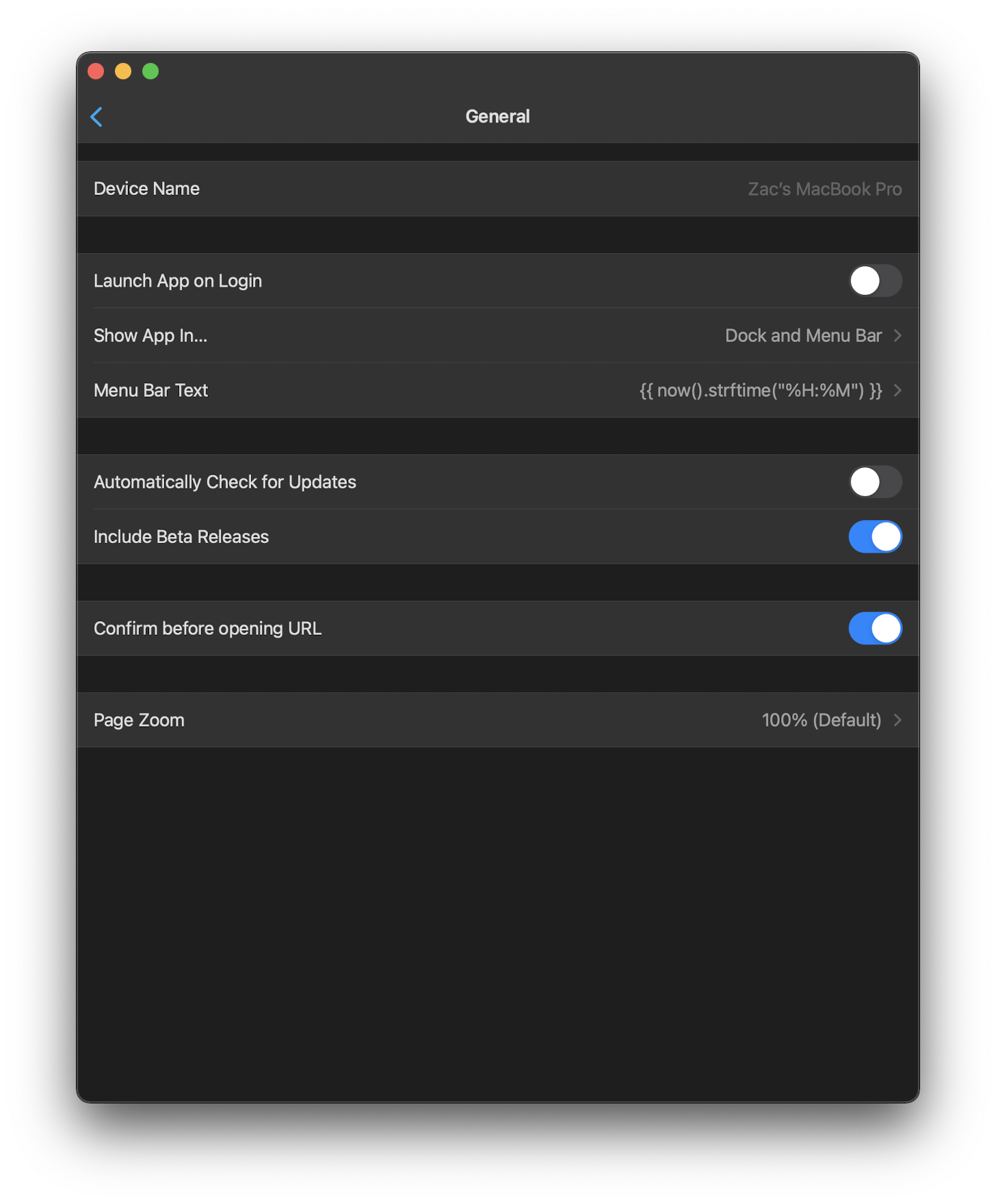
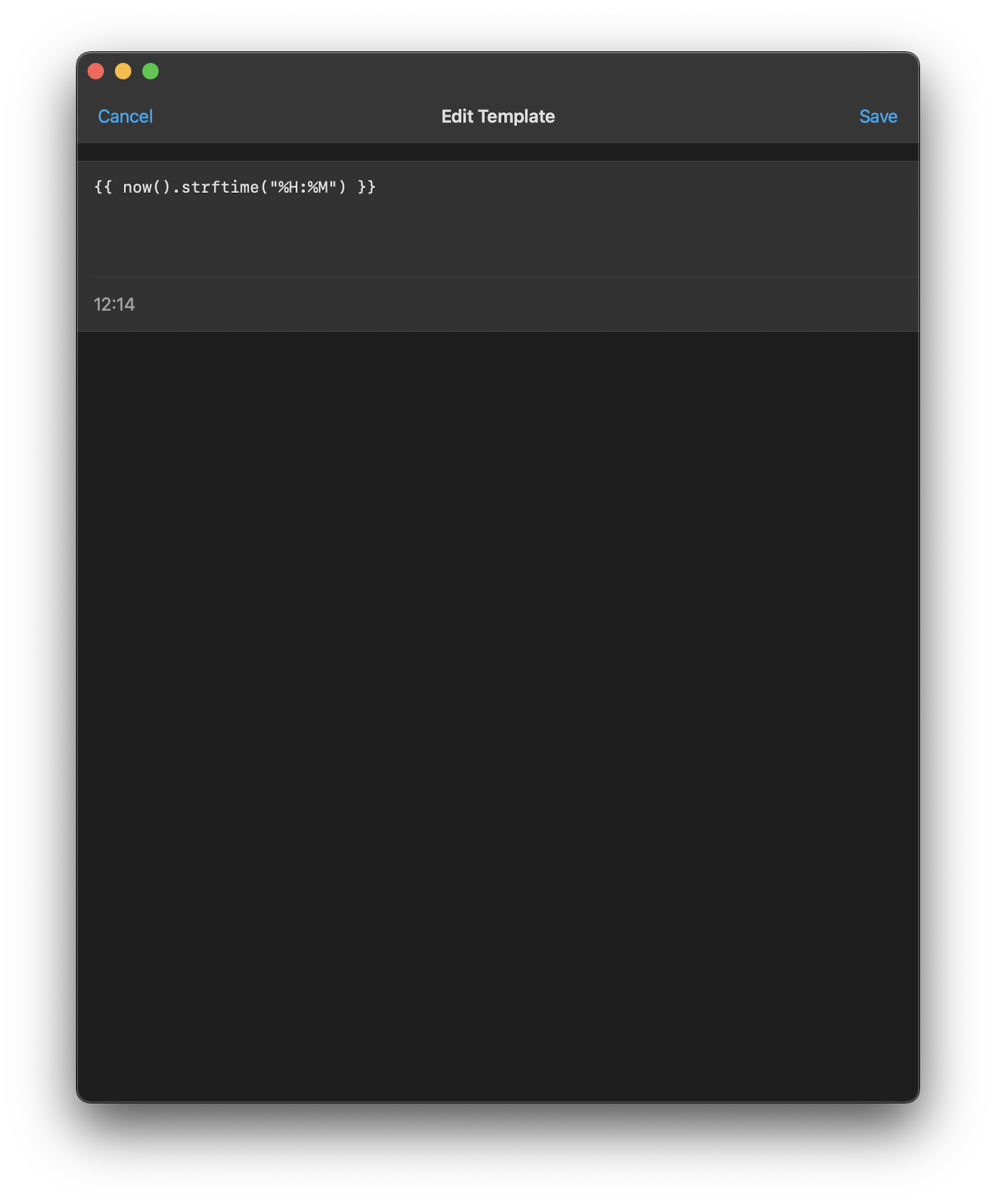
## Summary
Need to fall back to any server if the server's gone. Other alternative is to reset the template to empty and pick a new server, but that felt a little bit more like losing the template unexpectedly.

## Any other notes
This can also be temporarily fixed by editing `~/Library/Group Containers/group.io.robbie.homeassistant/Library/Preferences/group.io.robbie.homeassistant.plist` and removing the `menuItemTemplate-server` key.
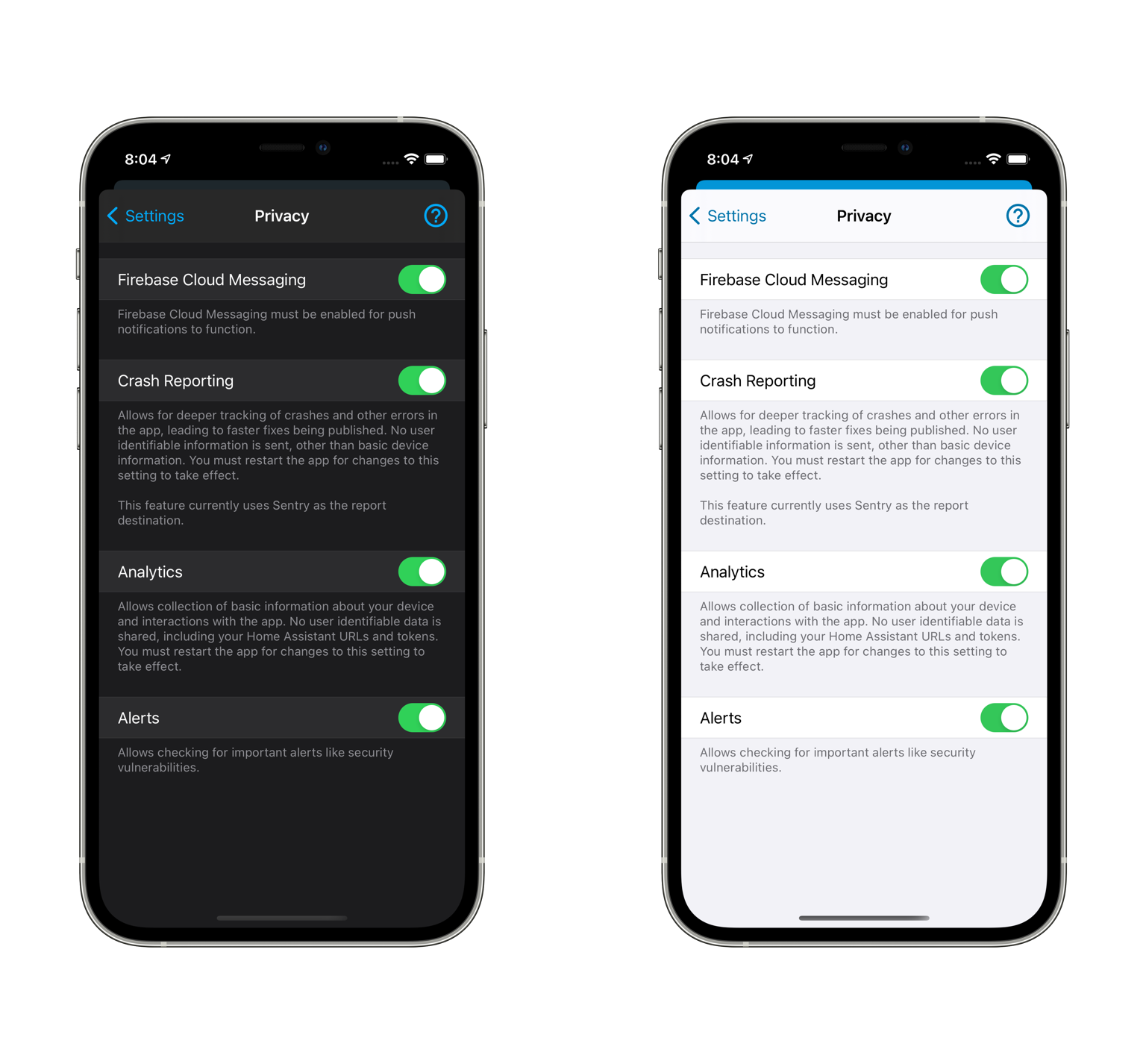
## Summary
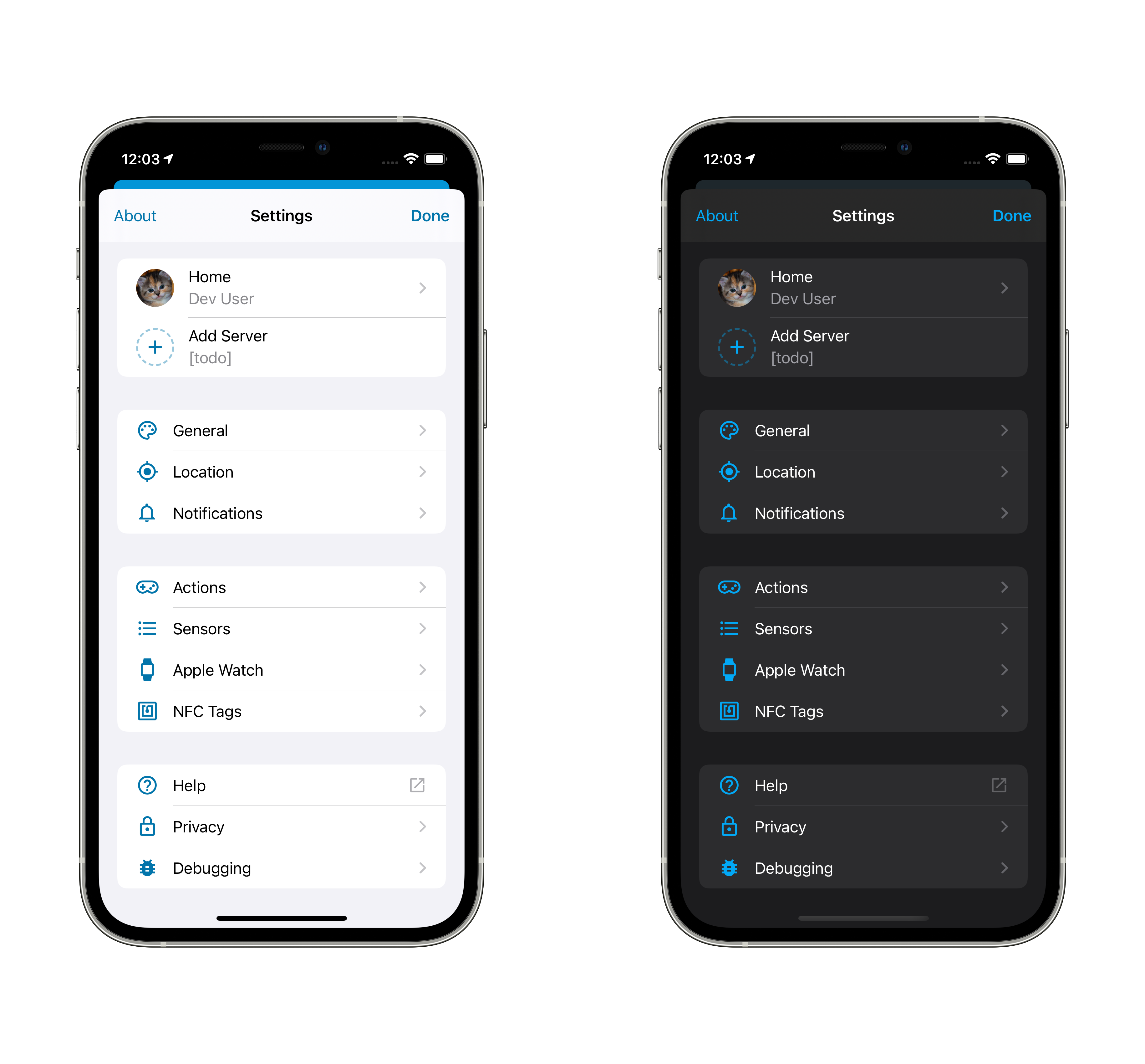
Disables crash reporting and analytics by default.
## Screenshots
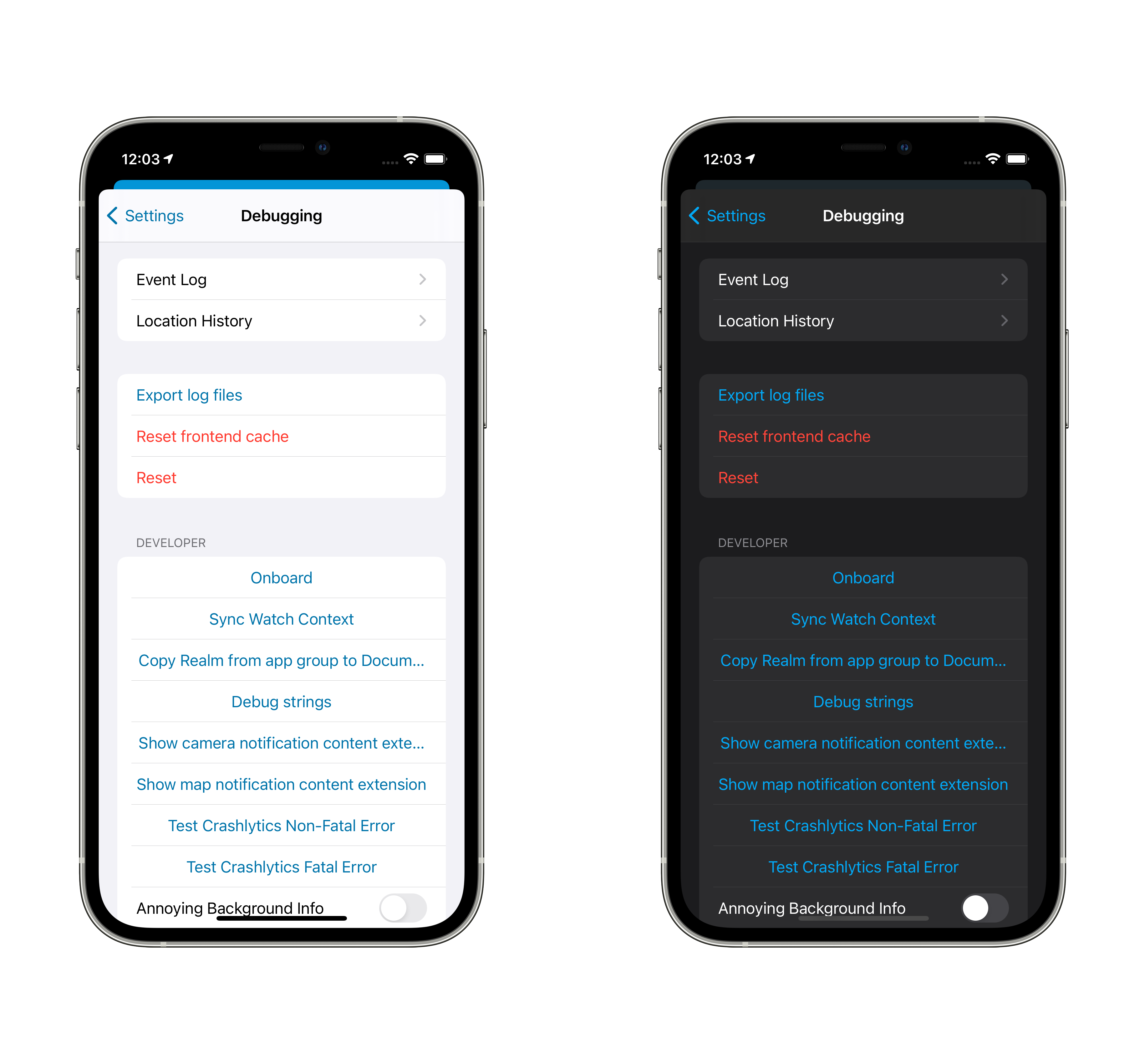
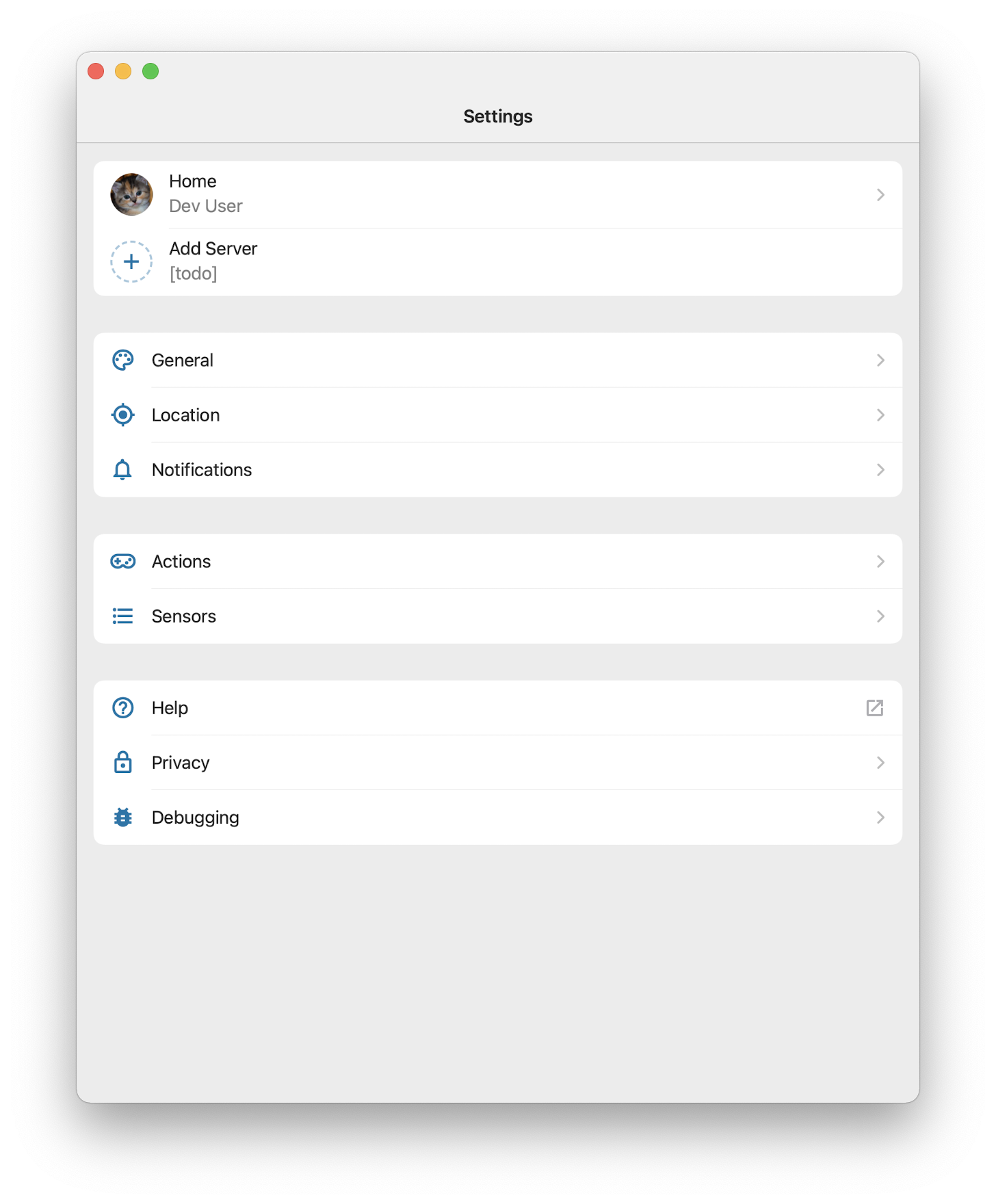
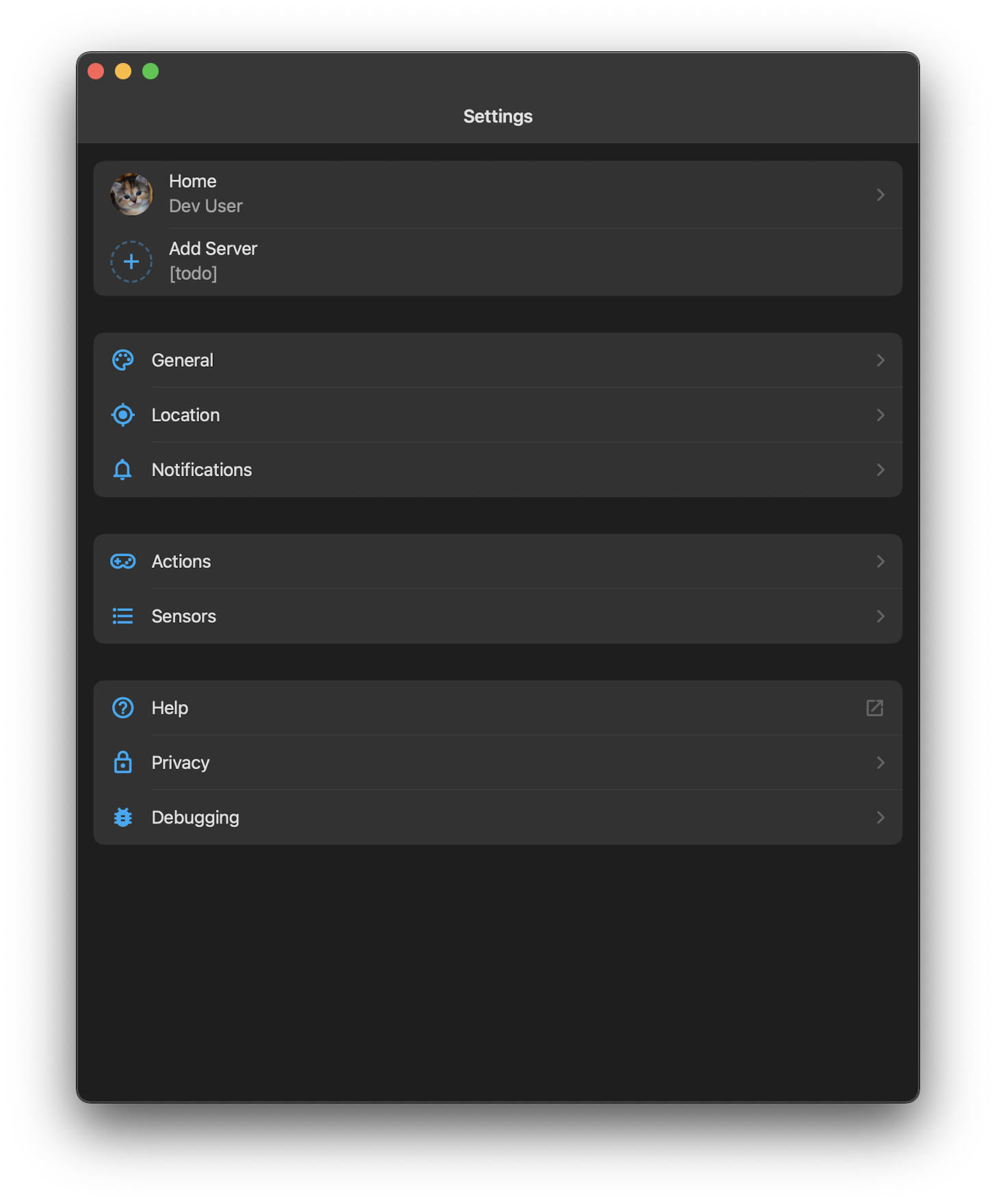
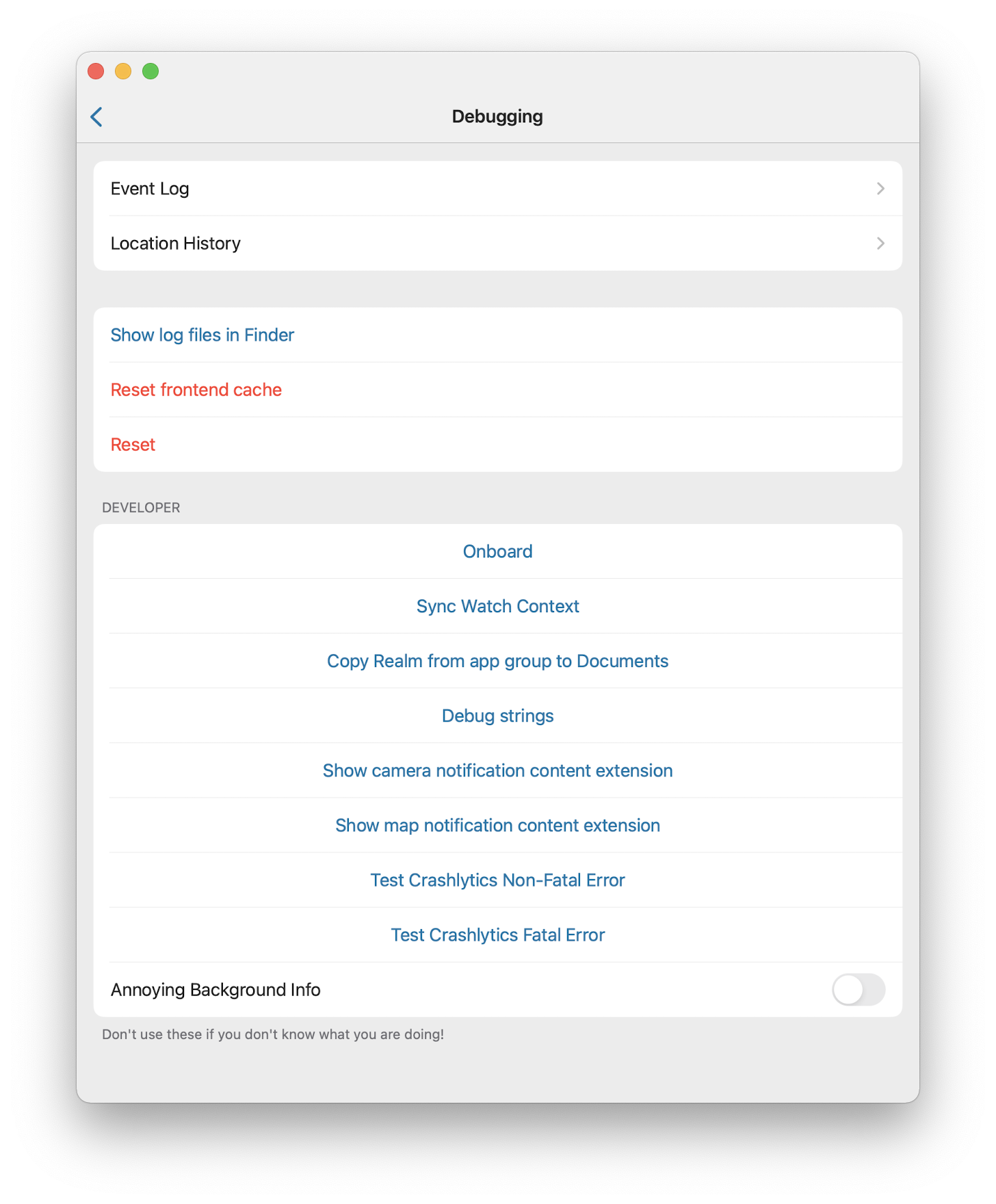
| Light | Dark |
| -- | -- |
|  |  |
## Any other notes
- Users who have changed _any_ privacy setting have all of the values persisted, but users who have never done so will now find crash reporting and analytics disabled.
- Crash reporting being disabled explicitly prevents any communication with Sentry.
- Analytics doesn't actually do anything other than control whether error/warning logs are sent to Sentry if a crash occurs, so this doesn't really change much.
- Moves "Alerts" to under "Firebase" since it is prettier flow for them to be in that order.
- Done in response to Apple reject us (how many years since Robbie added these?!) but it's better with our ethos anyway.
## Summary
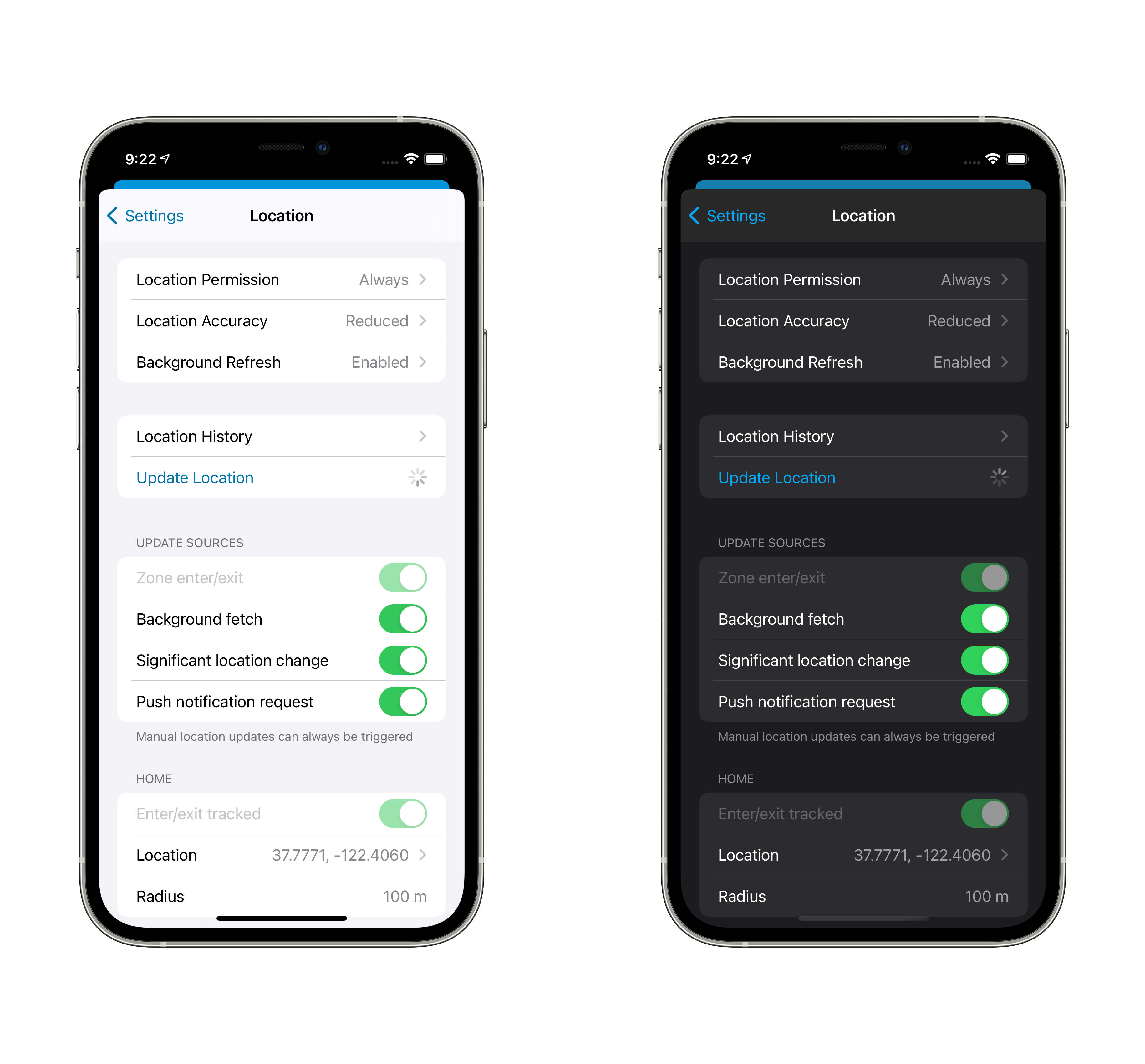
The "Significant Location Change" and "Zone enter/exit" settings for Locations' Update Sources previously did not work. This now watches both settings for changes and handles enabling or disabling their respective monitoring.

## Any other notes
- It takes a few seconds for the location-in-use arrow to disappear after disabling them.
- Users may be a little surprised if things _stop_ working, since they may have toggled these off for some reason in the past.
Refs home-assistant/frontend#8192.
## Summary
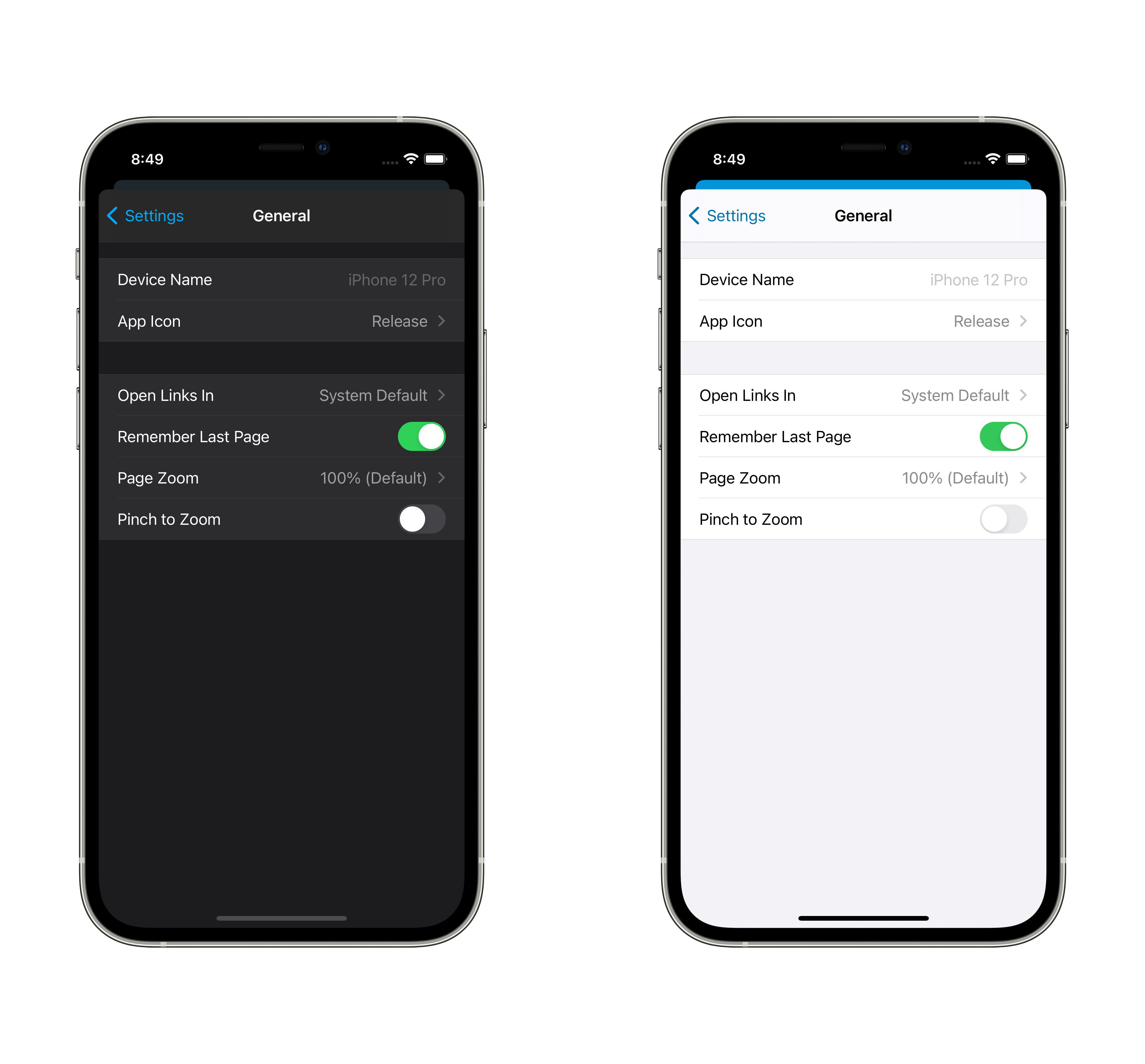
When enabled, pinch to zoom is allowed in the frontend. When disabled, which is the default, it is not allowed. This does not respect what the frontend sends for the values of `minimum-scale`, `maximum-scale` and `user-scalable` and instead overrides them.
## Screenshots
## Any other notes
In home-assistant/frontend#7180, the frontend was changed to enable pinch to zoom in the app by removing the `user-scalable` flag. Browsers ignore this flag, but our UI is meant to feel like an app, not like a webpage. The accessibility part of the argument doesn't mirror iOS accessibility: dynamic type is how the system behaves and it doesn't scale elements like navigation or tab bars. To achieve an iOS-like accessibility experience, we have a setting to adjust only the text size in the frontend.
But we are not in total control over the contents of the users' dashboards or pages. There's layout and design choices that users may make which inherently don't work well on mobile without zooming on non-text elements, including other webapps. I believe this is a rare enough that disabled as a default is acceptable, but also common enough that the preference itself existing is worthwhile.
This works in all versions of iOS that we support, iOS 12 and above.
Adds new fastlane lanes:
- `fastlane lint` which checks the linters
- `fastlane autocorrect` which applies the linters which can autocorrect (Rubocop, SwiftFormat)

Adds a build step to the Codegen abstract target which runs SwiftFormat in lint mode, pointing out what it's going to change when run.

Applies SwiftFormat to nearly all code -- exempts a few externally-sourced files and generated code.
Fixes#1397.
## Summary
Makes server version optional, returning nil when we don't know rather than a fallback version.
## Screenshots
n/a
## Link to pull request in Documentation repository
n/a
## Any other notes
Prevents an issue where we'd alert about the fallback version being old enough to have an alert, rather than the actual version which comes later. Amusingly the work I did to make sure that we'd handle app-launch-to-web-view events supporting an onboarding flow in the middle causes the alerts to be delayed until the webview loads after initial login.
Fixes#1391.
## Summary
Adds optional flag `admin_only` to the alert definition. Doesn't show them when it's set and the current user isn't an admin.
## Link to pull request in Documentation repository
n/a
Fixes#776.
- Adds a temporary request for full accuracy when pulling-to-refresh.
- Prevents delays when sending sensor updates trying to get accurate locations when accuracy isn't full; we no longer consider ourselves having location permission when accuracy isn't full.
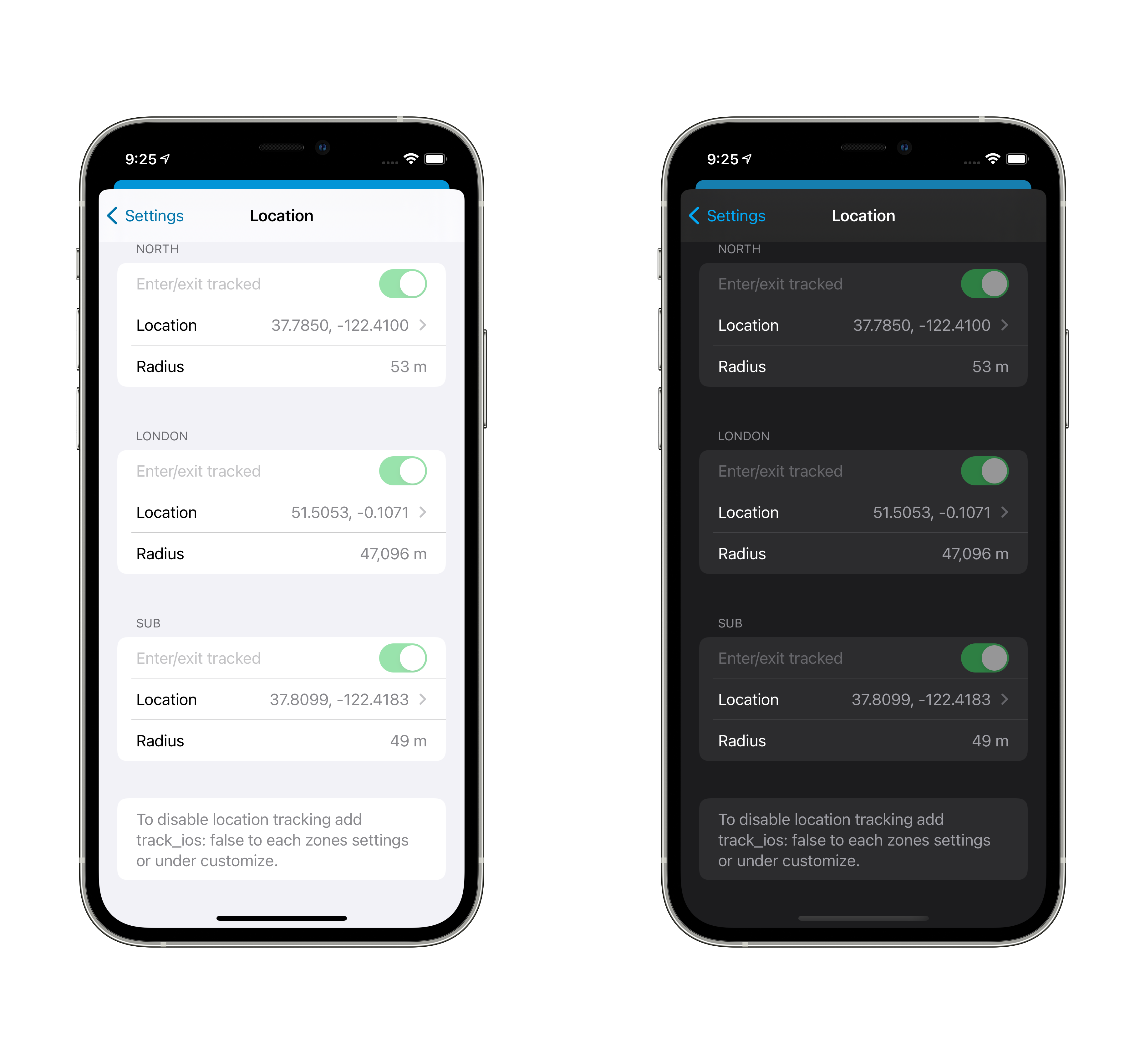
- Add "Location Accuracy" setting to Location settings, showing current state.
- Adds a warning to the Internal URL editing when accuracy isn't full, since it is required to get SSID information.
- Updates to use newer CLLocationManager "authorization changed!" methods in various places.
This moves the 'connection did change' notification from "we moved from internal to external" to "connection info changed in any way." For example, updating the connection settings will cause the WebView to immediately update, rather than requiring a pull-to-refresh.
- We now update the WebView URL and Settings "Connected Via" much more aggressively/reliably. Fixes#339.
- Comparing the 'should we reload?' for the URL now takes into account things like port being different.
This also avoids persisting/notifying ConnectionInfo changes when the values aren't changing. For example, every time we update our registration if it's just staying the same don't bother.
This is somewhat in prep of being able to make the project file generated, but also just organizes things into more concrete directory structures.

This pulls out _all_ of the build settings from the root level, and most from the target level, into xcconfigs.

The new directory structure looks like:

- Sources
  - App
    - (everything from HomeAssistant/)
  - WatchApp
  - Shared
  - MacBridge
  - Extensions
    - Intents
    - NotificationContent
    - NotificationService
    - Share
    - Today
    - Watch
    - Widgets
- Tests
  - App
  - UI
  - Shared

Somewhat intentionally, the file structure under these is not yet standardized/organized.

The project targets are now:

- App
- WatchApp
- Shared-iOS
- Shared-watchOS
- MacBridge
- Tests-App
- Tests-UI
- Tests-Shared
- Extension-Intents
- Extension-NotificationContent
- Extension-NotificationService
- Extension-Share
- Extension-Today
- Extension-Widget
- WatchExtension-Watch

This does not yet clean up resources vs. sources, nor does it handle some of the "it's in Sources/App but it's part of Shared" crossover directory issues.