<!-- Thank you for submitting a Pull Request and helping to improve Home
Assistant. Please complete the following sections to help the processing
and review of your changes. Please do not delete anything from this
template. -->

## Summary
<!-- Provide a brief summary of the changes you have made and most
importantly what they aim to achieve -->
Subscribe only to domains that the app has usage for, so we dont keep
getting state updates for entities the app has no feature related to
that.

Pending: https://github.com/home-assistant/HAKit/pull/67

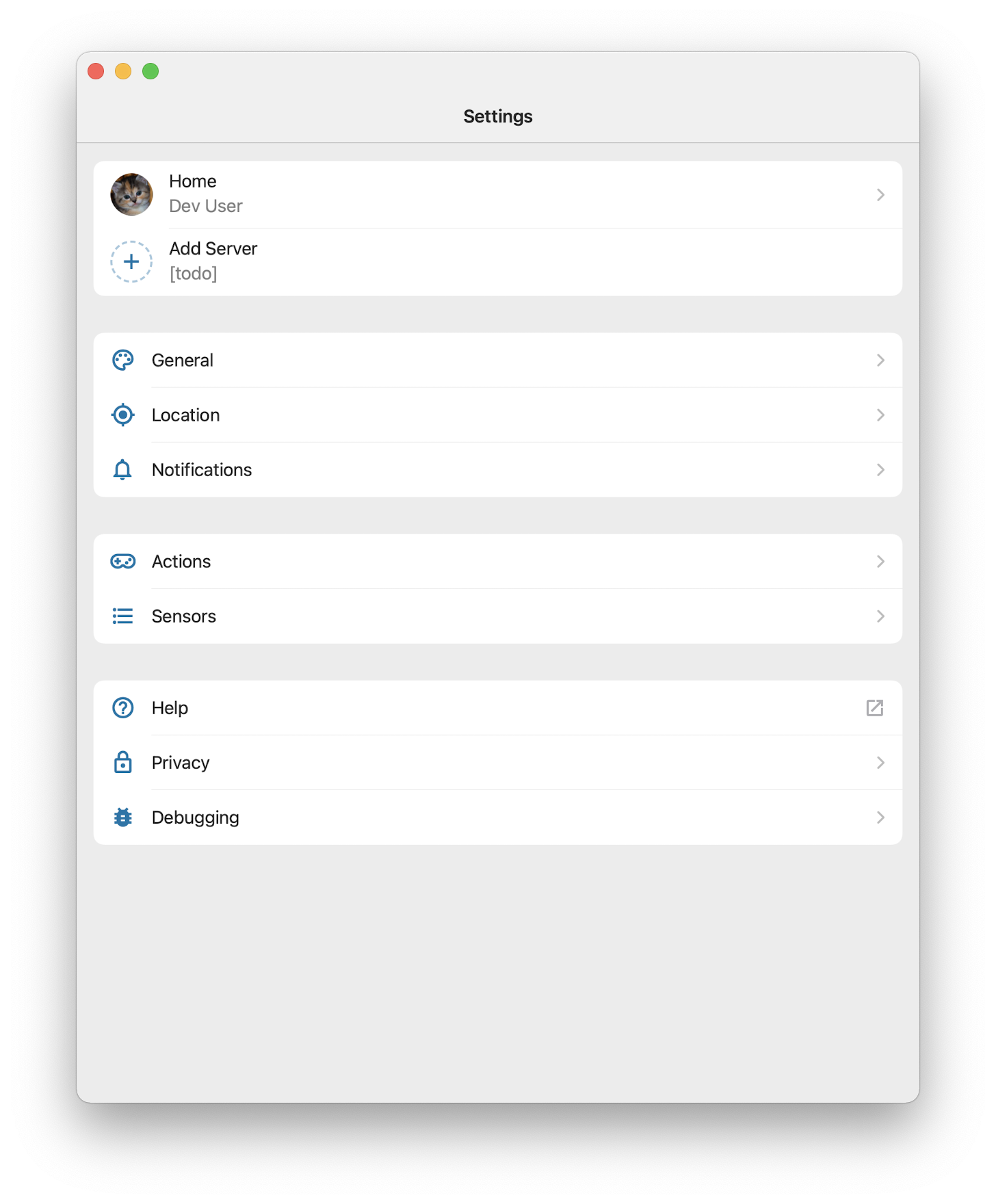
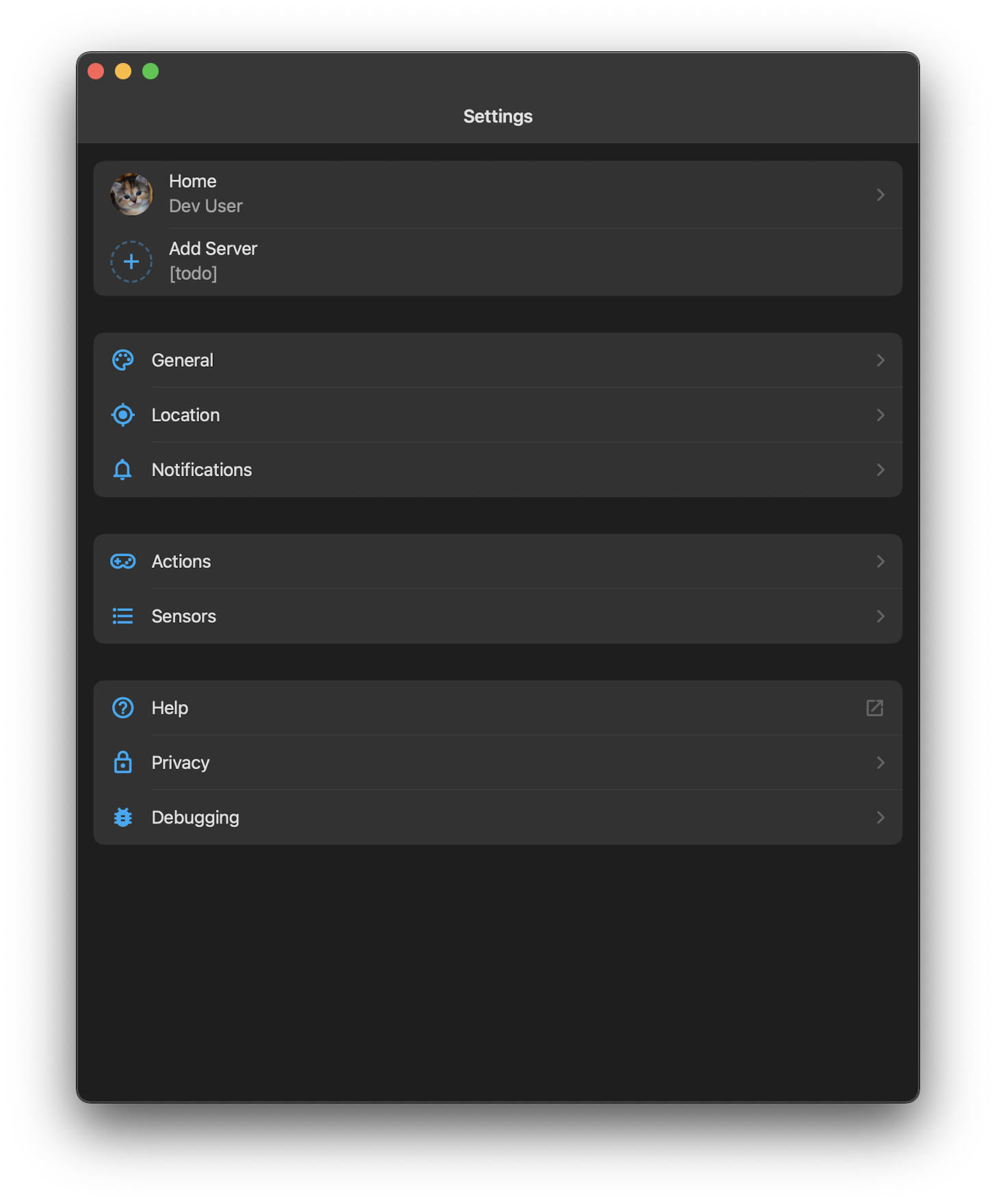
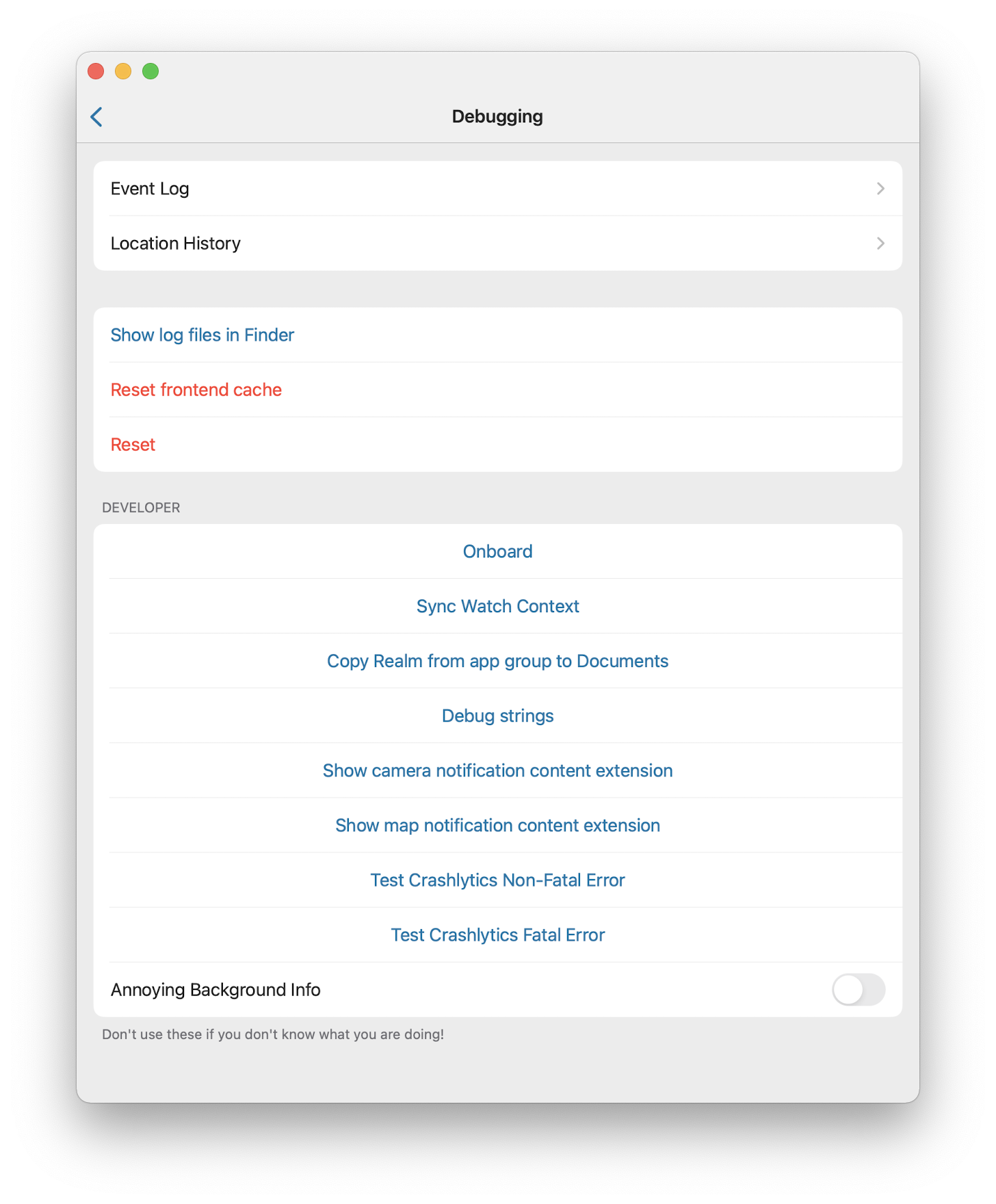
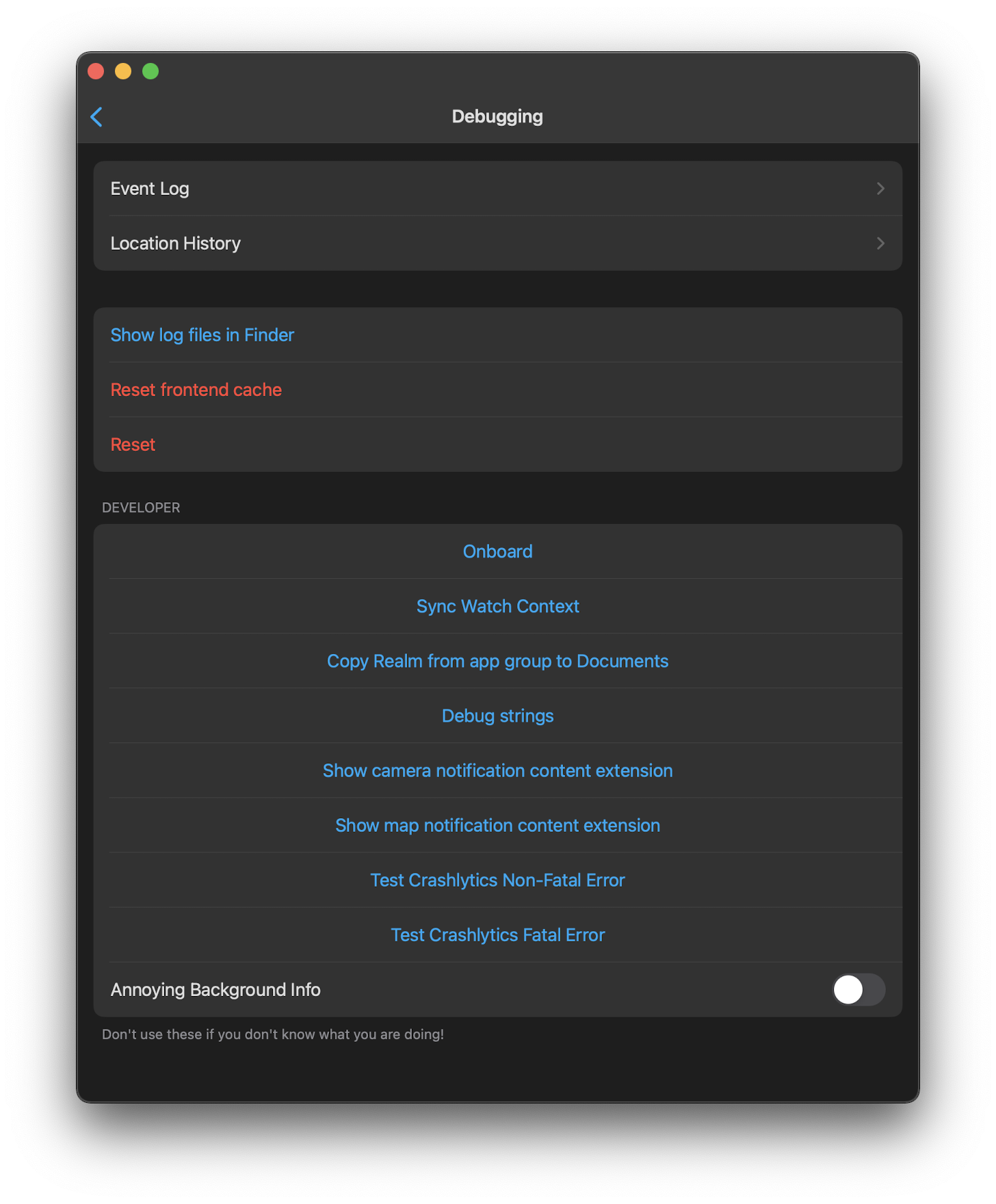
## Screenshots
<!-- If this is a user-facing change not in the frontend, please include
screenshots in light and dark mode. -->

## Link to pull request in Documentation repository
<!-- Pull requests that add, change or remove functionality must have a
corresponding pull request in the Companion App Documentation repository
(https://github.com/home-assistant/companion.home-assistant). Please add
the number of this pull request after the "#" -->
Documentation: home-assistant/companion.home-assistant#

## Any other notes
<!-- If there is any other information of note, like if this Pull
Request is part of a bigger change, please include it here. -->
<!-- Thank you for submitting a Pull Request and helping to improve Home
Assistant. Please complete the following sections to help the processing
and review of your changes. Please do not delete anything from this
template. -->

## Summary
<!-- Provide a brief summary of the changes you have made and most
importantly what they aim to achieve -->

## Screenshots
<!-- If this is a user-facing change not in the frontend, please include
screenshots in light and dark mode. -->

## Link to pull request in Documentation repository
<!-- Pull requests that add, change or remove functionality must have a
corresponding pull request in the Companion App Documentation repository
(https://github.com/home-assistant/companion.home-assistant). Please add
the number of this pull request after the "#" -->
Documentation: home-assistant/companion.home-assistant#

## Any other notes
<!-- If there is any other information of note, like if this Pull
Request is part of a bigger change, please include it here. -->
<!-- Thank you for submitting a Pull Request and helping to improve Home
Assistant. Please complete the following sections to help the processing
and review of your changes. Please do not delete anything from this
template. -->
## Summary
<!-- Provide a brief summary of the changes you have made and most
importantly what they aim to achieve -->
## Screenshots
<!-- If this is a user-facing change not in the frontend, please include
screenshots in light and dark mode. -->

## Link to pull request in Documentation repository
<!-- Pull requests that add, change or remove functionality must have a
corresponding pull request in the Companion App Documentation repository
(https://github.com/home-assistant/companion.home-assistant). Please add
the number of this pull request after the "#" -->
Documentation: home-assistant/companion.home-assistant#
## Any other notes
<!-- If there is any other information of note, like if this Pull
Request is part of a bigger change, please include it here. -->
<!-- Thank you for submitting a Pull Request and helping to improve Home
Assistant. Please complete the following sections to help the processing
and review of your changes. Please do not delete anything from this
template. -->
## Summary
<!-- Provide a brief summary of the changes you have made and most
importantly what they aim to achieve -->
- Create watch home from iPhone
- Configure Assist for watch from iPhone
- Deprecate message for iOS Actions
- Use Scripts or Scenes directly
- Show/Hide Assist in Apple Watch
- Options to require confirmation before running watch item
(script/scene/action)
## Screenshots
<!-- If this is a user-facing change not in the frontend, please include
screenshots in light and dark mode. -->

https://github.com/user-attachments/assets/1e4509f8-45e5-4b39-bfdc-62f9bce64617
## Link to pull request in Documentation repository
<!-- Pull requests that add, change or remove functionality must have a
corresponding pull request in the Companion App Documentation repository
(https://github.com/home-assistant/companion.home-assistant). Please add
the number of this pull request after the "#" -->
Documentation: home-assistant/companion.home-assistant#
## Any other notes
<!-- If there is any other information of note, like if this Pull
Request is part of a bigger change, please include it here. -->
<!-- Thank you for submitting a Pull Request and helping to improve Home
Assistant. Please complete the following sections to help the processing
and review of your changes. Please do not delete anything from this
template. -->

## Summary
<!-- Provide a brief summary of the changes you have made and most
importantly what they aim to achieve -->
Pending:
- Allow color customisation
- Choose to receive or not notification confirmation

## Screenshots
<!-- If this is a user-facing change not in the frontend, please include
screenshots in light and dark mode. -->

## Link to pull request in Documentation repository
<!-- Pull requests that add, change or remove functionality must have a
corresponding pull request in the Companion App Documentation repository
(https://github.com/home-assistant/companion.home-assistant). Please add
the number of this pull request after the "#" -->
Documentation: home-assistant/companion.home-assistant#

## Any other notes
<!-- If there is any other information of note, like if this Pull
Request is part of a bigger change, please include it here. -->
## Summary
Swift lint and swiftformat are outdated. This PR does update those +
applies the new formatting form swiftformat.
There is 1 swift file with a manual change:
`Sources/Vehicle/Templates/Areas/CarPlayAreasViewModel.swift`. This is
done because `swiftlint` did create the following swiftlint error:
`error: Cyclomatic Complexity Violation: Function should have complexity
10 or less; currently complexity is 11 (cyclomatic_complexity)`.

Because it does change a lot of files the question is if we want to
finetune the `swiftformat` rules.

## Screenshots
No user facing changes.

## Link to pull request in Documentation repository
NA

## Any other notes
NA
<!-- Thank you for submitting a Pull Request and helping to improve Home
Assistant. Please complete the following sections to help the processing
and review of your changes. Please do not delete anything from this
template. -->

## Summary
<!-- Provide a brief summary of the changes you have made and most
importantly what they aim to achieve -->
Add QR code scanner that can be triggered from HA and receive result
response
## Screenshots
<!-- If this is a user-facing change not in the frontend, please include
screenshots in light and dark mode. -->


https://github.com/home-assistant/iOS/assets/5808343/0e4d4f18-7507-44f2-8844-e701448943dd


## Link to pull request in Documentation repository
<!-- Pull requests that add, change or remove functionality must have a
corresponding pull request in the Companion App Documentation repository
(https://github.com/home-assistant/companion.home-assistant). Please add
the number of this pull request after the "#" -->
Documentation: home-assistant/companion.home-assistant#

## Any other notes
<!-- If there is any other information of note, like if this Pull
Request is part of a bigger change, please include it here. -->
Fixes#1801 by working around the Apple bug.
Refs home-assistant/frontend#10819.
Requires core-2021.12.0b6 or newer.
## Summary
When the app has been in the background for a while without executing, reset the WebSocket connection in the WebView when execution begins again.
Also implements the new `theme-update` external bus command since it will log as an unhandled message. This likely means we're over-updating theme colors, but that is relatively cheap to do and doesn't cause harm.
## Any other notes
This works around a bug in NSURLSession's WebSocket implementation -- which WKWebView moved to in iOS 15 -- where it cannot reliably detect network connectivity failures due to extended backgrounding. Eventually it'll get a "connection reset by peer" or other error, but in the meantime it reports itself as still connected, thus leaving our WebView thinking it's connected but anything sent isn't sent and nothing is received.
- Updates several dependencies
- Removes Lokalise -- if we can't do it on Catalyst, it doesn't feel worth it to do it elsewhere
- Migrates the NotificationTestCases from a Podspec that keeps having issues to a fastlane script which copies in the latest ones
## Summary
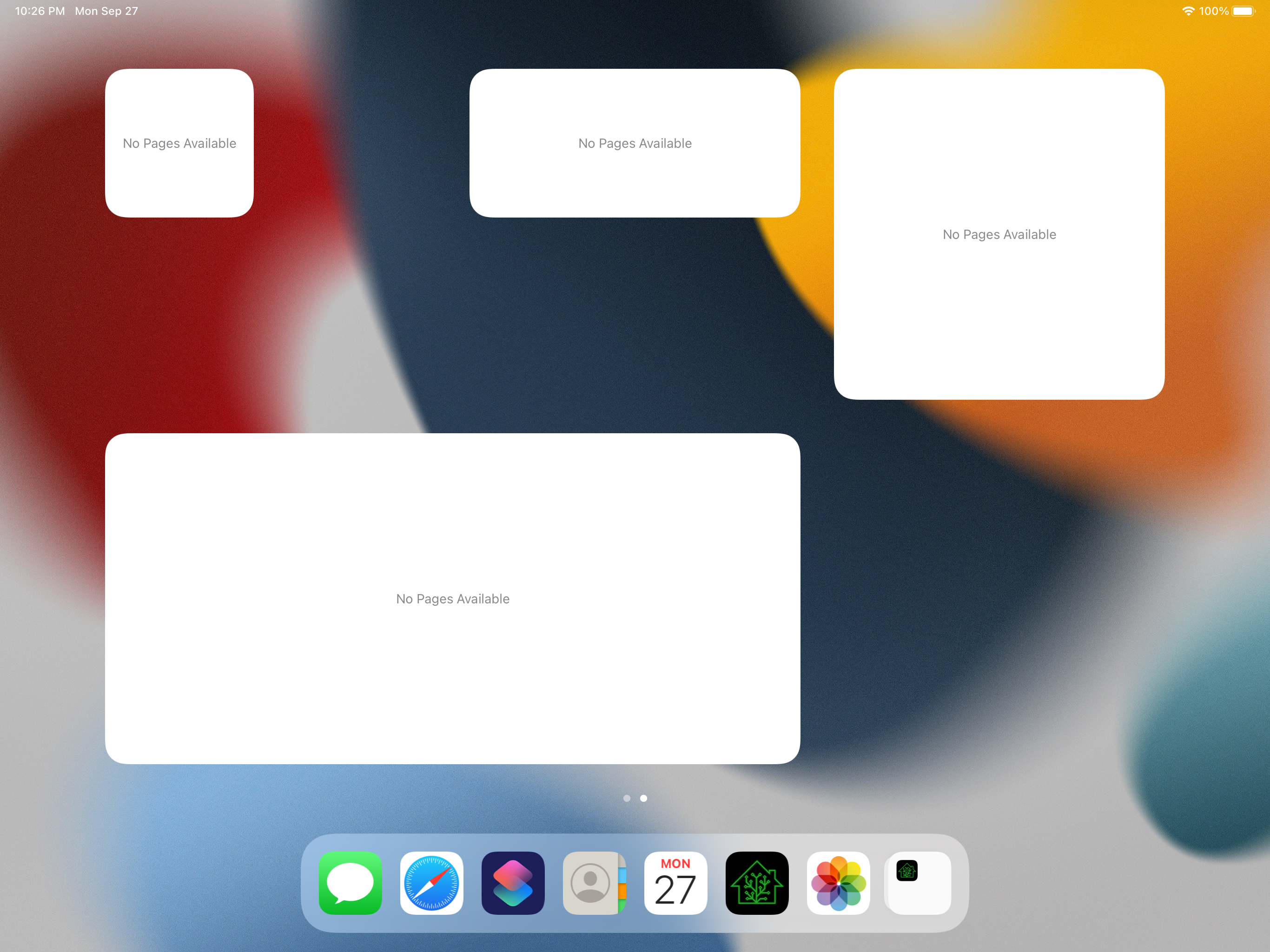
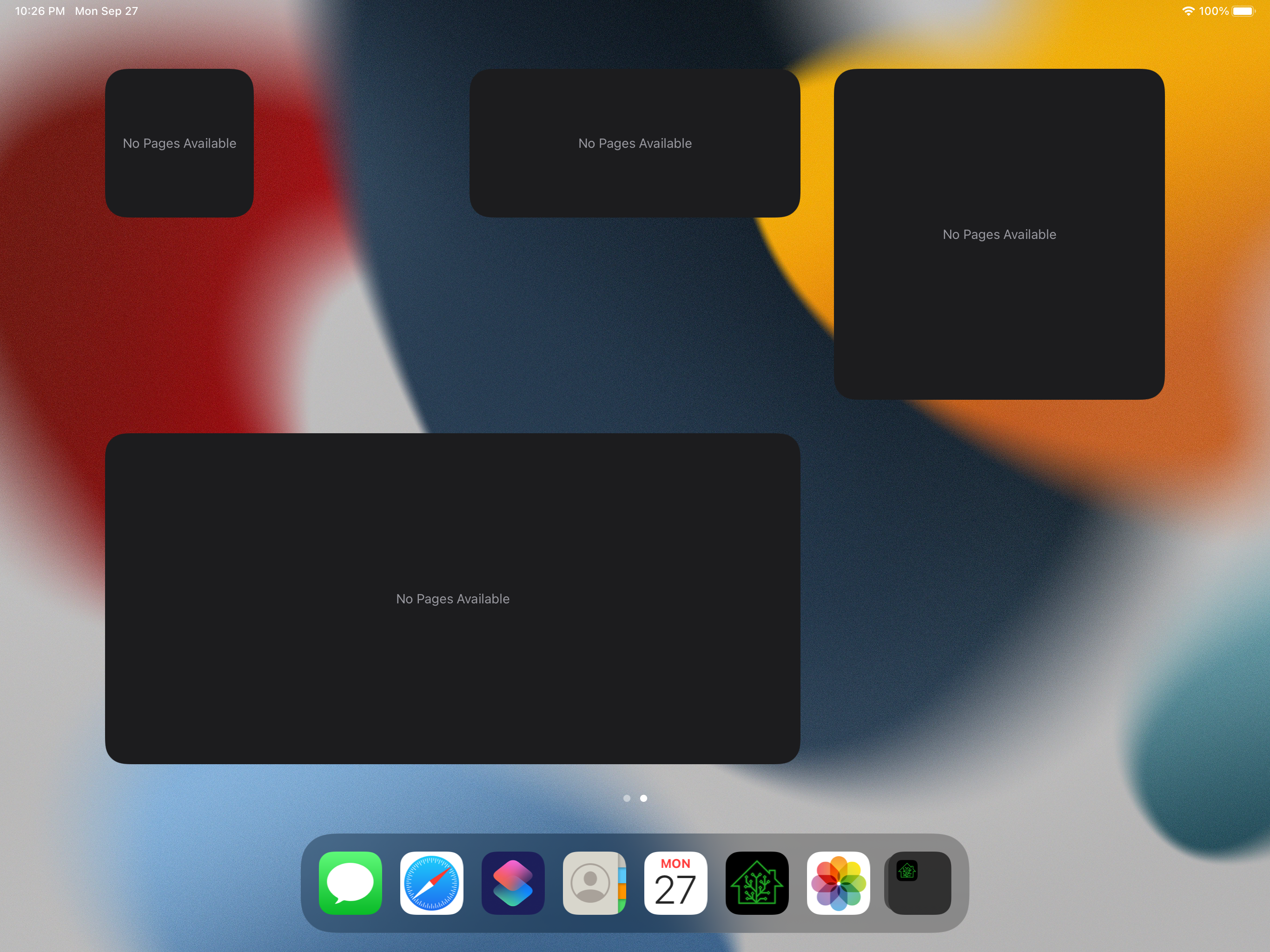
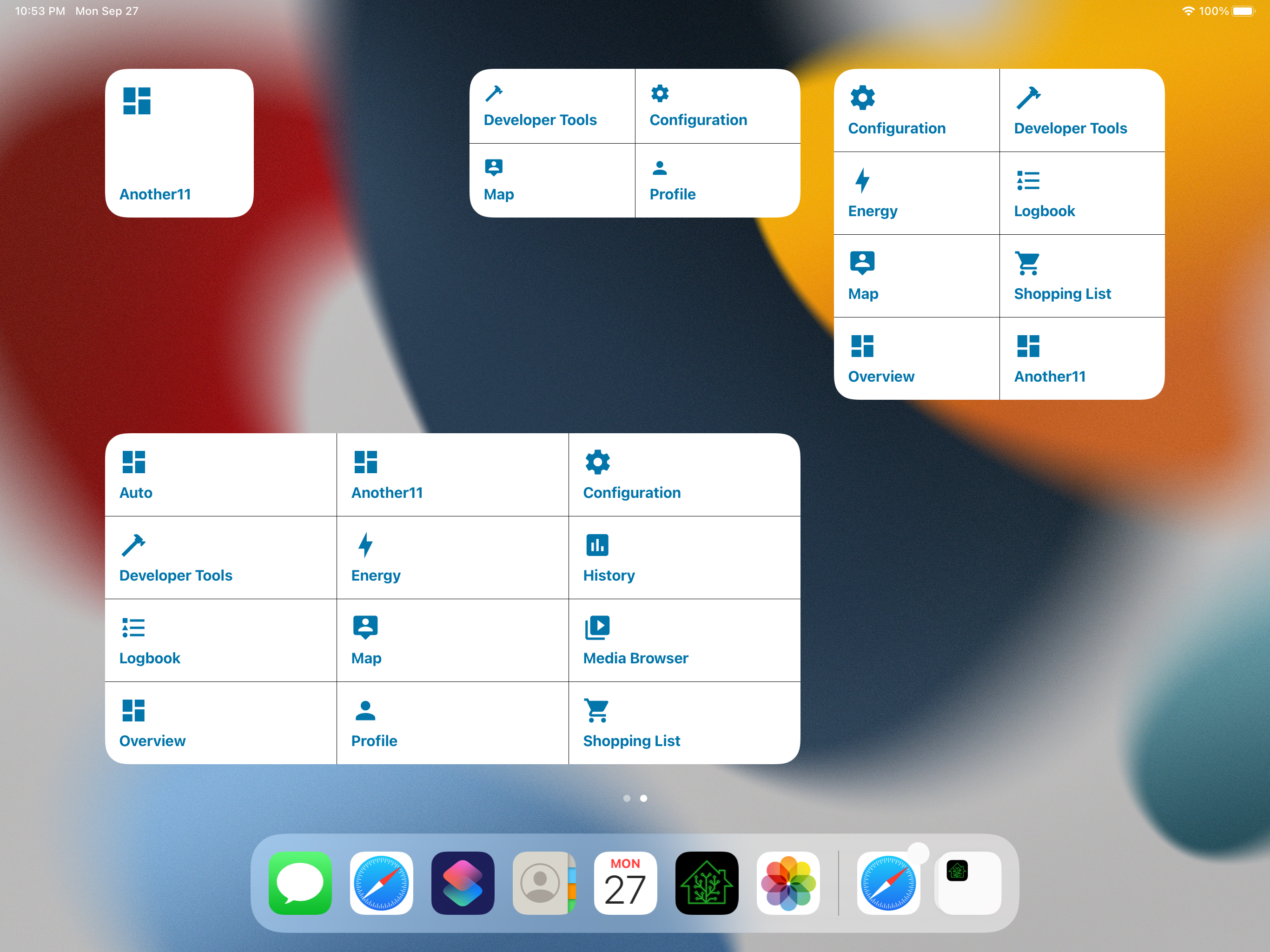
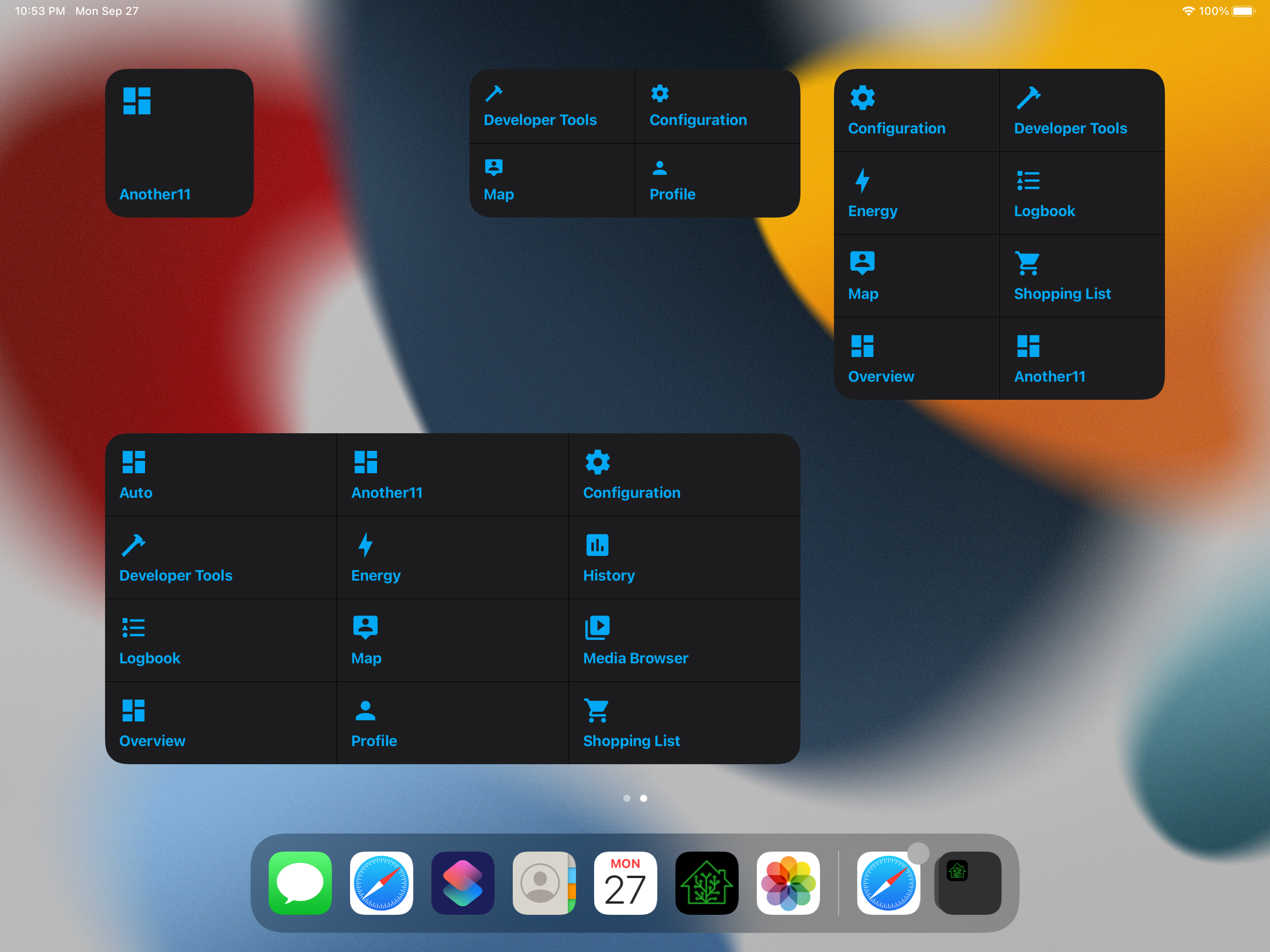
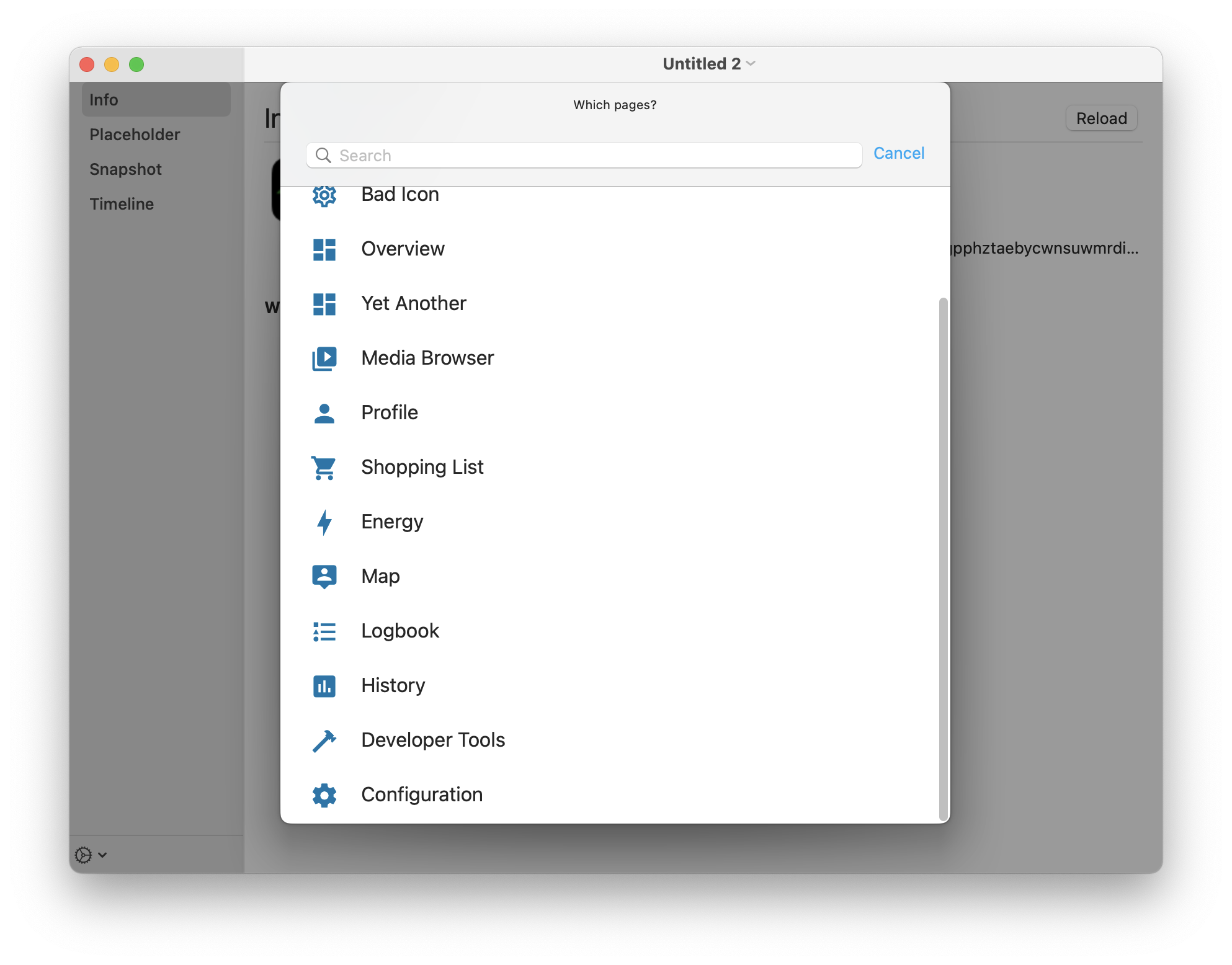
- Fixes e.g. HACS (which is `hacs:hacs`) icons showing the A/B icon. We now fall back to the outline cog.
- Hide panels without the "show in sidebar" option. We get them in the response, but e.g. the title is incorrect.
- Changes sort order in the automatic version to more closely align with the frontend.
- Fixes a case where chosen panels in the past would fail to be updated due to being at the tail end of the array in the API response, due to truncating to widget size _before_ updating.
## Screenshots
Adds new fastlane lanes:
- `fastlane lint` which checks the linters
- `fastlane autocorrect` which applies the linters which can autocorrect (Rubocop, SwiftFormat)

Adds a build step to the Codegen abstract target which runs SwiftFormat in lint mode, pointing out what it's going to change when run.

Applies SwiftFormat to nearly all code -- exempts a few externally-sourced files and generated code.
Fixes#1391.
## Summary
Adds optional flag `admin_only` to the alert definition. Doesn't show them when it's set and the current user isn't an admin.
## Link to pull request in Documentation repository
n/a
This is somewhat in prep of being able to make the project file generated, but also just organizes things into more concrete directory structures.

This pulls out _all_ of the build settings from the root level, and most from the target level, into xcconfigs.

The new directory structure looks like:

- Sources
  - App
    - (everything from HomeAssistant/)
  - WatchApp
  - Shared
  - MacBridge
  - Extensions
    - Intents
    - NotificationContent
    - NotificationService
    - Share
    - Today
    - Watch
    - Widgets
- Tests
  - App
  - UI
  - Shared

Somewhat intentionally, the file structure under these is not yet standardized/organized.

The project targets are now:

- App
- WatchApp
- Shared-iOS
- Shared-watchOS
- MacBridge
- Tests-App
- Tests-UI
- Tests-Shared
- Extension-Intents
- Extension-NotificationContent
- Extension-NotificationService
- Extension-Share
- Extension-Today
- Extension-Widget
- WatchExtension-Watch

This does not yet clean up resources vs. sources, nor does it handle some of the "it's in Sources/App but it's part of Shared" crossover directory issues.