<!-- Thank you for submitting a Pull Request and helping to improve Home
Assistant. Please complete the following sections to help the processing
and review of your changes. Please do not delete anything from this
template. -->

## Summary
<!-- Provide a brief summary of the changes you have made and most
importantly what they aim to achieve -->

- `static let` plays nicely with modern Swift concurrency (async/await)
- `static let` makes it impossible to mutate the values - causing
undefined behavior in some cases
## Summary
Swift lint and swiftformat are outdated. This PR does update those +
applies the new formatting form swiftformat.
There is 1 swift file with a manual change:
`Sources/Vehicle/Templates/Areas/CarPlayAreasViewModel.swift`. This is
done because `swiftlint` did create the following swiftlint error:
`error: Cyclomatic Complexity Violation: Function should have complexity
10 or less; currently complexity is 11 (cyclomatic_complexity)`.

Because it does change a lot of files the question is if we want to
finetune the `swiftformat` rules.

## Screenshots
No user facing changes.

## Link to pull request in Documentation repository
NA

## Any other notes
NA
## Summary
Instead of showing "iPad" we now show the correct name again.

## Any other notes
`UIDevice.current.name` on Catalyst incorrectly protects the computer
name behind an entitlement which isn't granted on Mac (we have it on
other platforms). Since Mac doesn't have this entitlement, bridge to
AppKit land and grab the value from there.
## Summary
Accessing the NSStatusBar in an extension causes a crash; this avoids calling it in extensions. We also should not be touching the status bar in an extension either way.

## Any other notes
Didn't show up during the betas, nor does it show up in Sentry. I'm guessing it's crashing so early in the MacBridge code that it doesn't have an opportunity to deal with crash logs.

Crashes look like:

```
Crashed Thread:        0  Dispatch queue: com.apple.main-thread

Exception Type:        EXC_CRASH (SIGABRT)
Exception Codes:       0x0000000000000000, 0x0000000000000000
Exception Note:        EXC_CORPSE_NOTIFY

Application Specific Information:
Assertion failed: (CGAtomicGet(&is_initialized)), function CGSConnectionByID, file /AppleInternal/BuildRoot/Library/Caches/com.apple.xbs/Sources/SkyLight/SkyLight-570.7/SkyLight/Services/Connection/CGSConnection.mm, line 133.


Thread 0 Crashed:: Dispatch queue: com.apple.main-thread
0   libsystem_kernel.dylib        	0x00007fff20504462 __pthread_kill + 10
1   libsystem_pthread.dylib       	0x00007fff20532610 pthread_kill + 263
2   libsystem_c.dylib             	0x00007fff20485720 abort + 120
3   libsystem_c.dylib             	0x00007fff204849d6 __assert_rtn + 314
4   com.apple.SkyLight            	0x00007fff24dad771 CGSConnectionByID + 423
5   com.apple.SkyLight            	0x00007fff24f9f58a SLSRegisterConnectionNotifyProc + 31
6   com.apple.AppKit              	0x00007fff236a476c +[NSCGSStatusItem addNavigationChangedNotificationHandler:] + 121
7   com.apple.AppKit              	0x00007fff230fe170 -[NSStatusBar init] + 202
8   com.apple.Foundation          	0x00007fff2136104c _NSFaultInObject + 27
9   io.robbie.HomeAssistant.dev.MacBridge	0x0000000107090389 MacBridgeStatusItem.init() + 105 (MacBridgeStatusItem.swift:4)
10  io.robbie.HomeAssistant.dev.MacBridge	0x0000000107090973 @objc MacBridgeStatusItem.init() + 19
11  io.robbie.HomeAssistant.dev.MacBridge	0x000000010709031b MacBridgeStatusItem.__allocating_init() + 27
12  io.robbie.HomeAssistant.dev.MacBridge	0x000000010709a295 MacBridgeImpl.init() + 213 (MacBridgeImpl.swift:12)
13  io.robbie.HomeAssistant.dev.MacBridge	0x000000010709a383 @objc MacBridgeImpl.init() + 19
14  io.robbie.HomeAssistant.dev.Shared	0x00000001037be6d9 closure #1 in variable initialization expression of Environment.macBridge + 2073 (Environment.swift:141)
15  io.robbie.HomeAssistant.dev.Shared	0x00000001037b9ad6 Environment.init() + 2150 (Environment.swift:132)
```
Adds new fastlane lanes:
- `fastlane lint` which checks the linters
- `fastlane autocorrect` which applies the linters which can autocorrect (Rubocop, SwiftFormat)

Adds a build step to the Codegen abstract target which runs SwiftFormat in lint mode, pointing out what it's going to change when run.

Applies SwiftFormat to nearly all code -- exempts a few externally-sourced files and generated code.
## Summary
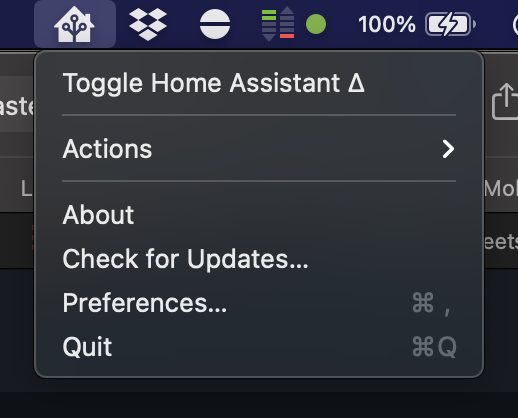
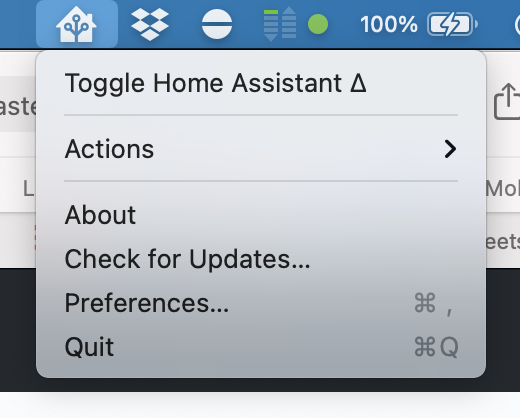
Adds a basic menu structure to the status item. This includes:

- Toggling the app (e.g. activate or deactivate)
- Performing actions
- Opening About, Checking for Updates, opening Preferences and Quitting

## Screenshots
<img width="259" alt="Screen Shot 2021-01-24 at 22 51 24" src="https://user-images.githubusercontent.com/74188/105670916-b59cf580-5e96-11eb-9143-19ac5d4af92c.png"><img width="260" alt="Screen Shot 2021-01-24 at 22 51 16" src="https://user-images.githubusercontent.com/74188/105670921-b6ce2280-5e96-11eb-9c25-eddf4bb7ae12.png">

## Any other notes
There's not a clean way to do the left/right click handling. There's a few ways, all with their own pluses and negatives:
- Calling `popUpMenu(_:)` programmatically works, but it's marked as deprecated and it's tough to get Swift to not care.
- Handling `menuWillOpen` to instead do the left-click behavior and abort the menu display.
Fixes#1383. Refs #949.
## Summary
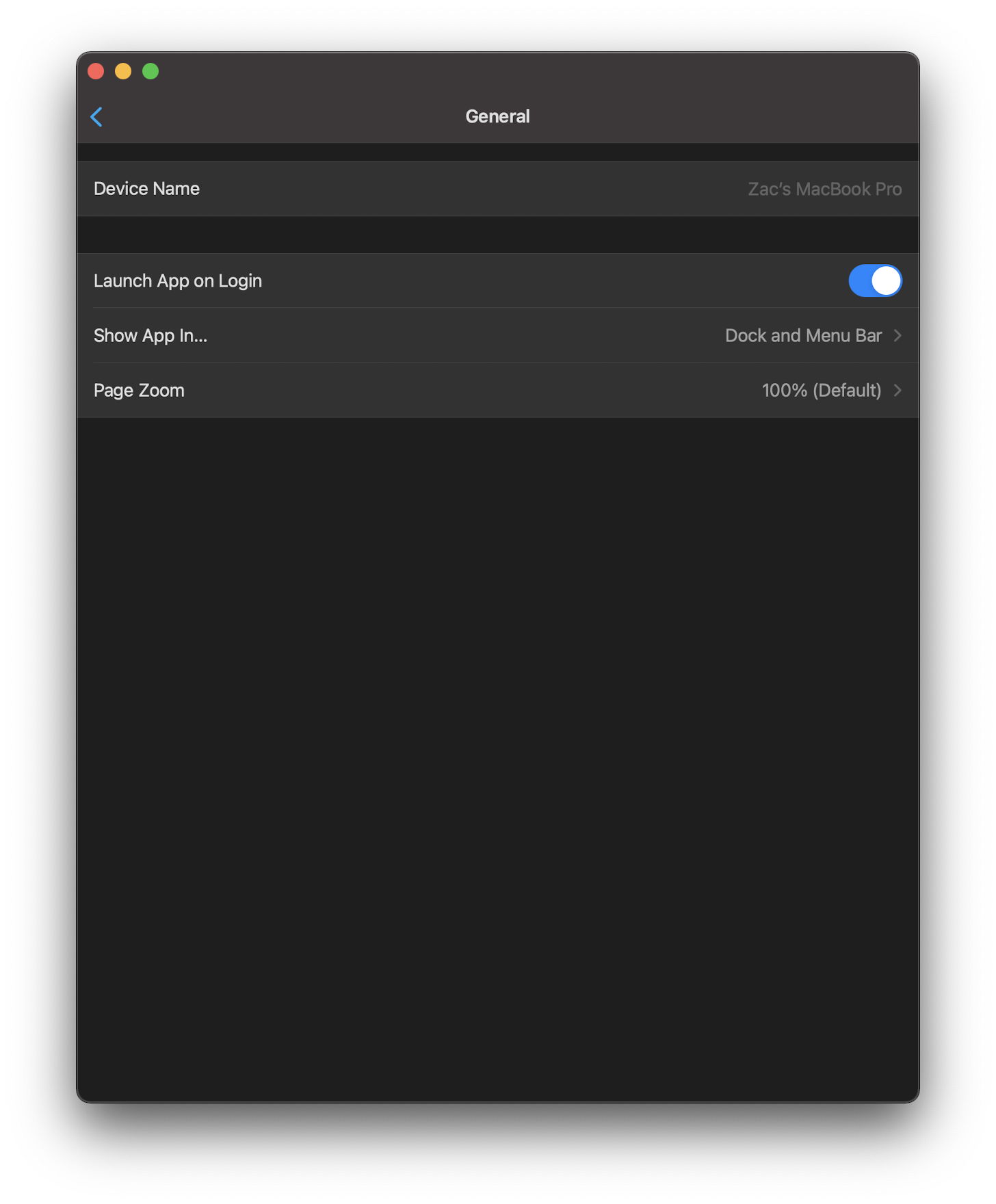
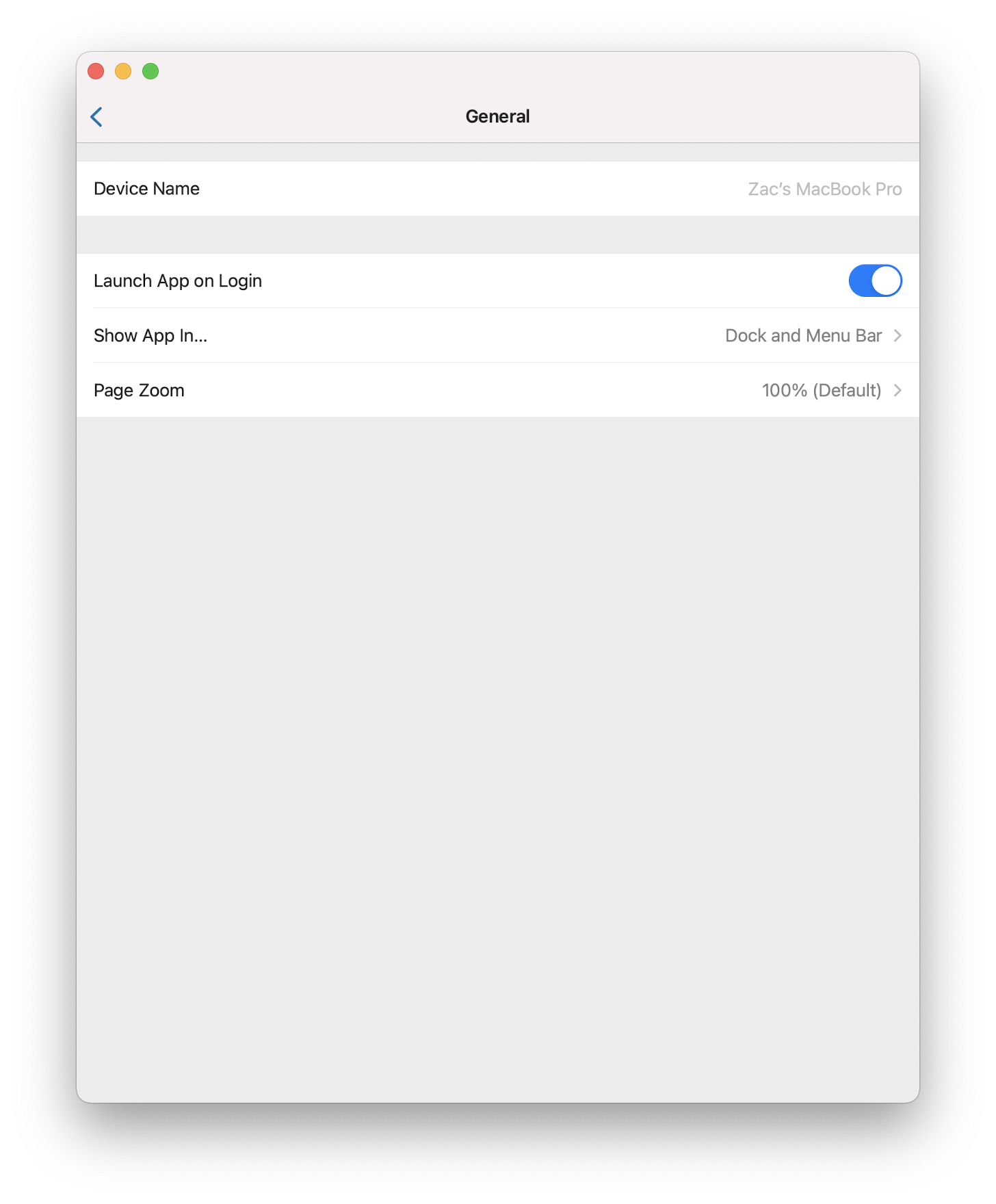
Allows the user to choose to launch the app on startup, which toggles on a login item which launches the app.
## Screenshots
<img width="350" alt="Screen Shot 2021-01-18 at 13 03 28" src="https://user-images.githubusercontent.com/74188/104962618-aa753180-598d-11eb-8711-f3b45ded80ba.png"><img width="350" alt="Screen Shot 2021-01-18 at 13 03 23" src="https://user-images.githubusercontent.com/74188/104962622-aba65e80-598d-11eb-8c76-e6ec61fe320a.png">
## Any other notes
- Effectively this setting turns on whether to launch this Launcher app on login, and then the Launcher app launches the app whenever it's started, before terminating itself.
- Routes through the Mac Bridge to call `SMLoginItemSetEnabled` which appears to have no public API counterpart to get the current status. Various places point to `SMJobIsEnabled` which doesn't appear in any headers.
- Thanks @rudyrichter for the pointer on how to get this working.
Fixes#1353.
## Summary
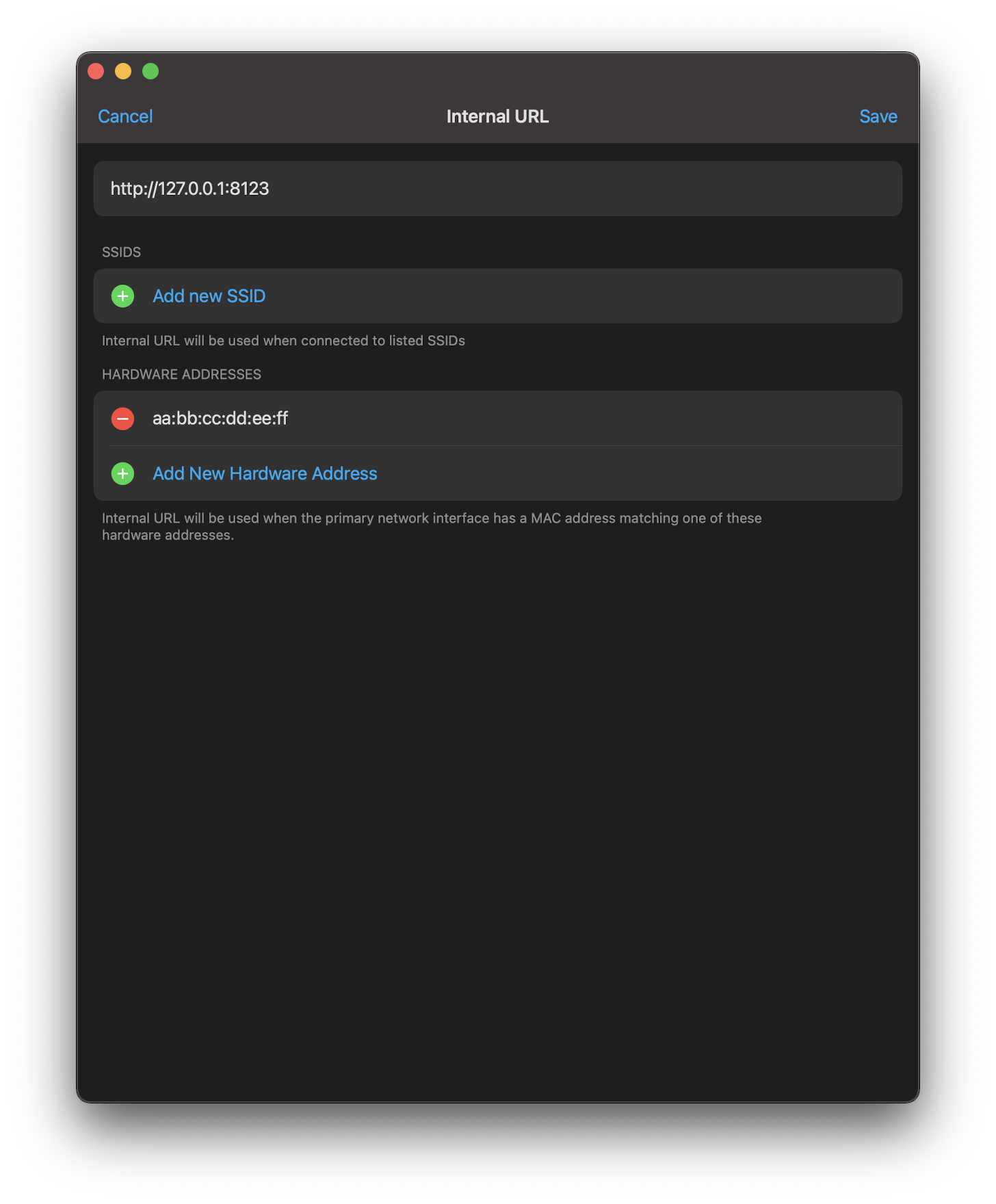
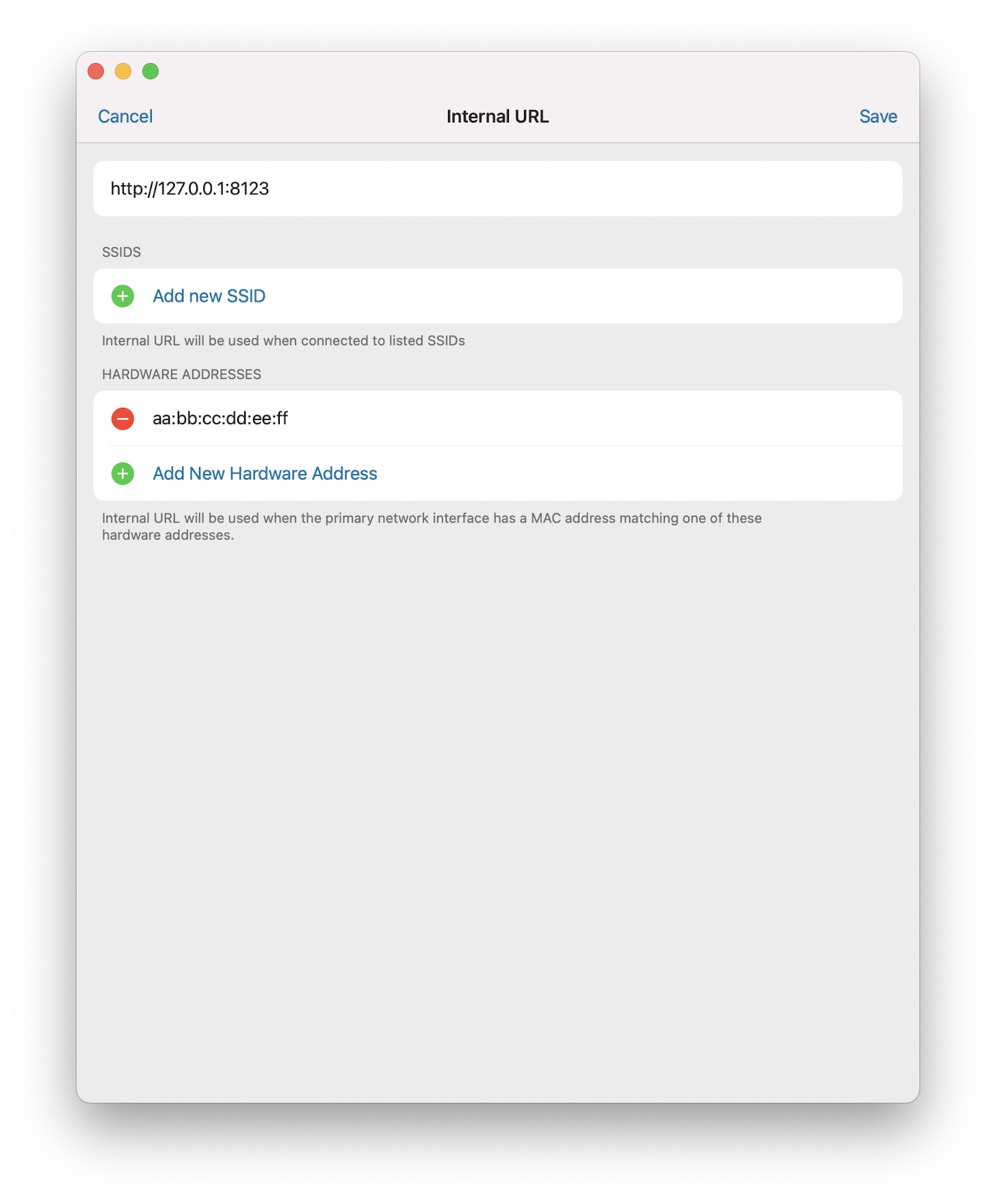
This allows you to use a docked ethernet adapter as the thing to decide whether you are currently internal. This will help hardware without Wi-Fi or with Wi-Fi disabled to use the feature.
## Screenshots
<img width="400" alt="Screen Shot 2021-01-12 at 20 26 28" src="https://user-images.githubusercontent.com/74188/104407176-df106580-5515-11eb-82a0-2b5d4eb23694.png"><img width="400" alt="Screen Shot 2021-01-12 at 20 26 23" src="https://user-images.githubusercontent.com/74188/104407181-e0da2900-5515-11eb-9c2c-773c725cb841.png">
## Link to pull request in Documentation repository
<!-- Pull requests that add, change or remove functionality must have a corresponding pull request in the Companion App Documentation repository (https://github.com/home-assistant/companion.home-assistant). Please add the number of this pull request after the "#" -->
Documentation: home-assistant/companion.home-assistant#
## Any other notes
- Removes some "is this internal?" dead code during onboarding. Probably worth doing the internal/external pull in at this point.
- Pulls some of the class method things on ConnectionInfo into the connectivity wrapper in Environment.
Fixes#977.
## Summary
Adds a sensor for the current frontmost app, also known as the current foreground or active app.
## Link to pull request in Documentation repository
Documentation: home-assistant/companion.home-assistant#425
## Any other notes
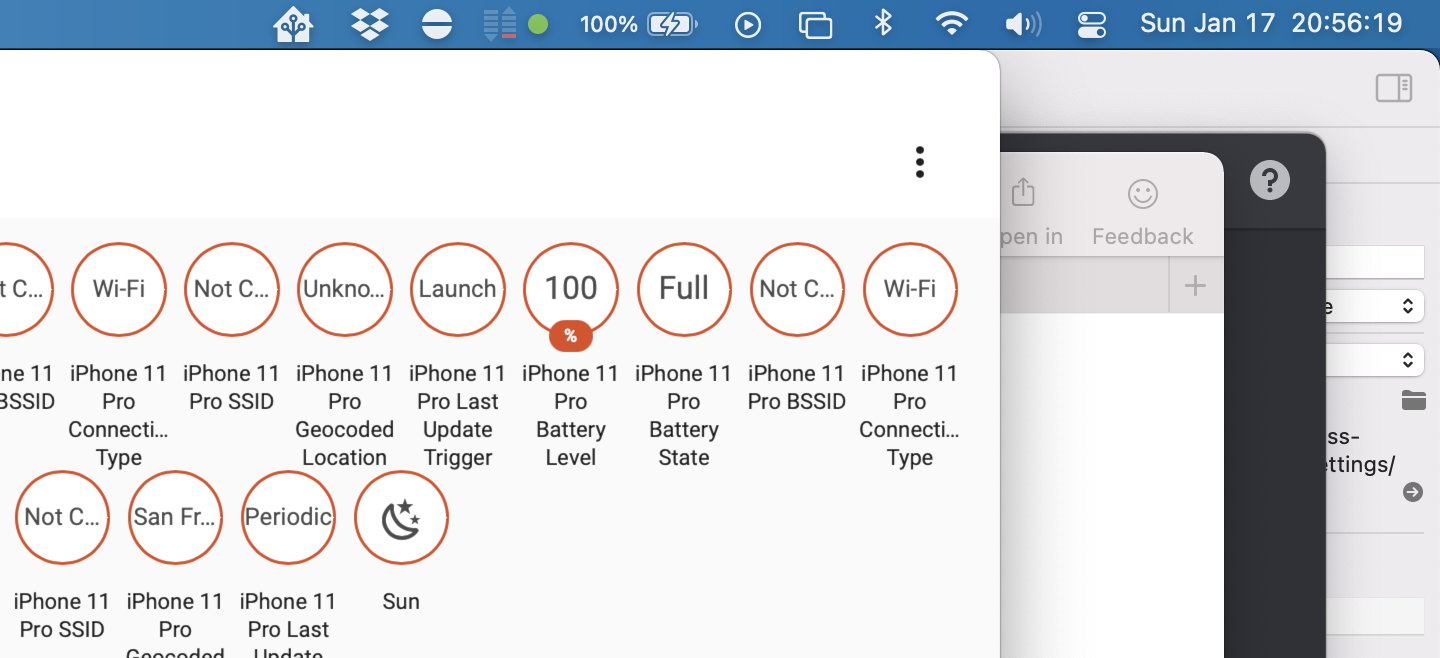
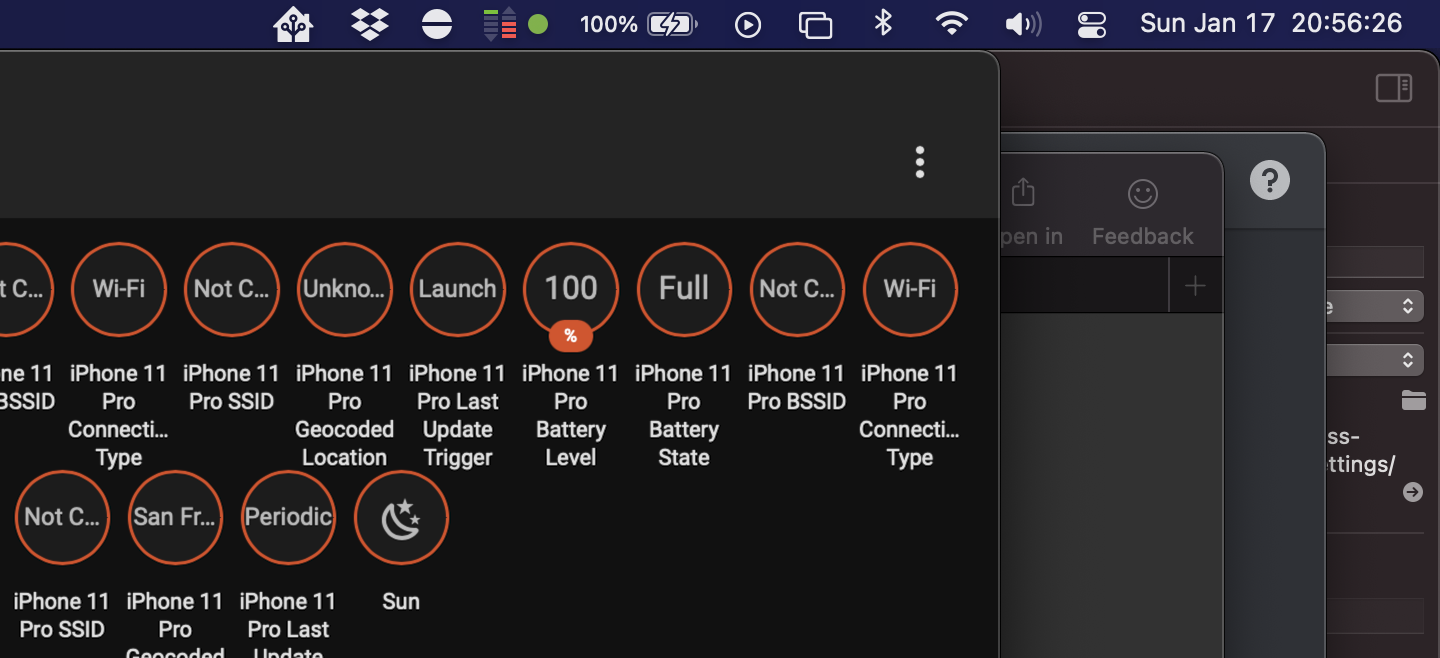
Creates `sensor.frontmost_app` which has a state of the name of the current frontmost app, or None if there isn't one. I'm really not sure how that can happen, but it's definitely possible. This updates via a signal when it changes, so it happens immediately.
Fixes#1184.
## Summary
This is the same sensor as we send up on iOS except it now bounces between No Connection, Wi-Fi and Ethernet.
## Link to pull request in Documentation repository
Documentation: home-assistant/companion.home-assistant#424
## Any other notes
- `sensor.connection_type` now has an `Ethernet` value and is set up on macOS.
- `sensor.connection_type` gains attributes on macOS: `Name` (the name of the network interface, e.g. `Wi-Fi`) and `Hardware Address` (the MAC address of the interface).
- Adds signaled updates to this (and other network) sensors.
Important to note that, although Ethernet is now added to Connection Type, the Wi-Fi sensors for SSID and BSSID will still report values if any Wi-Fi network device is connected, even if it is not the primary route.
Fixes#1247.
## Summary
Adds 3 sensors for displays: "Displays" (a count), "Primary Display Name" (the name of the display with the menu bar on it), and "Primary Display ID" (the ID of the primary).
## Link to pull request in Documentation repository
Documentation: home-assistant/companion.home-assistant#421
## Any other notes
- `sensor.displays`
- states like `0`, `1`, `2`, …
- attributes of `"Display IDs": ["id1", "id2", …]` and `"Display Names": ["name1", "name2", …]`
- `sensor.primary_display_name`
- states like `"None"`, `"Built-in Retina Display"`, etc.
- `sensor.primary_display_id`
- states like `"BE82E2E6-EA40-4963-93AD-A0BDC9D2F18F"`, `"1AB60A12-6BB3-4503-96BD-F5B481F5830E"` etc.
Fixes#1270.
Sends a webhook update with the active status as 'off' when the app is terminating. This doesn't work if, of course, the app crashes or is force quit.
In a normal Mac app, to do something when Termination is about to happen, you tell the system to hold on a sec, you do the thing, and then you tell the system you're done. Easy, right?
Well, we're a Catalyst app, so no: it definitely is not that easy. Why should we have access to an `NSApplicationDelegate` instance to do this exchange?
After quite a bit of investigation, I'm reasonably sure that `NSUIApplicationDelegate` does termination like so: if there are any existing `UIApplication` background tasks, delay termination, wait for them to complete, then complete termination.
The trick then becomes trying to get a background task started before termination starts. However, there's a problem here: the `UIApplication.willTerminateNotification` will only fire when it's about to respond to the "terminate later" with "GO!" This means we need to get in there sooner. However, there's nothing else that we can access publicly that happens sooner. In fact, there isn't even a private notification that fires for this case that we could piggyback off of, not that that's likely to be stable going forward.
One path that seemed hopeful was the `UIApplication.willResignActiveNotification` which does fire at the right time. However, it also fires when Hiding the app, so we can't use it as a "termination is gonna happen" indicator since we don't want to set active status to 'off' incorrectly.
In the end, the easiest route I could get working is to swizzle the app delegate and when we're asked whether we should do a normal termination and use this to kick off the background task. Our teed-up background task for the webhook update, live-signaled by the active status changing, both prevents the termination and does the update.
In my testing this works for every mechanism of clean termination I could think of: Quit menu item, "Quit" from Activity Monitor, system shutdown.
This is somewhat in prep of being able to make the project file generated, but also just organizes things into more concrete directory structures.

This pulls out _all_ of the build settings from the root level, and most from the target level, into xcconfigs.

The new directory structure looks like:

- Sources
  - App
    - (everything from HomeAssistant/)
  - WatchApp
  - Shared
  - MacBridge
  - Extensions
    - Intents
    - NotificationContent
    - NotificationService
    - Share
    - Today
    - Watch
    - Widgets
- Tests
  - App
  - UI
  - Shared

Somewhat intentionally, the file structure under these is not yet standardized/organized.

The project targets are now:

- App
- WatchApp
- Shared-iOS
- Shared-watchOS
- MacBridge
- Tests-App
- Tests-UI
- Tests-Shared
- Extension-Intents
- Extension-NotificationContent
- Extension-NotificationService
- Extension-Share
- Extension-Today
- Extension-Widget
- WatchExtension-Watch

This does not yet clean up resources vs. sources, nor does it handle some of the "it's in Sources/App but it's part of Shared" crossover directory issues.