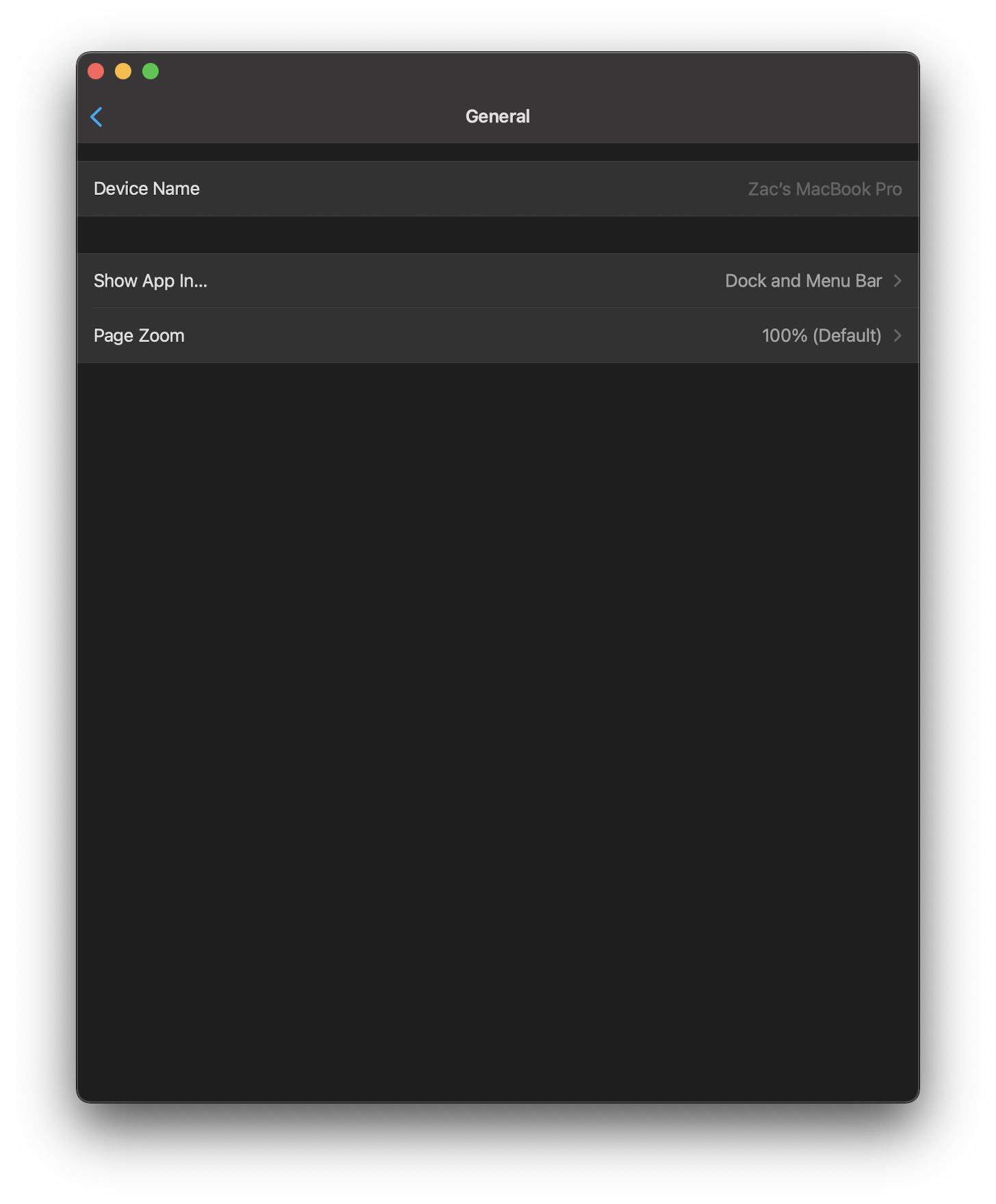
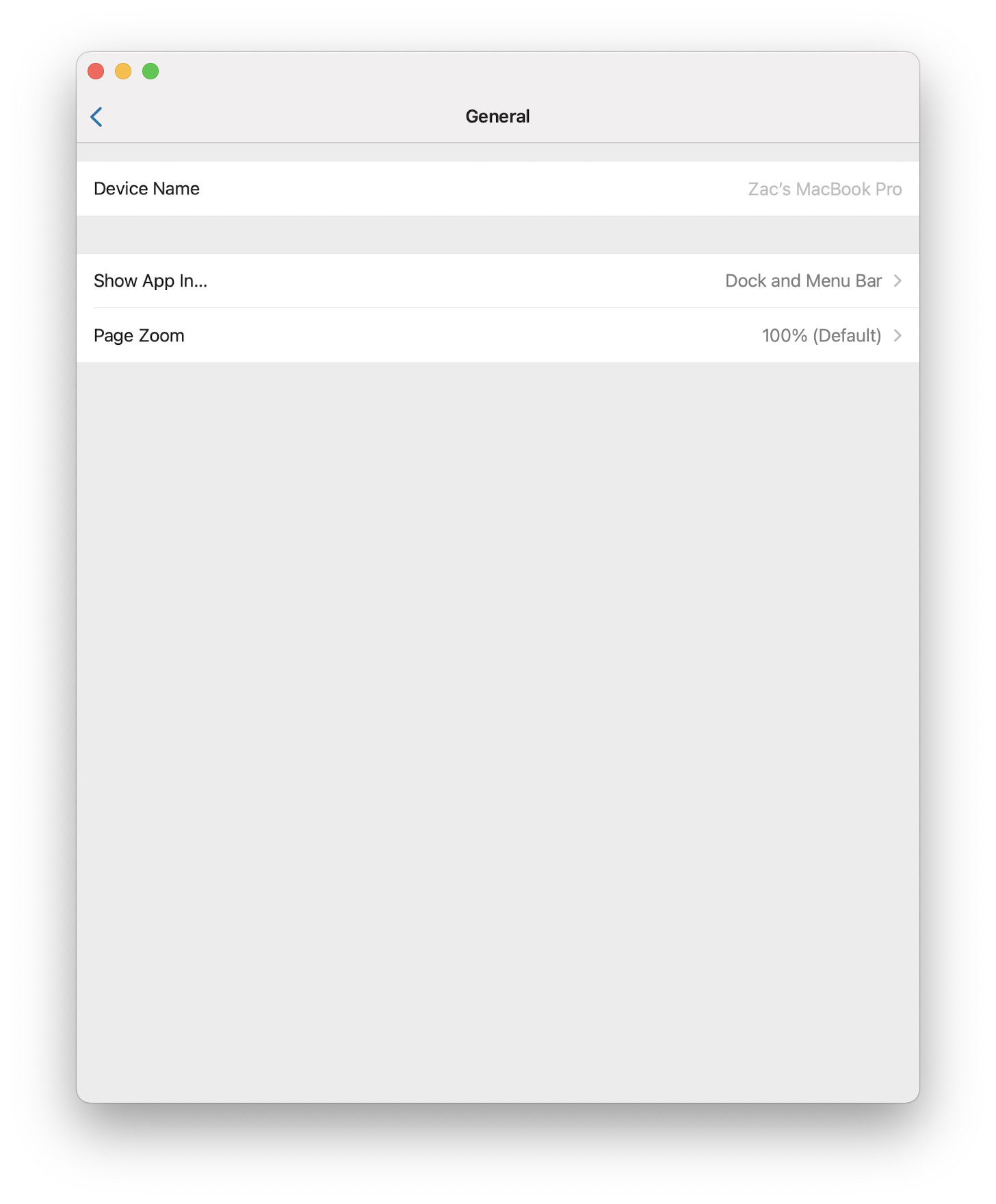
## Summary
Implements native web content search using WKWebView's find interaction
API (iOS 16+). Pressing Command+F on macCatalyst now opens the standard
iOS find panel with search, navigation, and match highlighting.

**Implementation:**
- Enabled `isFindInteractionEnabled` on WKWebView in `viewDidLoad()`
- Added Command+F key command that calls `showFindInteraction()` to
present find navigator
- Added "Find" menu item to View menu with keyboard shortcut
- Localized in English only (base localization)

**Platform availability:**
- macCatalyst only (keyboard shortcuts conditionally compiled)
- iOS 16.0+ (graceful fallback for older versions)

## Screenshots
N/A - Uses native iOS system UI

## Link to pull request in Documentation repository
Documentation: home-assistant/companion.home-assistant#

## Any other notes
Leverages Apple's native find interaction rather than implementing
custom search UI. The find panel, keyboard navigation, match counting,
and accessibility support are all provided by the system.

<!-- START COPILOT CODING AGENT SUFFIX -->


<!-- START COPILOT ORIGINAL PROMPT -->


<details>

<summary>Original prompt</summary>

> Implement "search content" feature (aka command + F) to
WebViewController


</details>


<!-- START COPILOT CODING AGENT TIPS -->
---

✨ Let Copilot coding agent [set things up for
you](https://github.com/home-assistant/iOS/issues/new?title=✨+Set+up+Copilot+instructions&body=Configure%20instructions%20for%20this%20repository%20as%20documented%20in%20%5BBest%20practices%20for%20Copilot%20coding%20agent%20in%20your%20repository%5D%28https://gh.io/copilot-coding-agent-tips%29%2E%0A%0A%3COnboard%20this%20repo%3E&assignees=copilot)
— coding agent works faster and does higher quality work when set up for
your repo.

---------

Co-authored-by: copilot-swe-agent[bot] <198982749+Copilot@users.noreply.github.com>
Co-authored-by: bgoncal <5808343+bgoncal@users.noreply.github.com>
<!-- Thank you for submitting a Pull Request and helping to improve Home
Assistant. Please complete the following sections to help the processing
and review of your changes. Please do not delete anything from this
template. -->

## Summary
<!-- Provide a brief summary of the changes you have made and most
importantly what they aim to achieve -->

## Screenshots
<!-- If this is a user-facing change not in the frontend, please include
screenshots in light and dark mode. -->

## Link to pull request in Documentation repository
<!-- Pull requests that add, change or remove functionality must have a
corresponding pull request in the Companion App Documentation repository
(https://github.com/home-assistant/companion.home-assistant). Please add
the number of this pull request after the "#" -->
Documentation: home-assistant/companion.home-assistant#

## Any other notes
<!-- If there is any other information of note, like if this Pull
Request is part of a bigger change, please include it here. -->
<!-- Thank you for submitting a Pull Request and helping to improve Home
Assistant. Please complete the following sections to help the processing
and review of your changes. Please do not delete anything from this
template. -->

## Summary
<!-- Provide a brief summary of the changes you have made and most
importantly what they aim to achieve -->
Drop support for iOS 12 and 13.

## Screenshots
<!-- If this is a user-facing change not in the frontend, please include
screenshots in light and dark mode. -->

## Link to pull request in Documentation repository
<!-- Pull requests that add, change or remove functionality must have a
corresponding pull request in the Companion App Documentation repository
(https://github.com/home-assistant/companion.home-assistant). Please add
the number of this pull request after the "#" -->
Documentation: home-assistant/companion.home-assistant#

## Any other notes
<!-- If there is any other information of note, like if this Pull
Request is part of a bigger change, please include it here. -->
<!-- Thank you for submitting a Pull Request and helping to improve Home
Assistant. Please complete the following sections to help the processing
and review of your changes. Please do not delete anything from this
template. -->

## Summary
<!-- Provide a brief summary of the changes you have made and most
importantly what they aim to achieve -->
Fix mac reference to asset, move design system folder to shared and fix
color init reference passing bundle
## Screenshots
<!-- If this is a user-facing change not in the frontend, please include
screenshots in light and dark mode. -->

## Link to pull request in Documentation repository
<!-- Pull requests that add, change or remove functionality must have a
corresponding pull request in the Companion App Documentation repository
(https://github.com/home-assistant/companion.home-assistant). Please add
the number of this pull request after the "#" -->
Documentation: home-assistant/companion.home-assistant#

## Any other notes
<!-- If there is any other information of note, like if this Pull
Request is part of a bigger change, please include it here. -->
## Summary
Another macOS 11.3-ism, it appears to already have created a `.preferences` menu and doesn't at all like inserting another one.

## Any other notes
This also resolves some issues I was ignoring where it would complain about menu changes via insert rather than replace in some cases. I'm guessing 11.3 is more sensitive about these things now.
Adds new fastlane lanes:
- `fastlane lint` which checks the linters
- `fastlane autocorrect` which applies the linters which can autocorrect (Rubocop, SwiftFormat)

Adds a build step to the Codegen abstract target which runs SwiftFormat in lint mode, pointing out what it's going to change when run.

Applies SwiftFormat to nearly all code -- exempts a few externally-sourced files and generated code.
## Summary
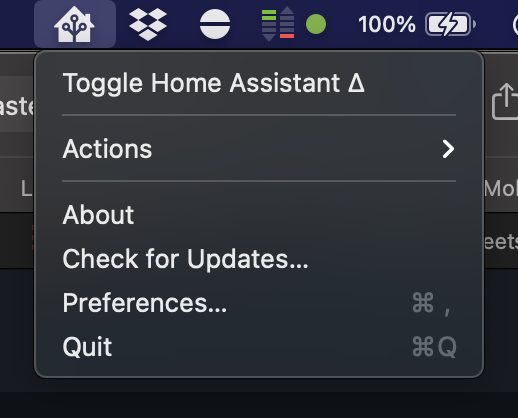
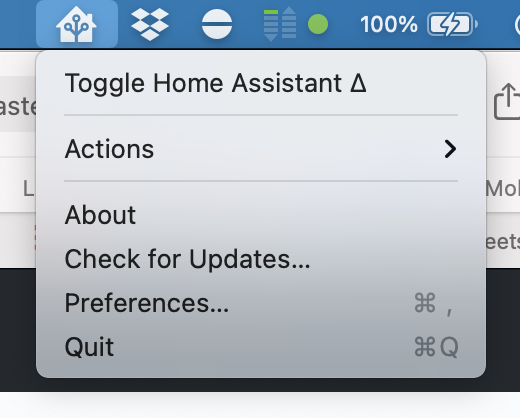
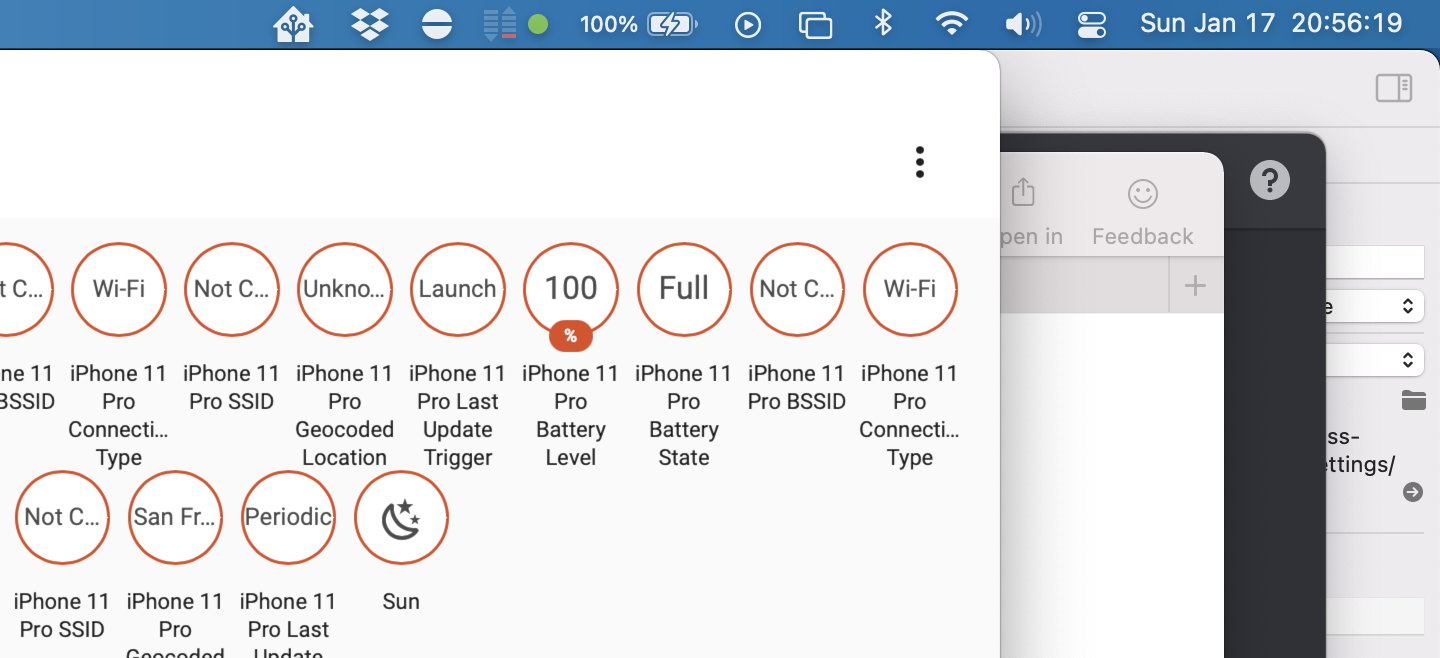
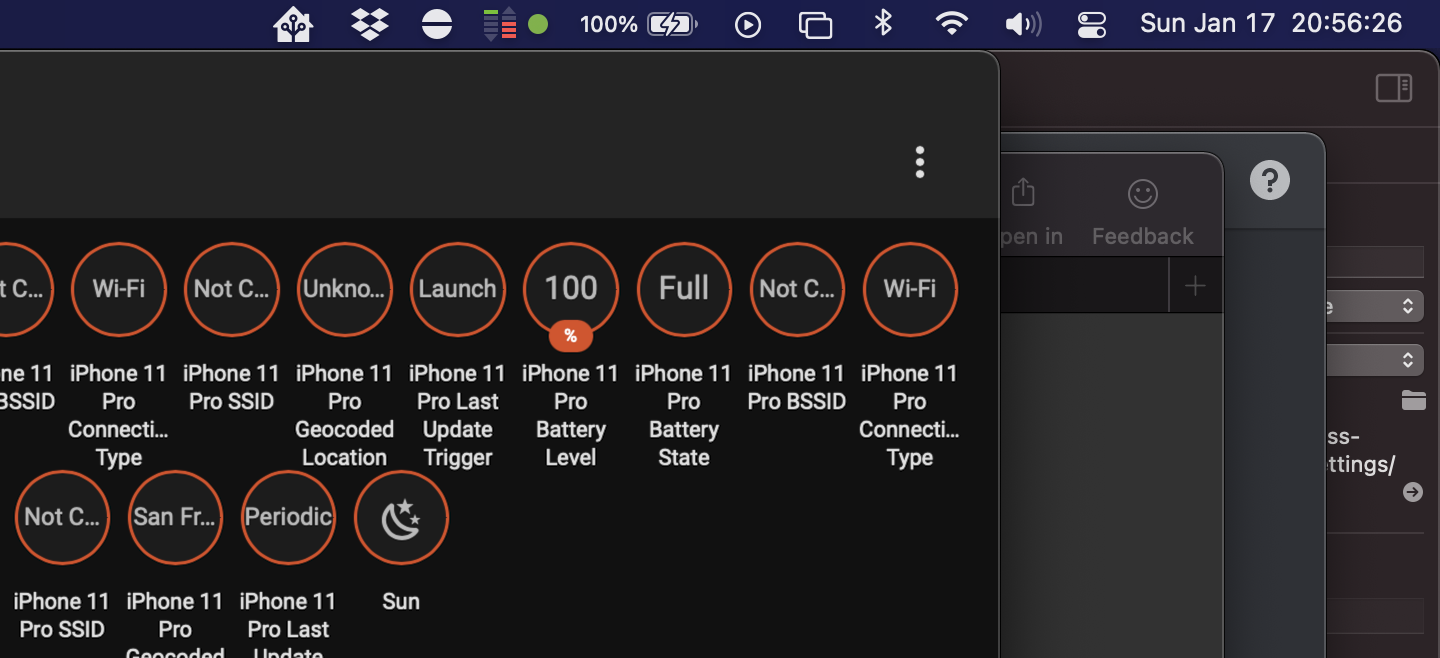
Adds a basic menu structure to the status item. This includes:

- Toggling the app (e.g. activate or deactivate)
- Performing actions
- Opening About, Checking for Updates, opening Preferences and Quitting

## Screenshots
<img width="259" alt="Screen Shot 2021-01-24 at 22 51 24" src="https://user-images.githubusercontent.com/74188/105670916-b59cf580-5e96-11eb-9143-19ac5d4af92c.png"><img width="260" alt="Screen Shot 2021-01-24 at 22 51 16" src="https://user-images.githubusercontent.com/74188/105670921-b6ce2280-5e96-11eb-9c25-eddf4bb7ae12.png">

## Any other notes
There's not a clean way to do the left/right click handling. There's a few ways, all with their own pluses and negatives:
- Calling `popUpMenu(_:)` programmatically works, but it's marked as deprecated and it's tough to get Swift to not care.
- Handling `menuWillOpen` to instead do the left-click behavior and abort the menu display.
This is somewhat in prep of being able to make the project file generated, but also just organizes things into more concrete directory structures.

This pulls out _all_ of the build settings from the root level, and most from the target level, into xcconfigs.

The new directory structure looks like:

- Sources
  - App
    - (everything from HomeAssistant/)
  - WatchApp
  - Shared
  - MacBridge
  - Extensions
    - Intents
    - NotificationContent
    - NotificationService
    - Share
    - Today
    - Watch
    - Widgets
- Tests
  - App
  - UI
  - Shared

Somewhat intentionally, the file structure under these is not yet standardized/organized.

The project targets are now:

- App
- WatchApp
- Shared-iOS
- Shared-watchOS
- MacBridge
- Tests-App
- Tests-UI
- Tests-Shared
- Extension-Intents
- Extension-NotificationContent
- Extension-NotificationService
- Extension-Share
- Extension-Today
- Extension-Widget
- WatchExtension-Watch

This does not yet clean up resources vs. sources, nor does it handle some of the "it's in Sources/App but it's part of Shared" crossover directory issues.